36 © Hypercom EMEA Ltd. 2011 Using your terminal
Chip Cards
Most payment cards issued in the United Kingdom and Ireland are Inte-
grated Chip Cards (ICC), and hence you need to use the ICC reader on
your terminal or Pin-Pad to perform a transaction. For this User Manual,
the term Chip Card is used to describe ICC cards.
Contactless Chip cards are designed to communicate with the terminal via
wireless technology. If you have the R3210 Contactless Reader, then you
will be able to perform a contactless transaction with these cards as well
as using the contact reader. A contactless card read will only be offered
by the terminal if it has an R3210 fitted and configured for use, and if the
transaction value is below a low limit value set by your bank. Contactless
cards will also occasionally force a contact read as a security measure.
For the majority of transactions, you will need to insert a Chip Card and
the customer will need to enter their PIN (Personal Identification Number)
on the terminal keypad or optional PIN Pad.
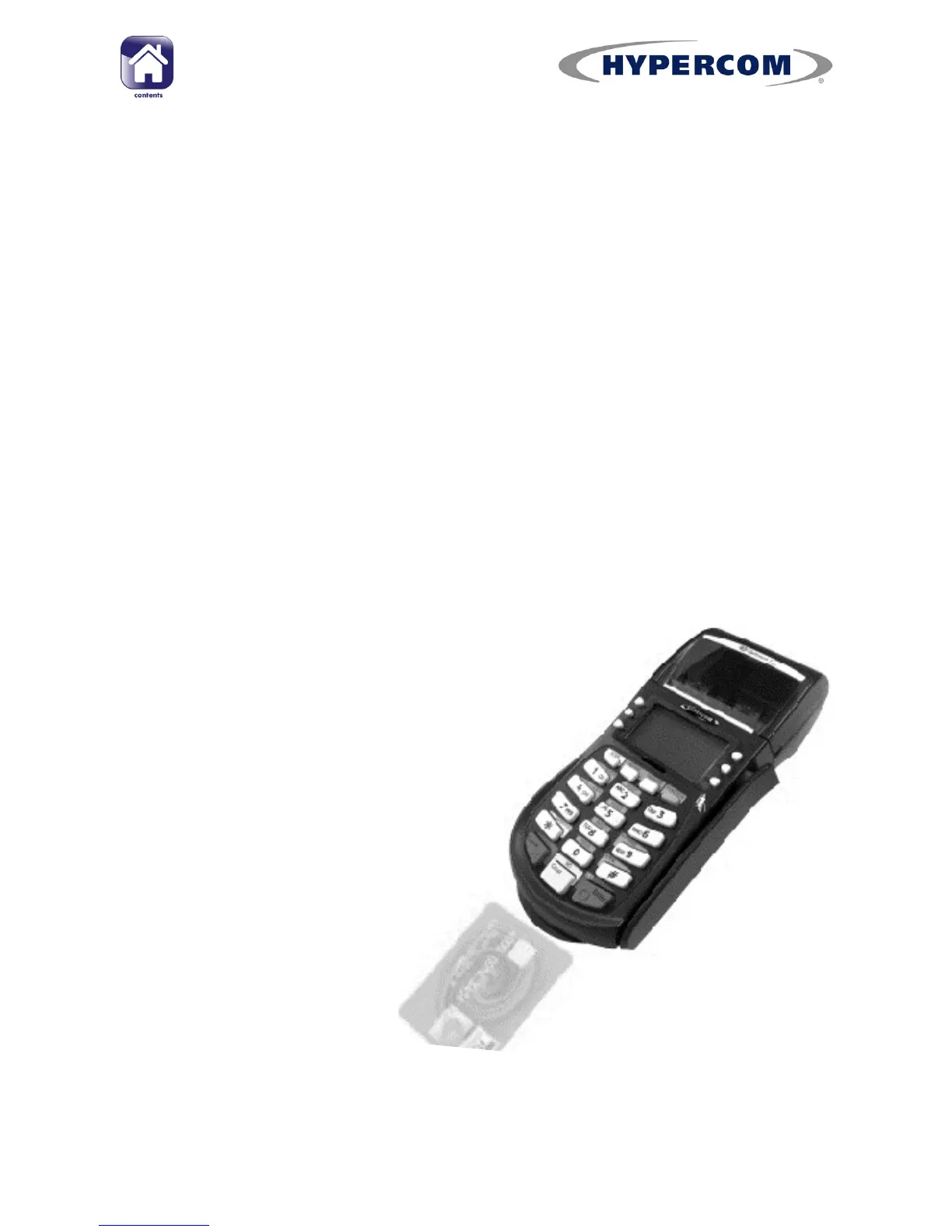
Inserting a Chip Card
If the card has a chip on the front, insert the card
with the chip facing up and towards the terminal.
If you are using the S9-PCI Pin-Pad, the card
is inserted vertically into the slot on the top of the
Pin-Pad
When the card is inserted correctly, you should
feel some resistance and hear a soft „click‟
sound.



 To Next Page