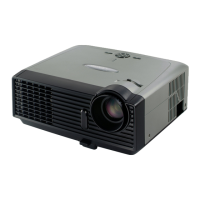
DVD Projector
*
21
English
Adjusting the Projector’s Zoom/Focus
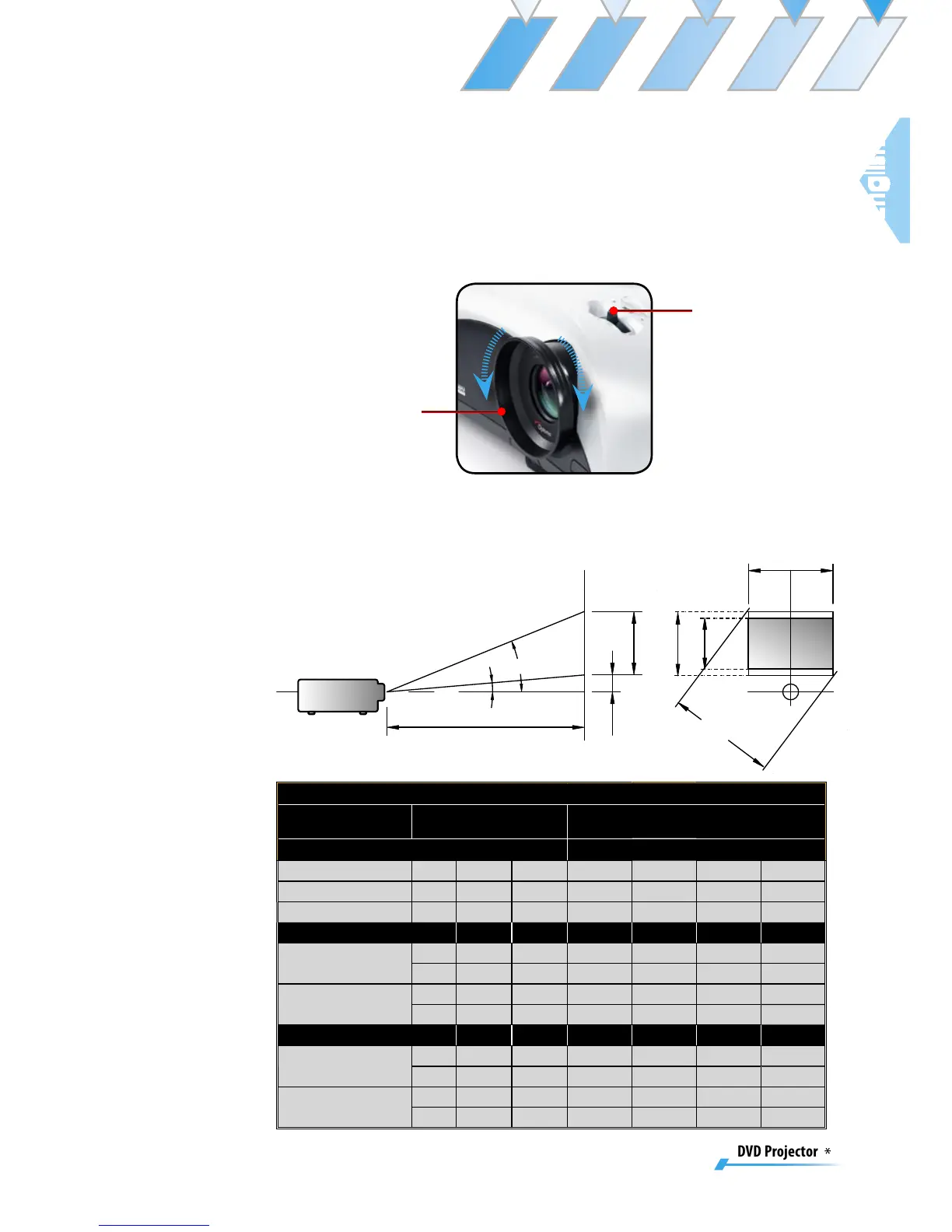
Turn the Zoom Lever to zoom in or zoom out. To focus the im-
age, turn the focus ring until you see a clear image. The projec-
tor will focus at distances from 4.92 to 32.80 feet (1.5 to 10.0
meters).
Adjusting Projection Image Size
Throw Ratio (TR)=1.36 as Wide mode
A=4.73° B (800x600)=32.375° W
0
(800x600)=L/TR
H'=L X tan(A) H (800x600)=W
0
(800x600) X 0.75
Display Format A B L (cm) W (cm) H (cm) H’(cm) D(cm)
16:9 (800x480) 7.31 28.44 236.0 173.6 97.6 30.20 199.1
4:3 (800x600) 4.73 32.38 236.0 173.6 130.2 19.53 217.0
Projection Distance (M) 1.5 2.0 2.5 3.0 3.5 4.0
Screen Size 16:9
(inch)
Max 49.82 66.43 83.04 99.64 116.25 132.56
Min 45.29 60.39 75.49 90.58 105.68 120.78
Screen Size 4:3
(inch)
Max 54.28 72.37 90.46 108.56 126.65 144.74
Min 49.34 65.79 82.24 98.69 115.14 131.58
Projection Distance (M) 5.0 6.0 7.0 8.0 9.0 10.0
Screen Size 16:9
(inch)
Max 166.07 199.28 232.50 265.71 298.93 332.14
Min 150.97 181.17 211.36 241.56 271.75 301.95
Screen Size 4:3
(inch)
Max 180.93 217.11 253.30 289.49 325.67 361.86
Min 164.48 197.38 230.27 263.17 296.07 328.86


 To Next Page