26
*
DVD Projector
English
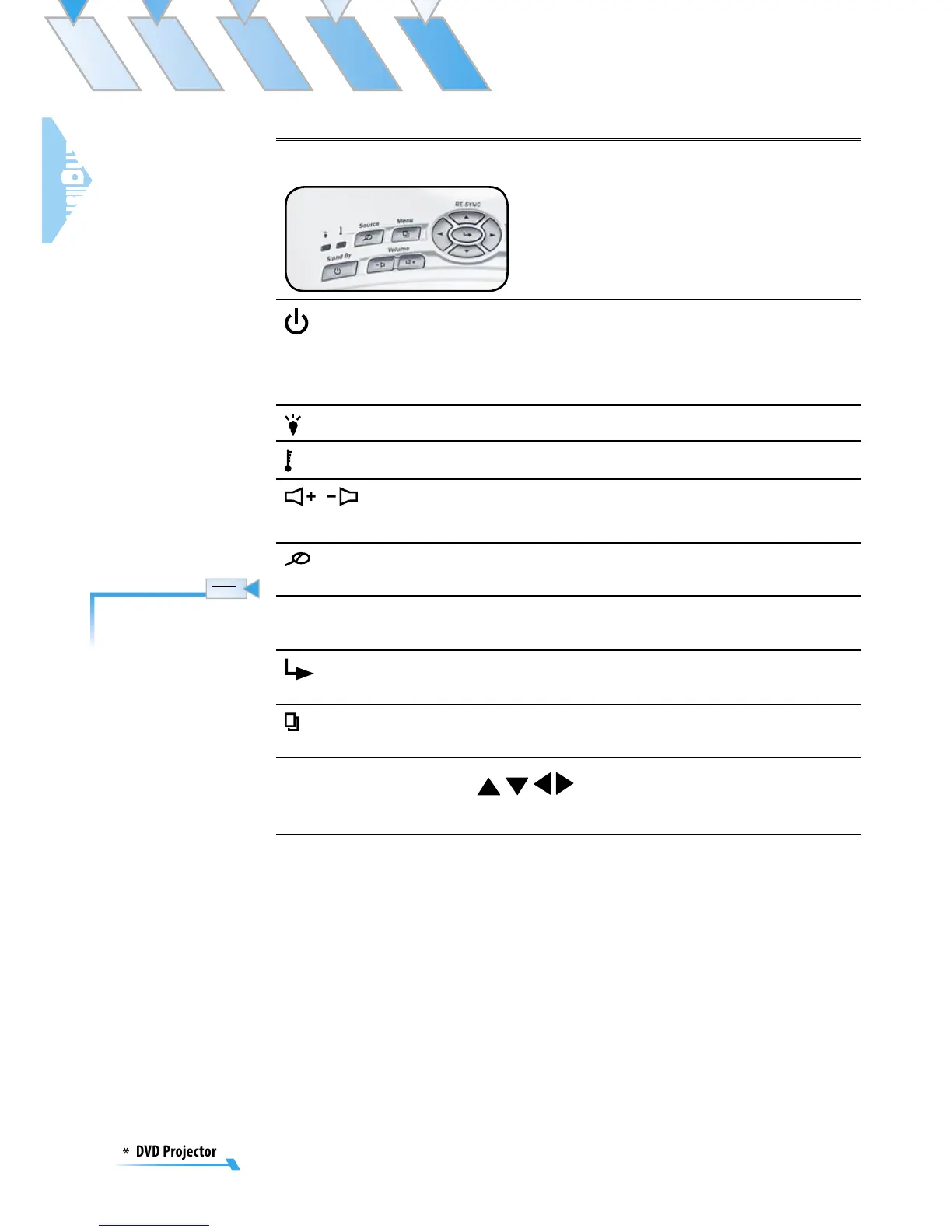
Using the Projector Panel
Stand By
Power LED
Press [Stand By] to turns on the projector’s lamp,
refer to the “Powering On/Off the Projector” sec-
tion on page 16~19 for more details.
Indicate the projector’s status.
Lamp
LED
Indicate the projector’s lamp status.
Temp
LED
Indicate the projector’s temperature status.
/
Volu
me
+/
-
Adjusts to increase/decrease
the volume.
Source
Press to choose RGB, S-Video, Composite, Com
-
ponent, and HDTV sources.
Resync
Automatically synchronizes the projector to the
input source.
Enter
Confirm your item selection.
Menu
Display or exit the on-screen
display menus for
projector.
Four Direc
-
tional Select
Keys
Use
to select items or make adjust
-
ments to your selection.
The Resync function
can not be used when
the DVD player is
operational.



 To Next Page