DVD Projector
*
35
English
Source 480i/p 576i/p 720p 1080i PC
4:3
Scale to 800x600
16:9-I
Scale to 800x450
16:9-II
Scale to 854x480, then center 800x480 image to
display
Native
1:1 1:1 800x720
centered
960x540
centered
1:1
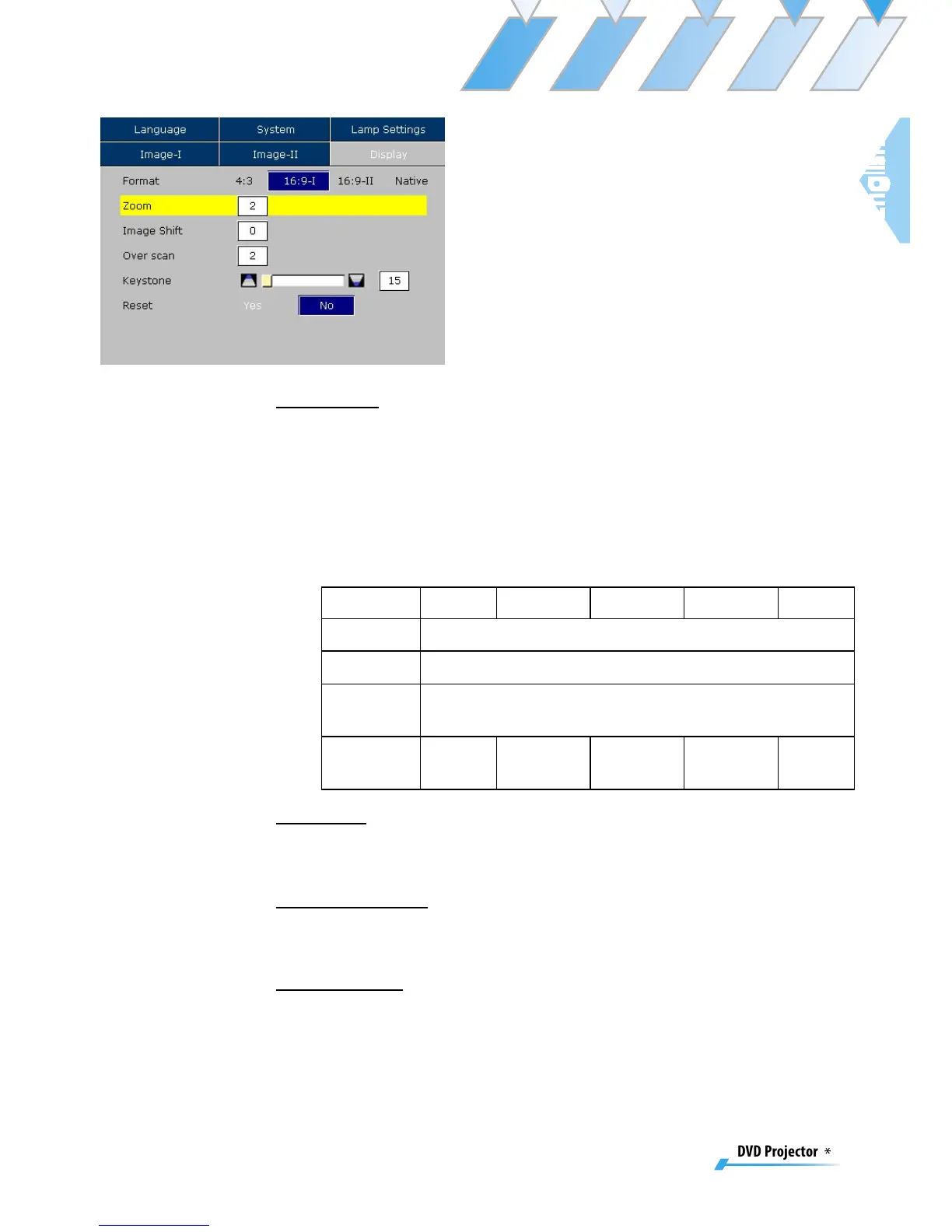
Format
▀■ 4:3: The input source will be scaled to fit the projection-screen.
▀■ 16:9-I: The standard wide-screen display format of the projector.
▀■ 16:9-II: The non-standard wide-screen display format of the
projector. Part of the original image will be cut if the image
aspect ratio is less than 1.67:1.
▀■ Native: The input source will be displayed without scaling.
Zoom
Provide different magnification ratios to zoom an image. Image
will be centered after zooming.
Image Shift
Shifts the projected image position vertically. 0 is middle of the
screen.
Overscan
Mask off a few pixels on each edge of the image to be displayed.
Use this function to adjust if image source happens to have encod-
ing error near any edge of the displayable image.
Display



 To Next Page