48
*
DVD Projector
English
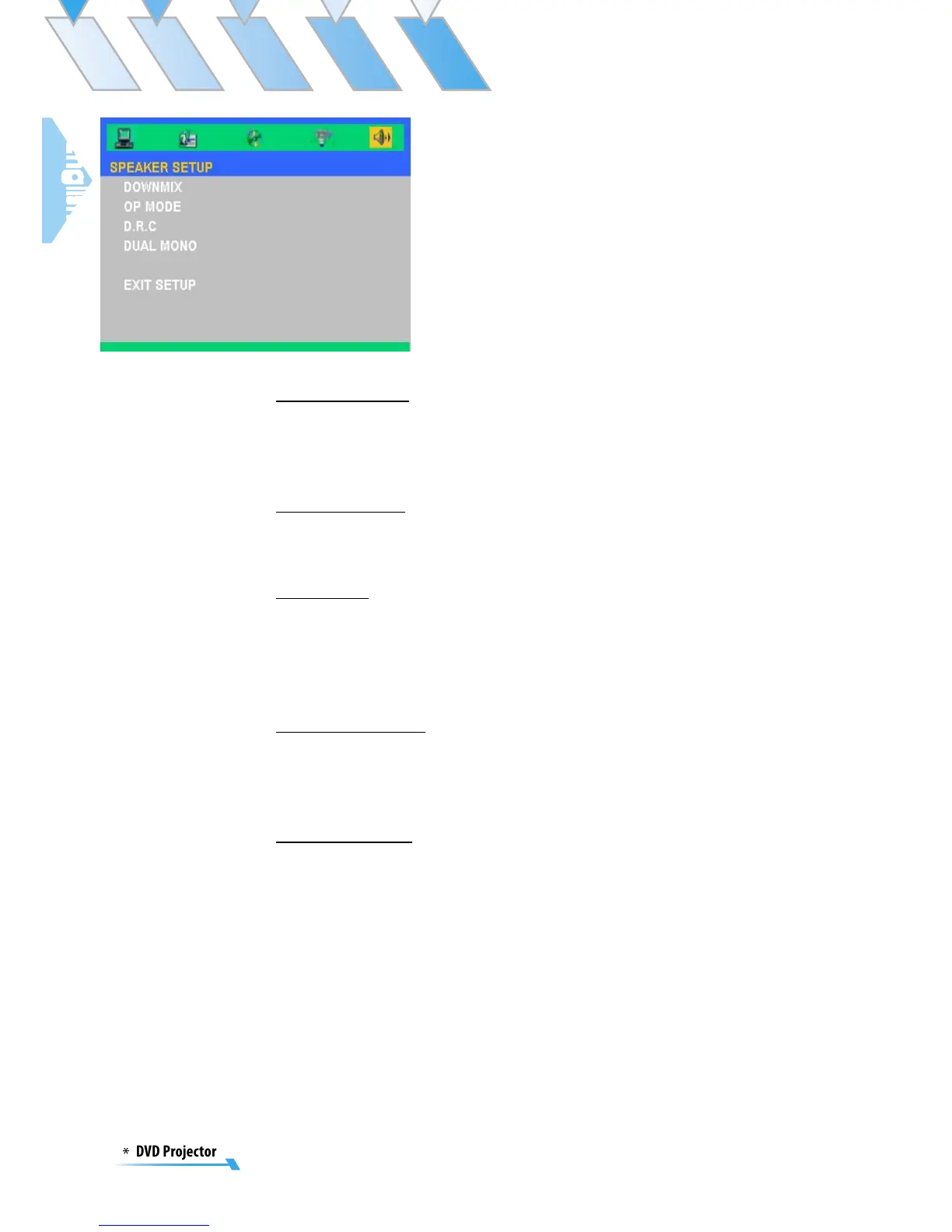
Speaker Setup
Downmix
Depending on the audio channels you got on your audio sys-
tem. You may decide the Downmix of the channels, whether
they are “LT/RT”, “Stereo” or “Off”.
OP Mode
▀■ Line out: Carries on the linear compression to the input
signal. The volume slightly suits the evening to use.
D.R.C
Dynamic rage decides the pitch of volume. You may set
them as “Full”, 6/8, 4/8, 2/8 or “Off”. To compress the high
volume Dolby Digital movie, prevent the sudden high volume
sound appeared.
Dual Mono
Sets the way of audio output for Left and right audio. You
may set them as the “Stereo”, “Mono L”, “Mono R” or “Mix
Mono”.
Exit Setup
Exit this menu.



 To Next Page