DVD Projector
*
47
English
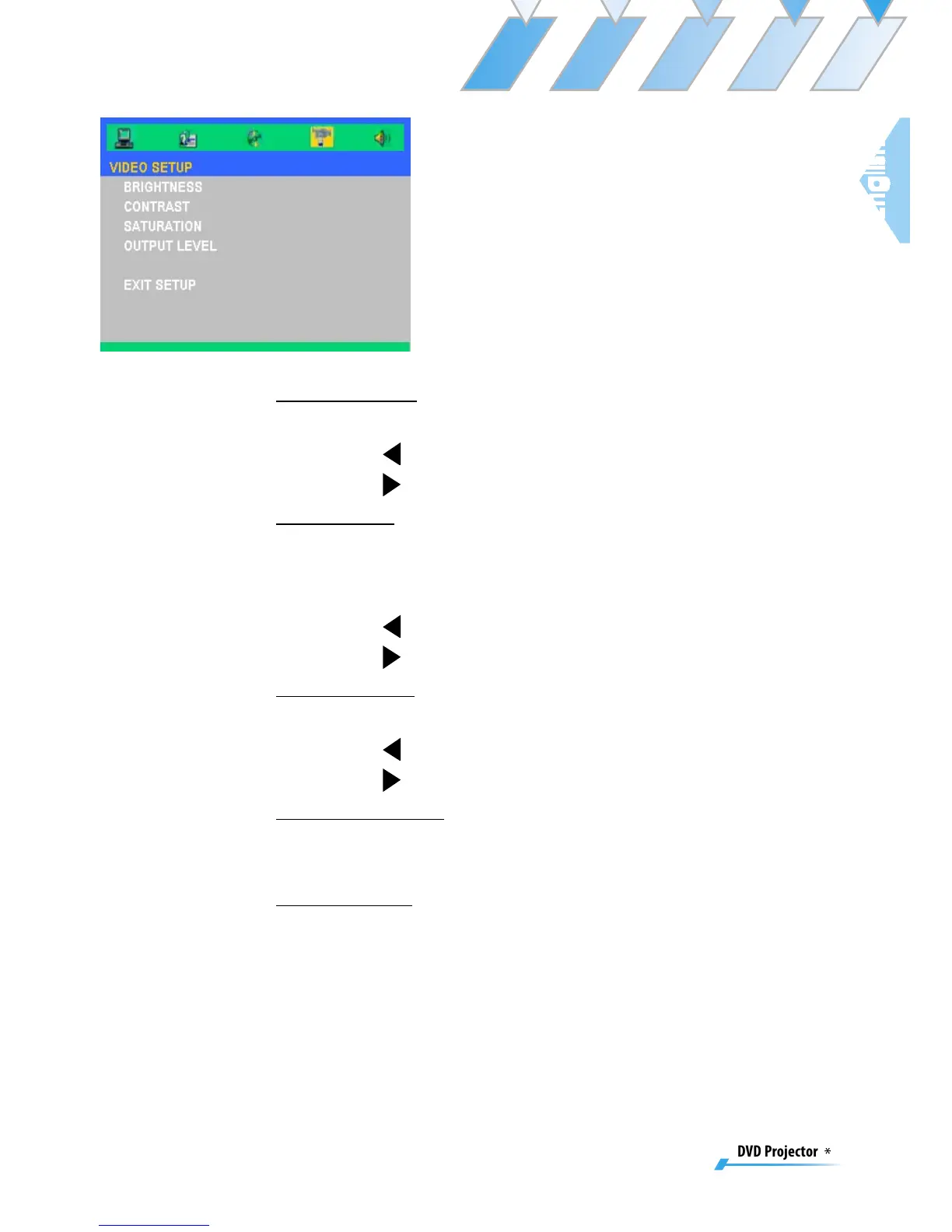
Video Setup
Brightness
Adjust the brightness of the image.
▀■ Press to darken an image.
▀■ Press
to lighten an image.
Contrast
Contrast controls the degree of difference between the light-
est and darkest parts of the picture. Adjusting the contrast
changes the amount of black and white with an image.
▀■ Press to decrease the contrast.
▀■ Press
to increase the contrast.
Saturation
Adjust the color balance of red and green.
▀■ Press to increase the amount of green in an image.
▀■ Press
to increase the amount of red in an image.
Output Level
There are three factory presets optimized for various types of
pictures: Normal, Enhanced, Dynamic and User.
Exit Setup
Exit this menu.



 To Next Page