DVD Projector
*
27
English
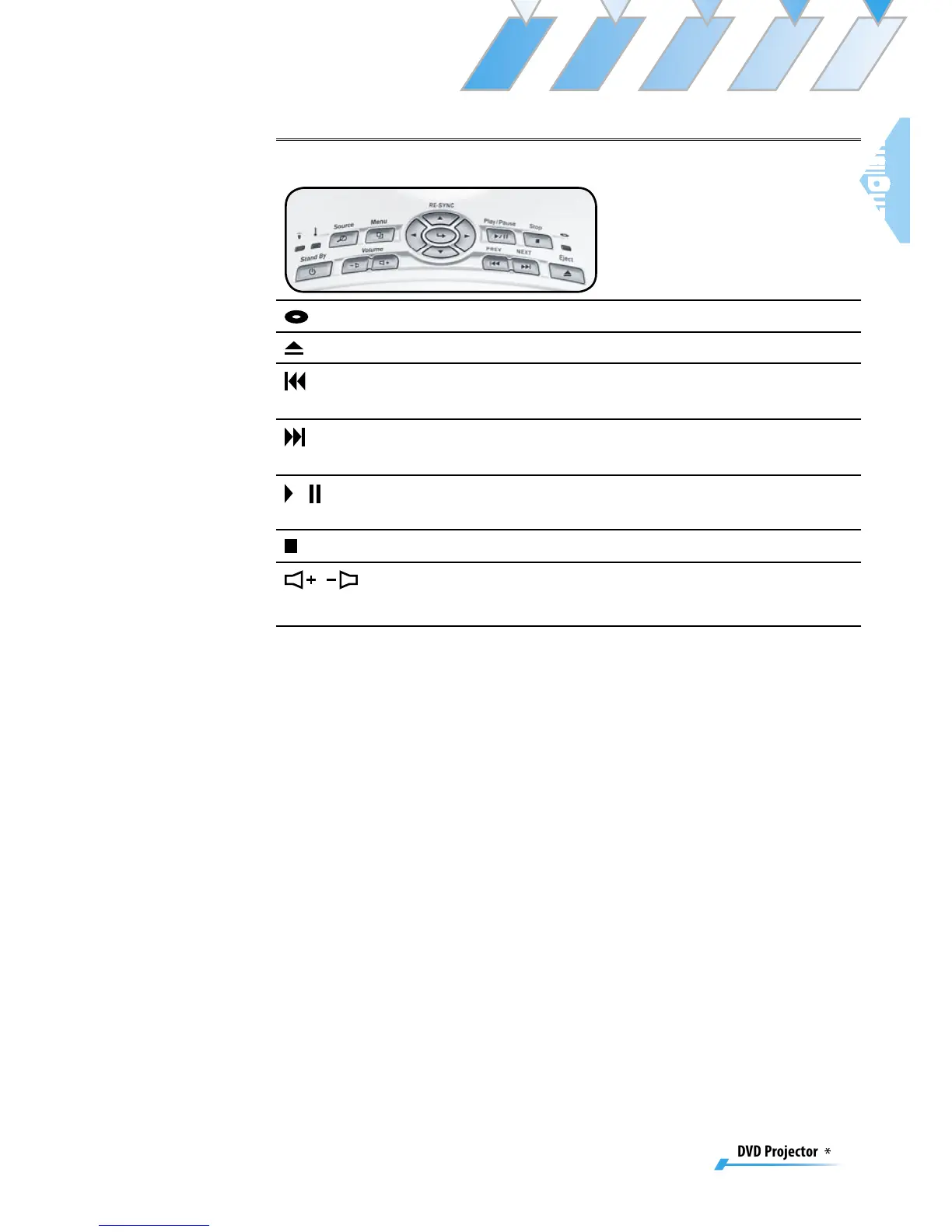
Using the DVD Panel
DVD LED
Indicate the DVD’s status.
Eject Button
Stops playing and eject the disc.
PREV But-
ton
Press to skip to the previous title/chapter.
NEXT But-
ton
Press to skip to the next title/chapter.
/ Play/
Pause Button
Press to play/pause playback.
Stop Button
Press to stop playback.
/
Volume +/-
Adjusts to increase/decrease the volume.



 To Next Page