DVD Projector
*
43
English
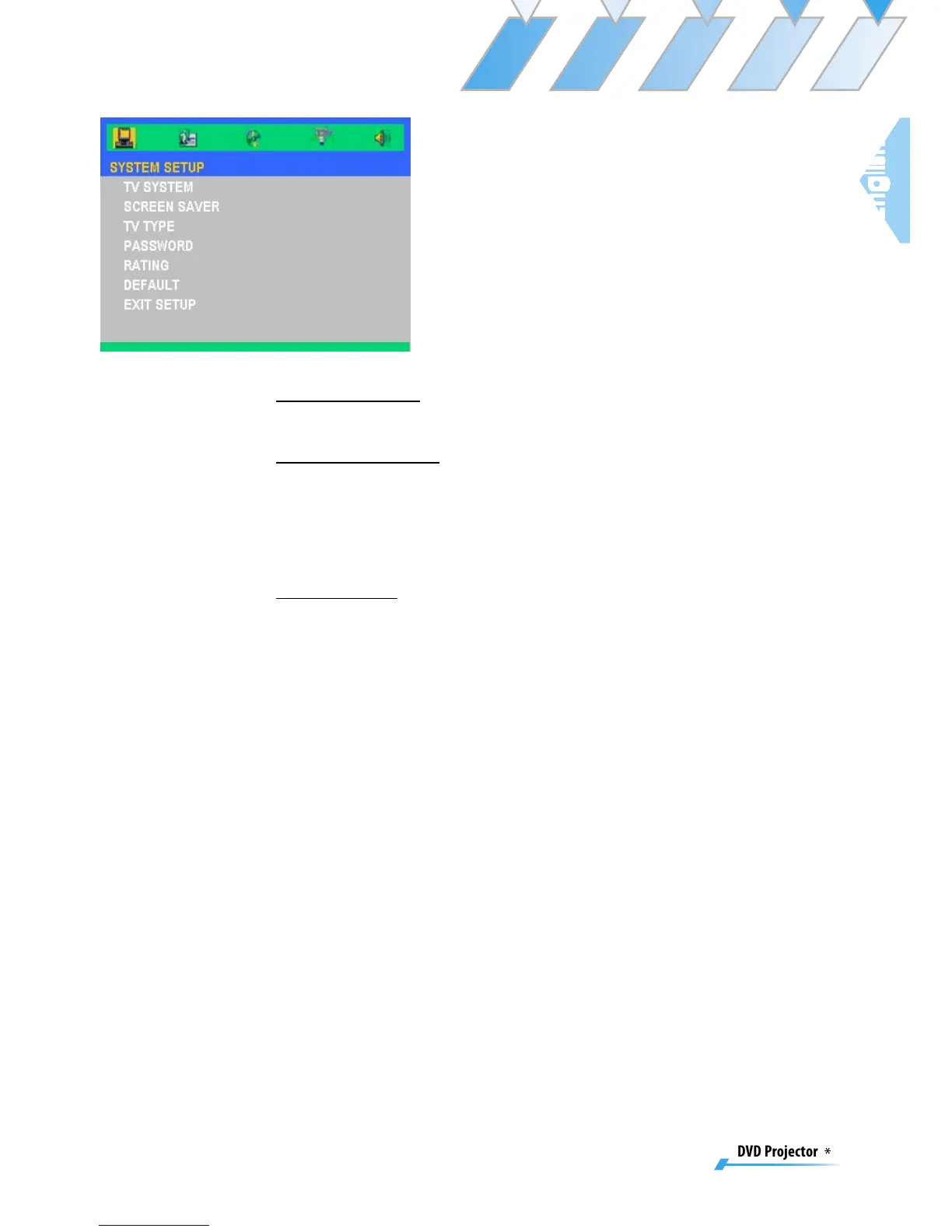
System Setup
TV System
Select system as you watching TV.
Screen Saver
Choose “On” to start the screen protection function, while
stopping, opening, no discs or about 60 seconds of picture
inactive state on the tray. Choose “Off” to cancel the screen
saver function.
TV Type
Use this function to choose your desired TV type.
1. 16:9 (widescreen): available option for connection
with widescreen TV.
2. 4:3LB: (mailbox): suitable for use with standard size
TV. In widescreen playback format top and bottom
of the screen will display a black band.
3. 4:3PS (full screen scan): suitable for use with stan-
dard size TV. In widescreen playback format remove
left and right edges then adjust picture to fit full
screen.
Note:
▀■ Quality of playback is related to the aspect ratio of
the disc. Some discs may not be able to be played on
the screen size you choose.
▀■ For discs that are only able to accommodate 4:3
format it doesn’t matter what screen ratio you select:
playback ratio will always be 4:3.
▀■ Selection of screen ratio should match actual screen
ratio of TV being used.



 To Next Page