Delta Elec. Inc. ES522 & EX532
Company Confidential Optoma___________________ Delta________________
90
2009/06/30
6-3. Color Wheel Index, DMD Contrast and Brightness Adjustment @ RGB source
A. Switch Timing to ”1024x768 @ 60HZ”
B. In Service 1mode.
C. Switch to the Pattern 48 “32 Gray Scale”, and then decrease the Brightness Default Diff until all
black gray scales are still distinct.
D. Switch to the Pattern 48 “32 Gray Scale”, and then increase the Contrast Default Diff until all
white scales are still distinct.
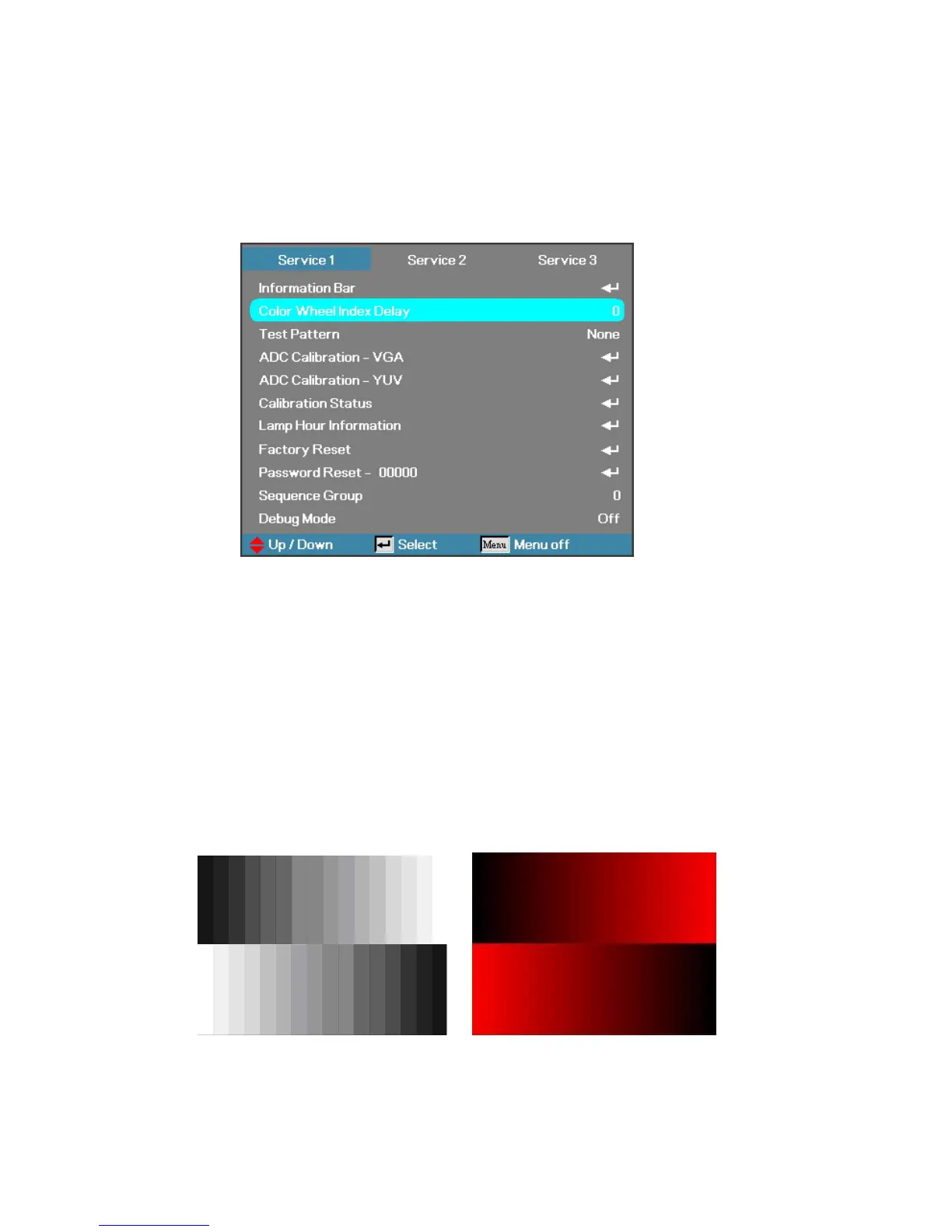
E. Select “Color Wheel Index Delay”.
The adjustment range is 0~719.
F. Switch Pattern 47 “16 Gray Scale”. Fine-tune until the gray scale still distinct. Decrease the color
to the minimum. Then switch pattern 48 “32 Gray Scale”, tune off G, B channel, check the smooth
in brighter level of the R 32 ramp. If not, fine tune “CW INDEX Delay Time” until R 32 ramp
smooth.
Brightness and Contrast need to measure with RGB source
”1024x768 @ 60HZ”



 To Next Page