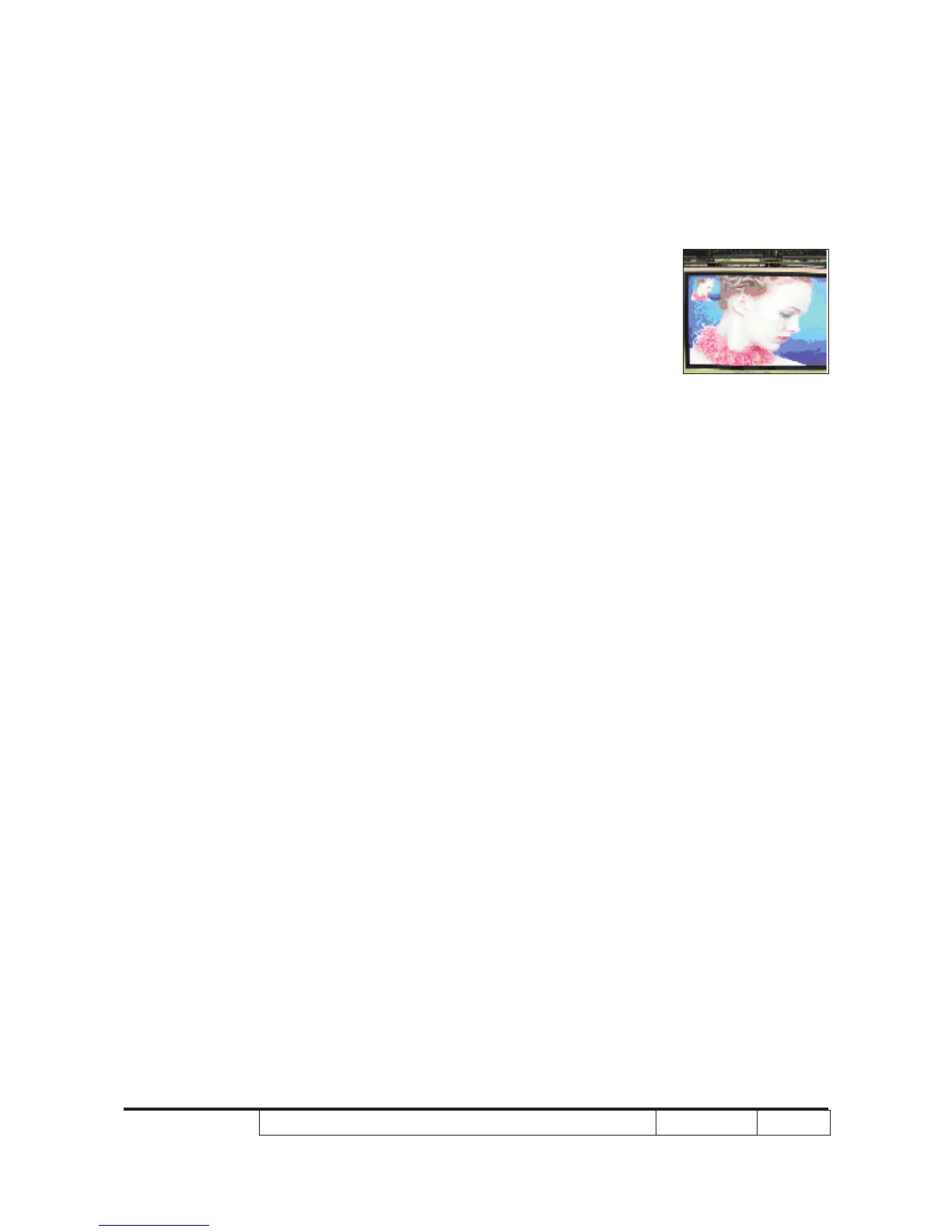
4-7 Video Performance
1. CVBS
Procedure - Test equipment: DVD player
- Test signal: CVBS
Inspection item - Video performance test
Inspection Distance - 1.5M ~2.0M
Criteria - Check any abnormal color, line distortion or any
noise on the screen.
2. HDTV/ Component
Procedure - Test equipment: DVD player
- Test signal: Ycbcr/YPbPr
Inspection item - HDTV performance test
Inspection Distance - 1.5M ~2.0M
Criteria - Check any abnormal color, line distortion or any
noise on the screen.
3. HDMI Test
Procedure - Test equipment: DVD Player with HDMI output.
- Test signal: 720p,1080p,1080i
Inspection item - HDMI performance test.
Inspection Distance - 1.5M ~2.0M.
Criteria - Ensure the image is well performed and the
color can not discolor.
4-8 Calibration
1. Video calibration
Procedure - Test equipment: video generator.
- Once main board is changed, Video
calibration should be done as well.
Motion video



 To Next Page