Condential
5-14
HD20/HD200X/HD2200/HD20LV/HD21/HD23
5. Finish
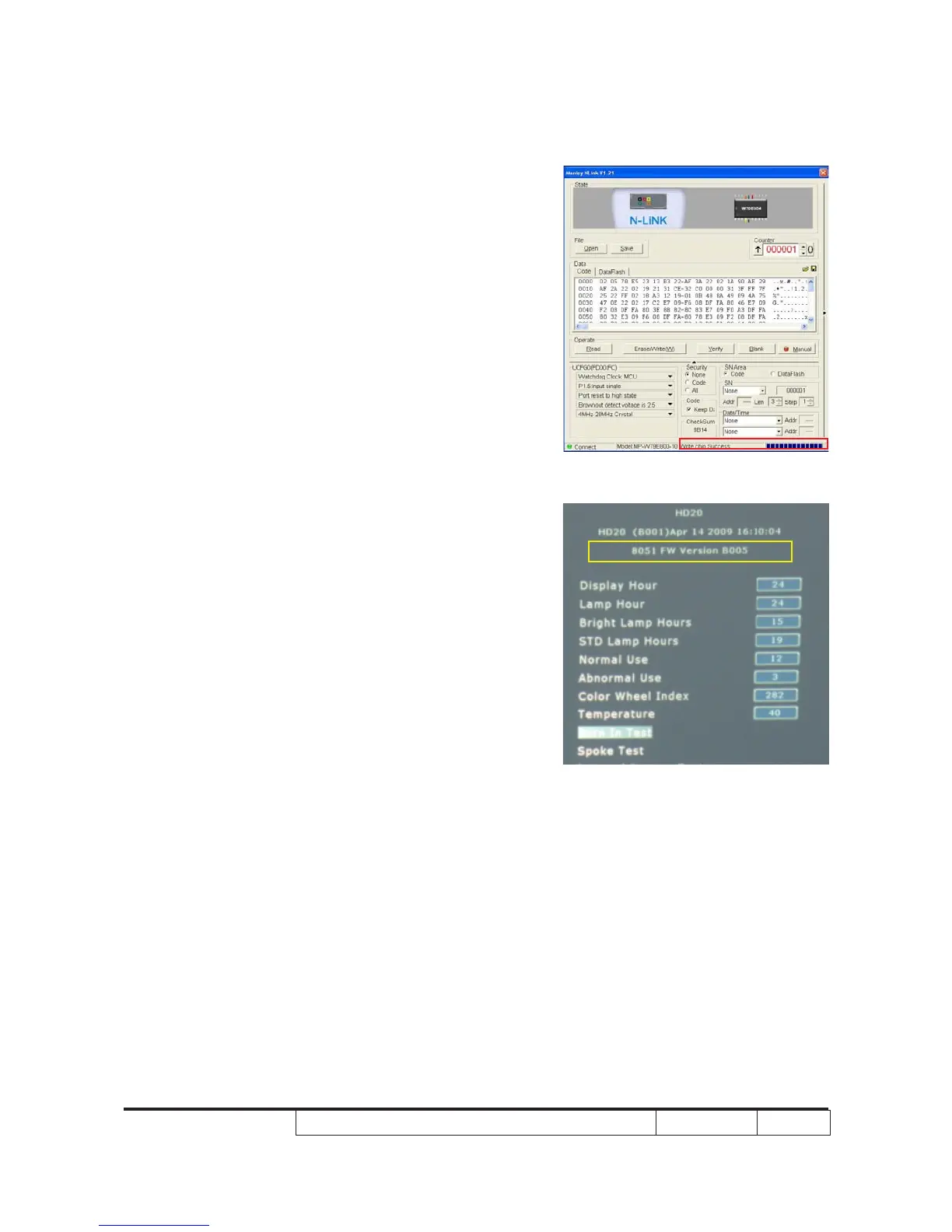
- When 8051 FW upgrade process is
nished, "Write Chip success" will be
shown.
6. Check 8051 FW version
- Press “Power”, “Left”, “Left” and “Up”
button to get into service mode 1 to check
rmware version.



 To Next Page