Condential
4-17
S310e/X312
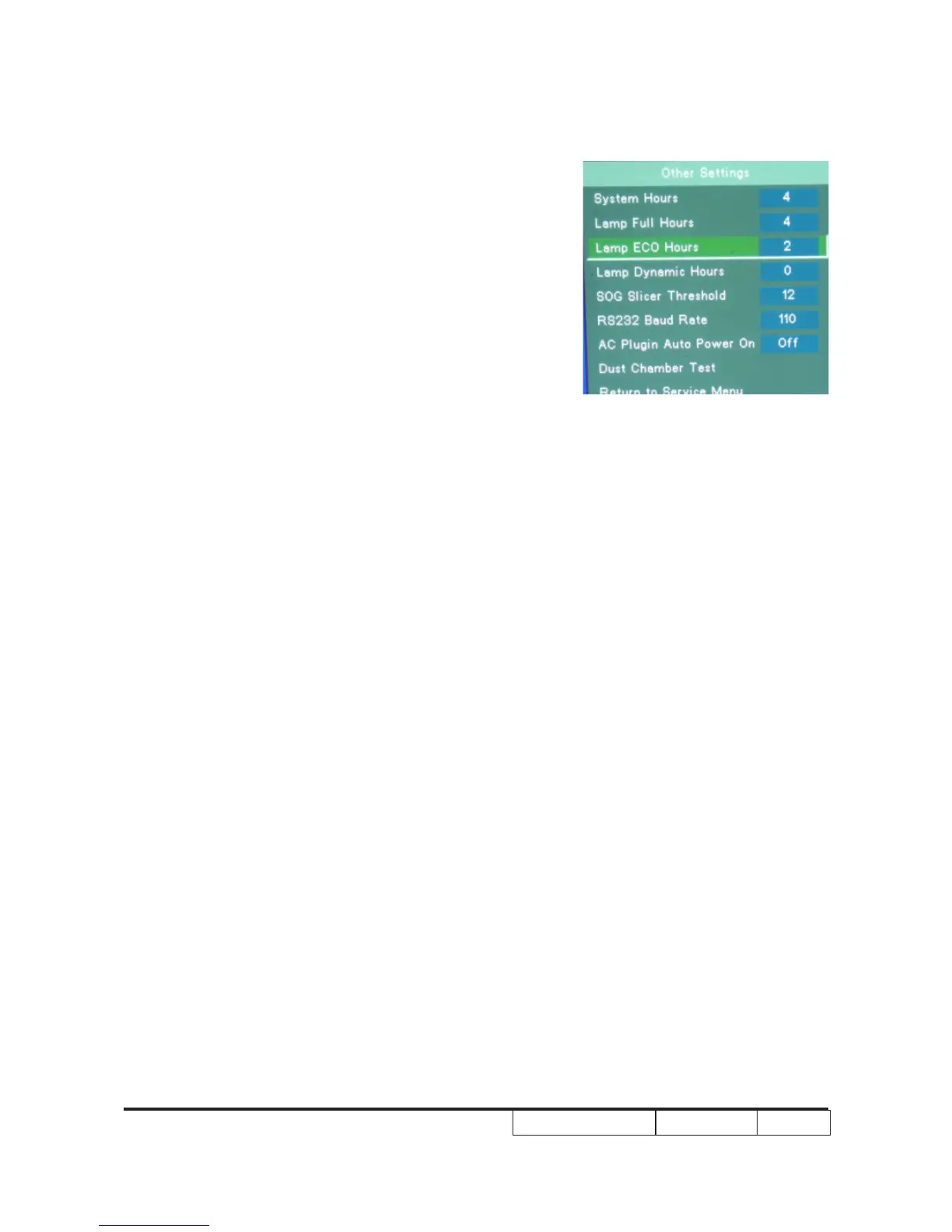
5. Re-write Lamp Hours(Dynamic)
-Select Lamp Dynamic Hours and use
“left”or “right” buttons to re-write the lamp
hours(ECO).
6. Choose “Exit”, press “Enter” to exit
Note: left key = decrease lamp hour
right key =increase lamp hour



 To Next Page