S310e/X312
Condential
5-6
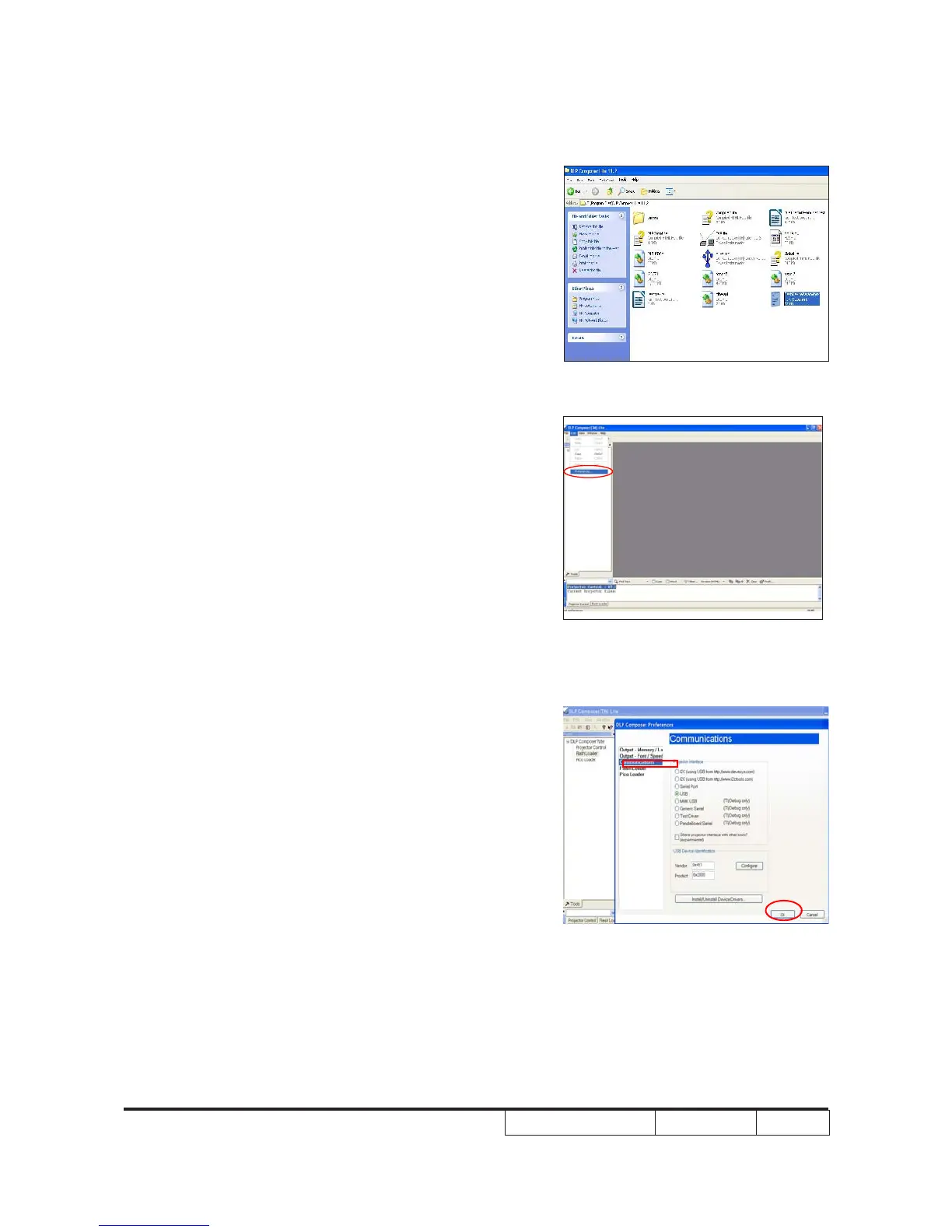
2. Setting "FlashDeviceParameters".
- Select the le "11.2 FlashDeviceParameters".
- Put "11.2 FlashDeviceParameters" le into the
folder where you setup "DLP Composer Lite
11.2".
3. Click "Edit" and "Perferences".
4. Click "Communications".
- Select "USB"
- Click "OK".



 To Next Page