S310e/X312
Condential
5-8
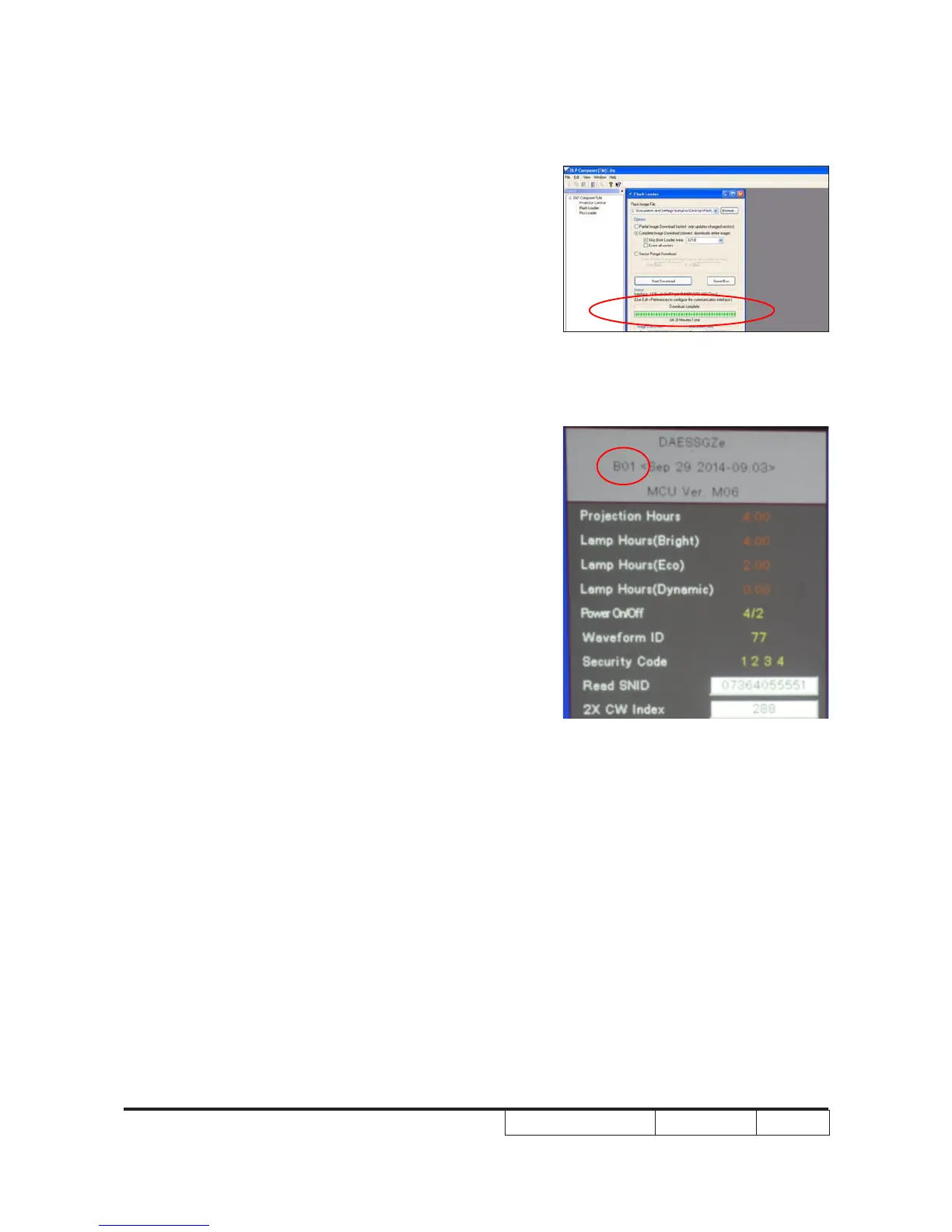
8. It takes about several minutes, the
rmware upgrade process is nished,
"Download completed" will appear on the
screen.
- Unplug USB cable and power cord.
9. Check System FW version.
- Re-plug in power cable, then restart the
unit and get into the Service Mode to
check the system rmware version.



 To Next Page