27
Enter the number you want from the dial pad or select a contact from Call
log or Contacts by touching tabs, then touch to place the call.
The number you entered can be saved to Contacts by touching Add to
contacts icon .
If you make a mistake, you can delete the incorrect digits by touching .
To hang up a call, touch .
International call
To dial an international call, long press to enter “+”, then enter the
international country prefix followed by the full phone number and touch .
Emergency call
If your phone has network coverage, dial the emergency number and touch
to make an emergency call. This works even without a SIM card and
without typing the PIN code.
3.1.2 Answering or rejecting a call
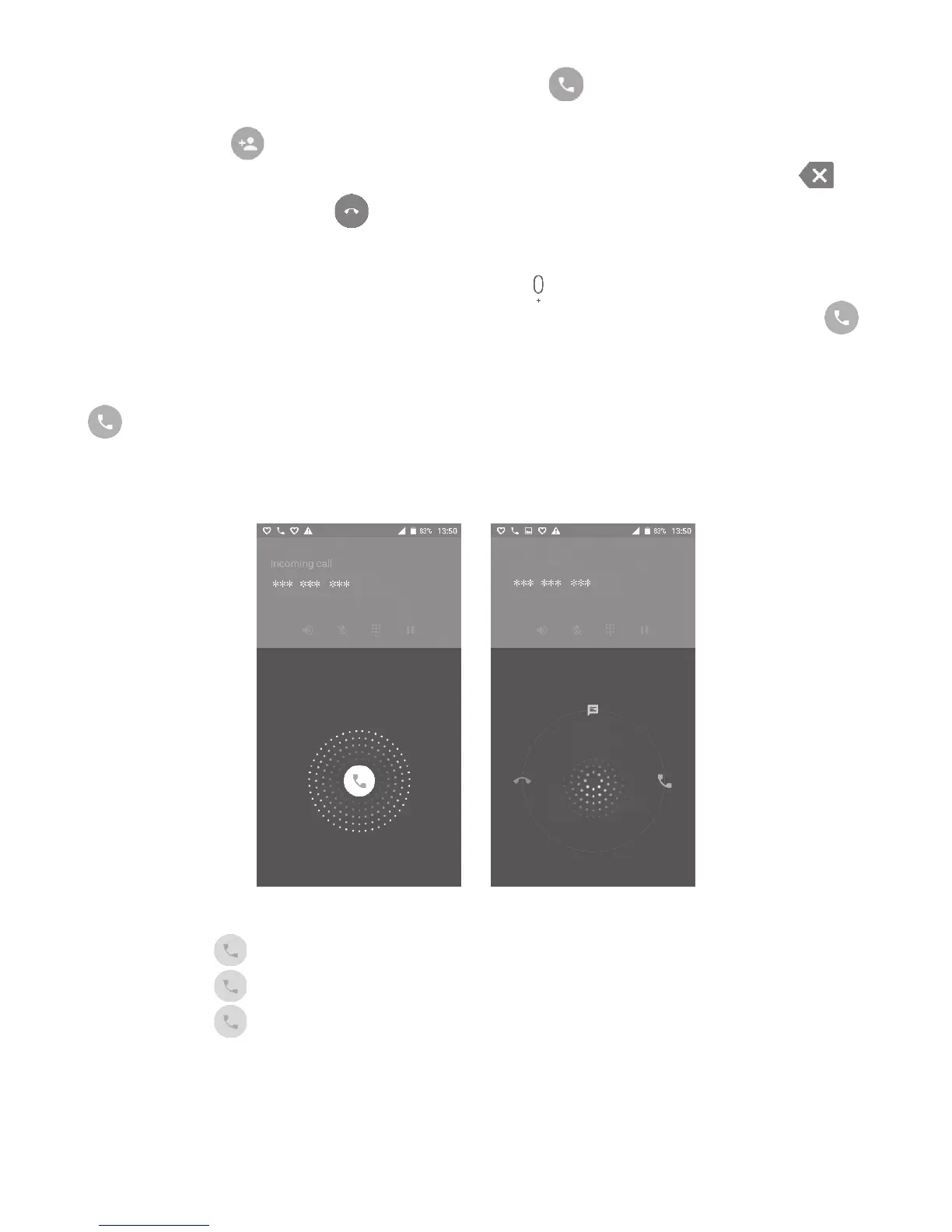
When you receive a call:
• Swipe the icon right to answer;
• Swipe the icon left to reject;
• Swipe the icon upwards to reject the call by sending a
preset message.
To mute incoming calls, press the Volume up/down key, or turn the phone over
(when the Settings\Gestures\Turn over to mute option is activated).



 To Next Page