SAMPLE ANALYISIS- WET FLOWER
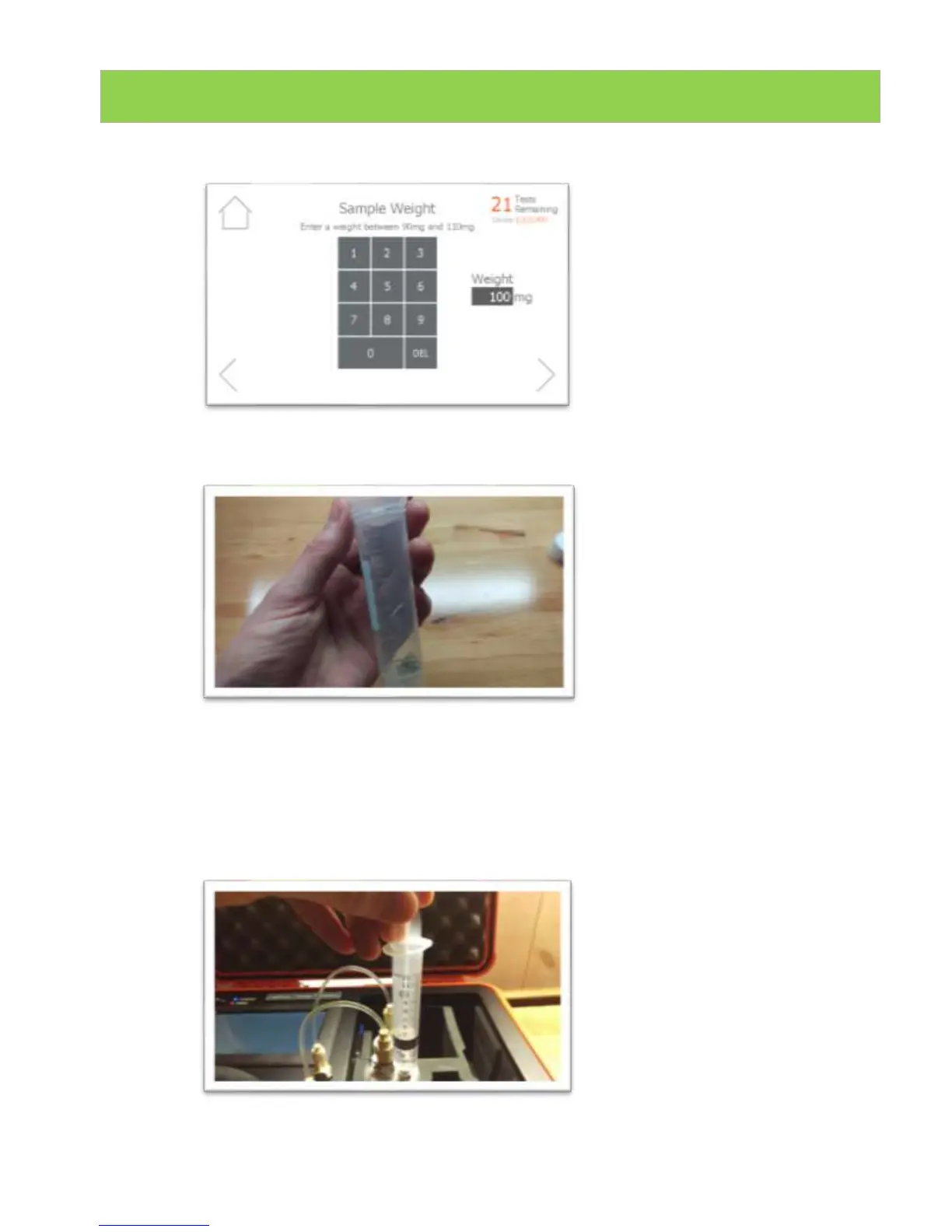
11. Type in the exact sample reading on the scale. Press forward arrow on the
screen. Note 100mg is 0.100g.
12. Pour sample into the vial. Ensure all the sample is inside the vial and not
trapped in the vial cap threads. Press forward arrow on the LightLab screen.
13. Connect the syringe to the solvent cap and pull plunger up to fill syringe. Fill
syringe with either 5ml or 10ml of solvent depending on the options selected.
The LightLab will indicate the correct amount to add.
NOTE: Be careful when determining the correct amount of solvent! Adding a
different amount than is indicated on the LightLab screen will cause incorrect
results to be displayed.


 To Next Page