ST 9100 - INSTALLATION GUIDE
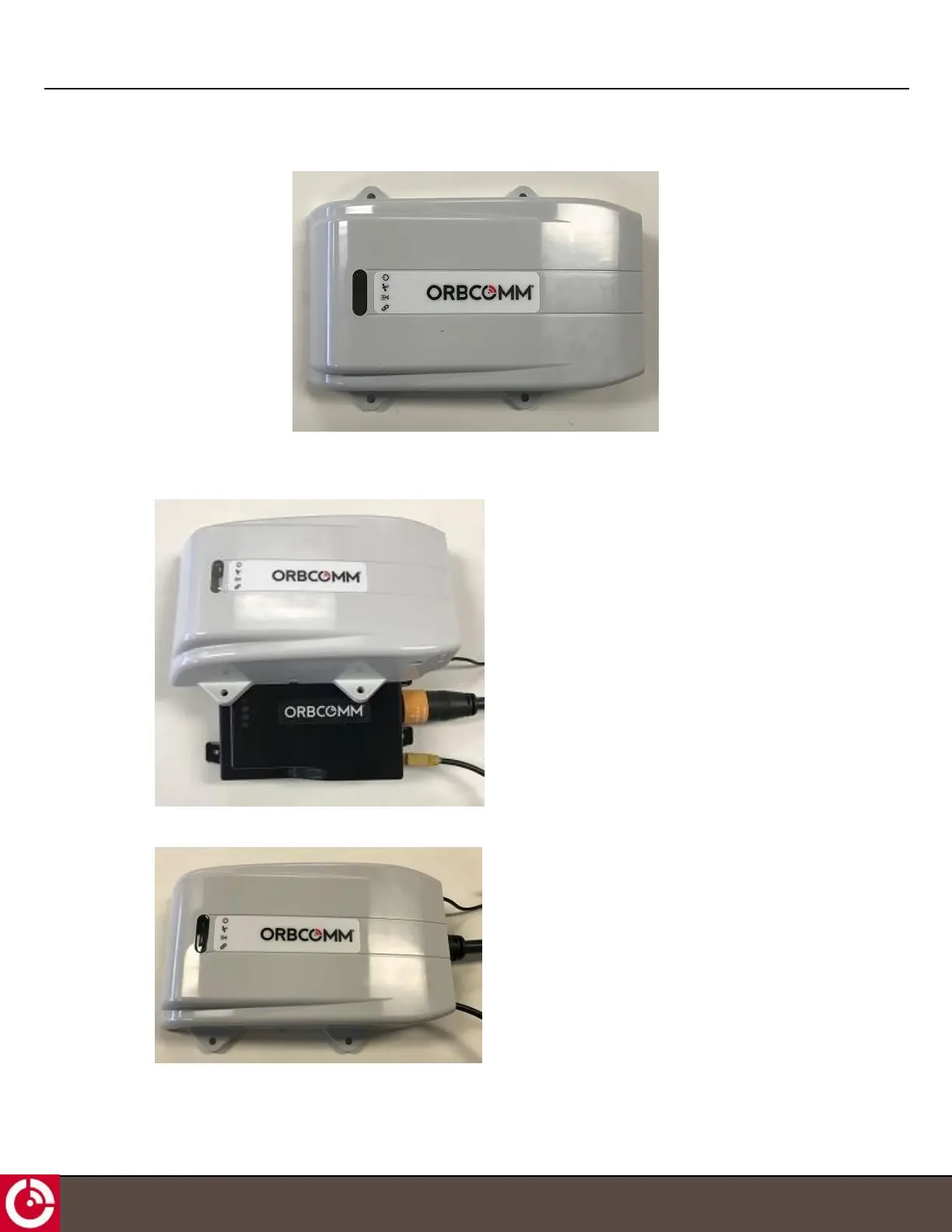
Figure 13: Terminal Shroud
To attach the terminal shroud:
1. Position the terminal shroud over the installed transceiver by lining up the LEDs.
2. Press down on the terminal shroud to ensure it is securely mounted on the transceiver.
T414, Version 0.04 BETA © ORBCOMM
®
Proprietary
25



 To Next Page