EasyManua.ls Logo

OTARI MX-55T-M - Time-IPS-% Button; Tape Speed H;L Indicators; Search Zero Button

OTARI MX-55T-M
46 pages
Print Icon
To Next Page IconTo Next Page
To Previous Page IconTo Previous Page
Loading...
Controls
and
Indicators
MX-55
Operation
Manual
[4J
TIME·IPS·%
button
After
the
desired
tape
time
setting
has
been
entered
into
the
display,
hold
the
SET
button
pressed
while
pressing
a
SEARCH
button
on
which
the
LED
is
not
illuminated
(Le.,
a
location
has
not
been
stored)
to
store
the
entered
location
as
a
Cue
Point.
To
leave
Set
mode
press
the
CLR
button
while
holding
the
SET
button
pressed.
The
LED
of
the
SET
button
turns
off.
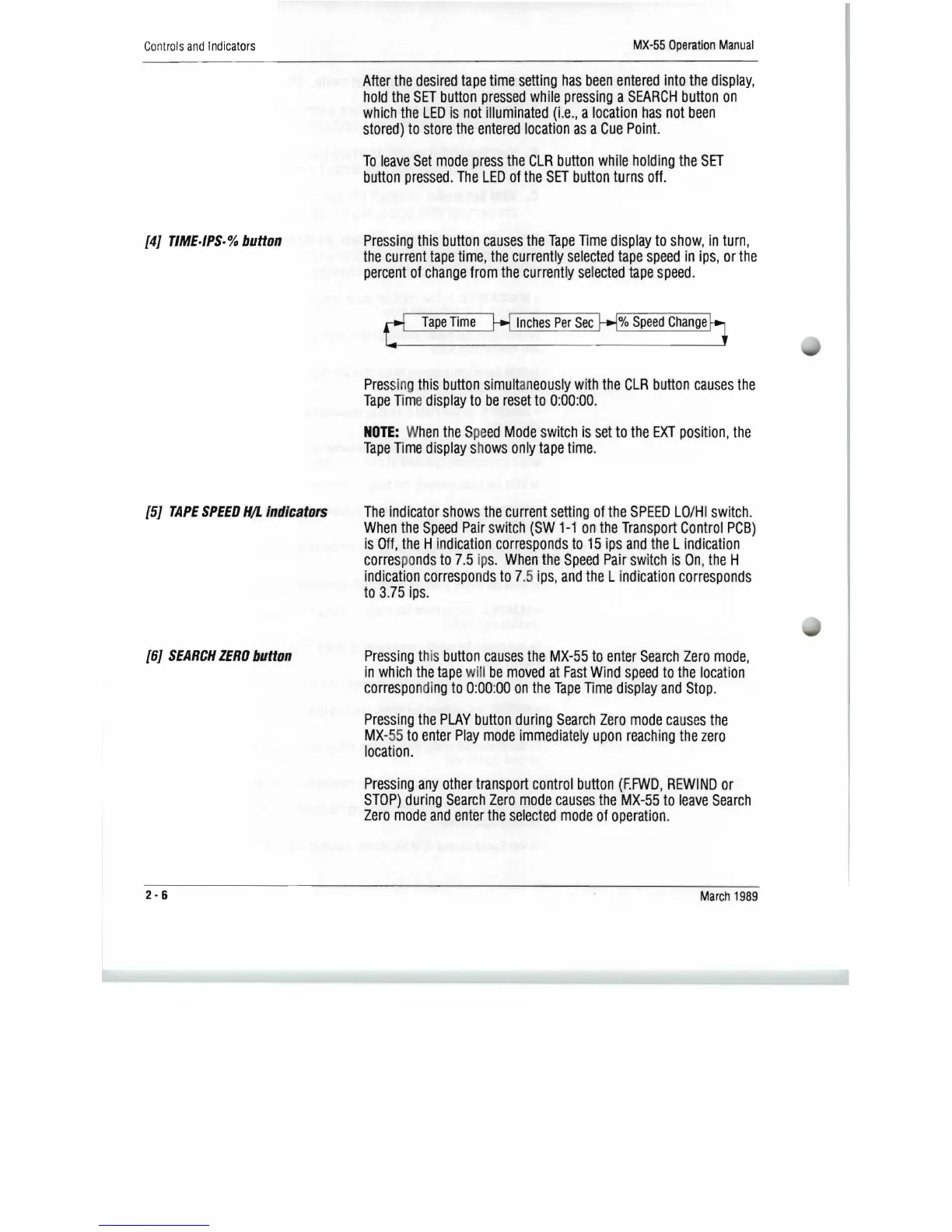
Pressing
this
button
causes
the
Tape
Time
display
to
show,
in
turn,
the
current
tape
time,
the
currently
selected
tape
speed
in
ips,
or
the
percent
of
change
from
the
currently
se
l
ected
tape
speed.
Tape
Time
Inches
Per
Sec
%
Speed
Change
[5J
TAPE
SPEED
H!L
Indicators
[6J
SEARCH
ZERO
button
Pres
s
in
g
this
button
simult
an
eous
,
ly
with
the
CLR
button
causes
the
Tape
Tim
e
display
to
be
reset
to
0:
00:00.
NOTE:
W
hen
the
Spe
ed
Mode
switch
is
set
to
the
EXT
position,
the
Tape
Time
display
sh
ows
only
tape
time.
The
indicator
shows
the
current
setting
of
the
SPEE
D
La/HI
switch.
When
the
Speed
Pair
switch
(SW
1-1
on
the
Transport
Control
PCB)
is
Off,
the
H i
ndication
corresponds
to
15
ips
and
the
l
indication
corres
po
nds
to
7.5
ip
s.
When
the
Speed
Pair
switch
is
Ofl,
the
H
indication
correspo
n
ds
to
7.5
ips,
and
the
L
indication
corresponds
to
3.75
ips.
Pressing
this
button
causes
the
MX-55
to
enter
Search
Zero
mode,
in
which
the
tape
will
be
moved
at
Fast
Wind
speed
to
the
locatio
fl
correspo
ndi
ng
to
0:00:00
on
the
Tape
Time
display
and
Stop.
Pressing
the
PLAY
button
during
Search
Zero
mode
causes
the
MX-
55
to
enter
Play
mode
immediate
!
ly
upon
r
each
i
ng
the
zero
location.
Pressing
any
other
transport
control
button
(F.FWD,
RE
WIND
or
STOP)
during
Search
Zero
mode
causes
the
MX-55
to
leave
Search
Zero
mode
and
enter
the
selected
mode
of
operation.
2·6
March
1989

Related product manuals