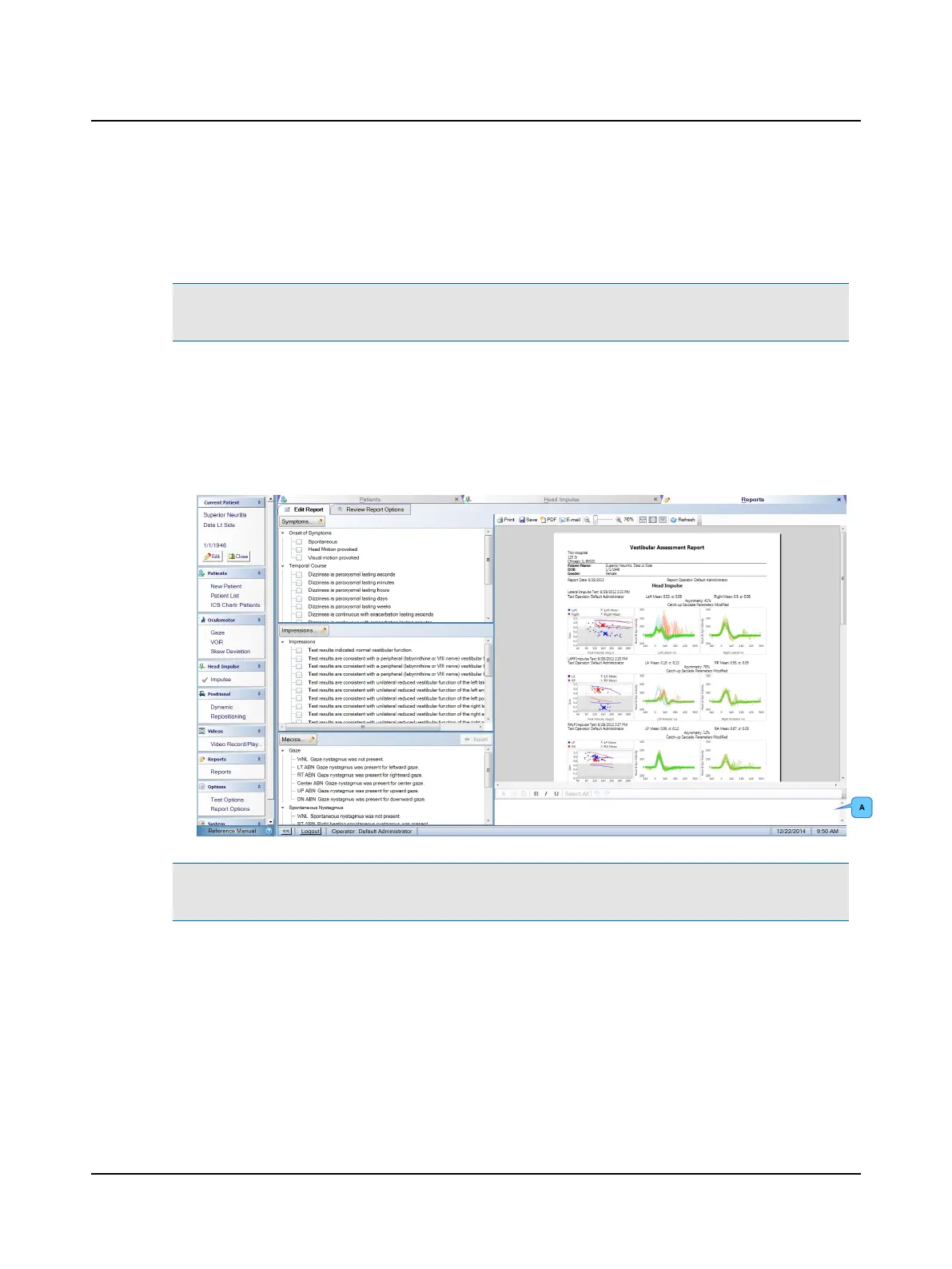
12.1 Edit Report
Information can be added to the report by selecting from the report lists provided with the application:
Note• If any of the report lists do not display, re-import the missing list(s). Refer to Importing sample report lists ►
117. You can modify the symptoms, impressions and macros supplied with the application or create your own.
• Symptoms: From this list select symptom(s) the patient reports during the case history. Selected items are added to
the report section titled Symptoms.
• Impressions: From this list select overall medical impression(s) based on the test results. Selected items are added to
the report section titled Impressions.
• Macros: For each test performed, select overall finding(s) from this list to insert in the text field (A). Text seen in the
text field is added to the report section titled Findings.
Note• If you prefer not to insert a macro, add overall findings by typing text in the text field. For information about
using the editing tools, refer to the Reference Manual.
104 Otometrics - ICS Impulse USB
12 Reports












 To Next Page