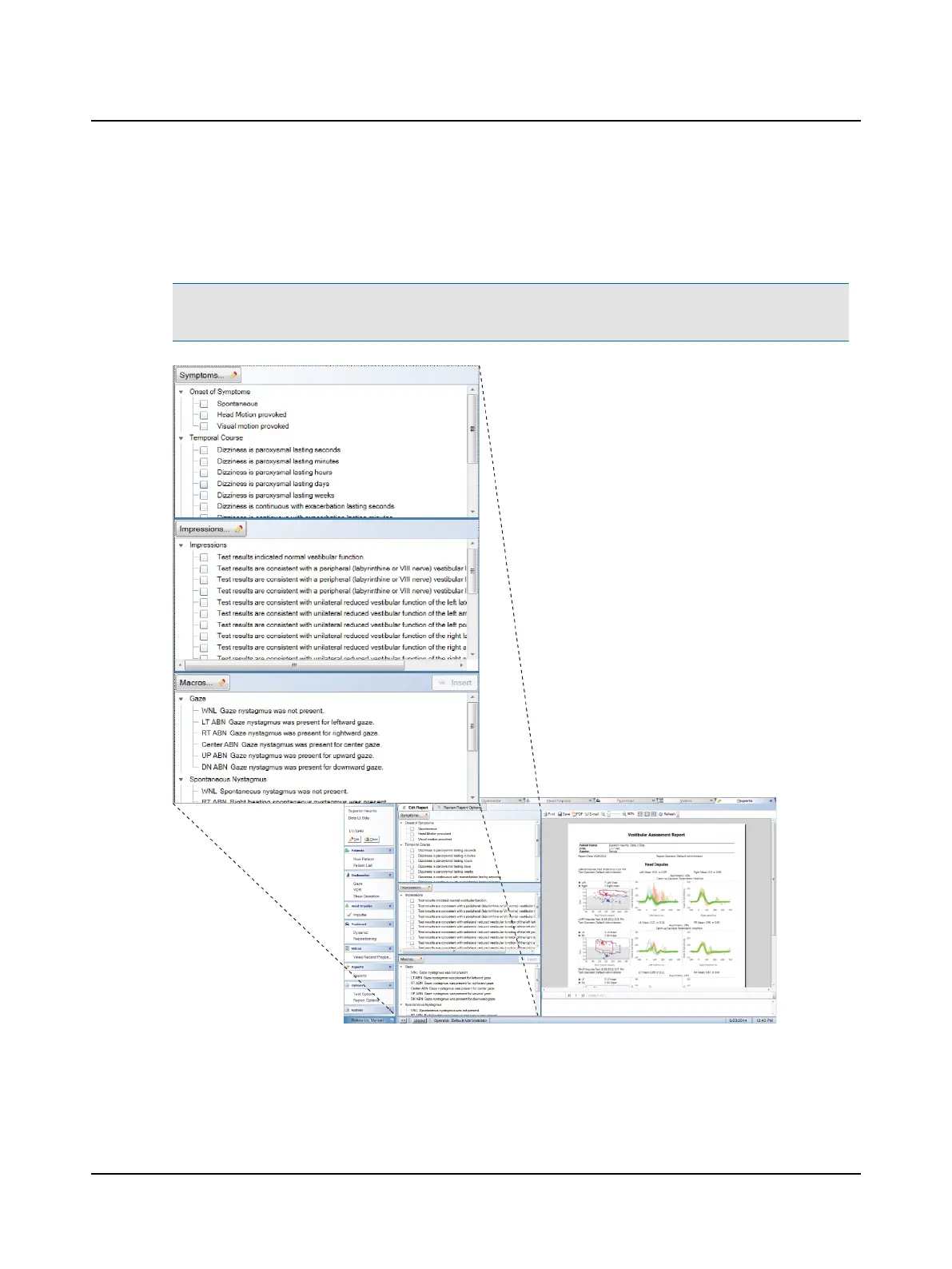
Selecting items from report lists
From the Symptoms list and Impressions list, click each check box that applies.
From the Macros list, click the name of the macro and click Insert.
Note• Some macros have text longer than what can be displayed in the list window. To see the entire text, roll the
cursor over the macro name.
Otometrics - ICS Impulse USB
105
12 Reports












 To Next Page