5.Advanced User Guidebook
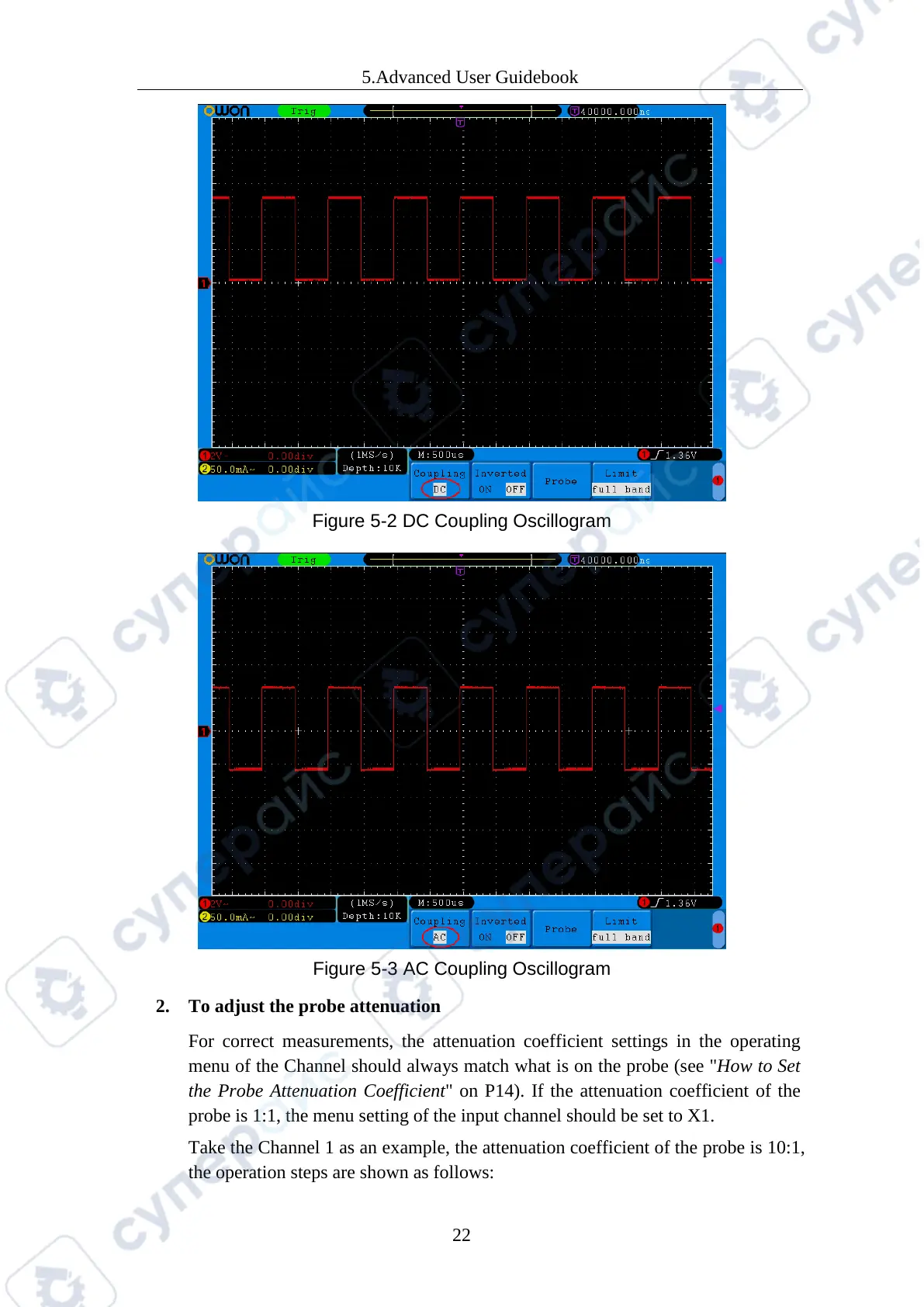
Figure 5-2 DC Coupling Oscillogram
Figure 5-3 AC Coupling Oscillogram
2. To adjust the probe attenuation
For correct measurements, the attenuation coefficient settings in the operating
menu of the Channel should always match what is on the probe (see "How to Set
the Probe Attenuation Coefficient" on P14). If the attenuation coefficient of the
probe is 1:1, the menu setting of the input channel should be set to X1.
Take the Channel 1 as an example, the attenuation coefficient of the probe is 10:1,
the operation steps are shown as follows:



 To Next Page