5.Advanced User Guidebook
expanded to the full screen.
Main Time Base
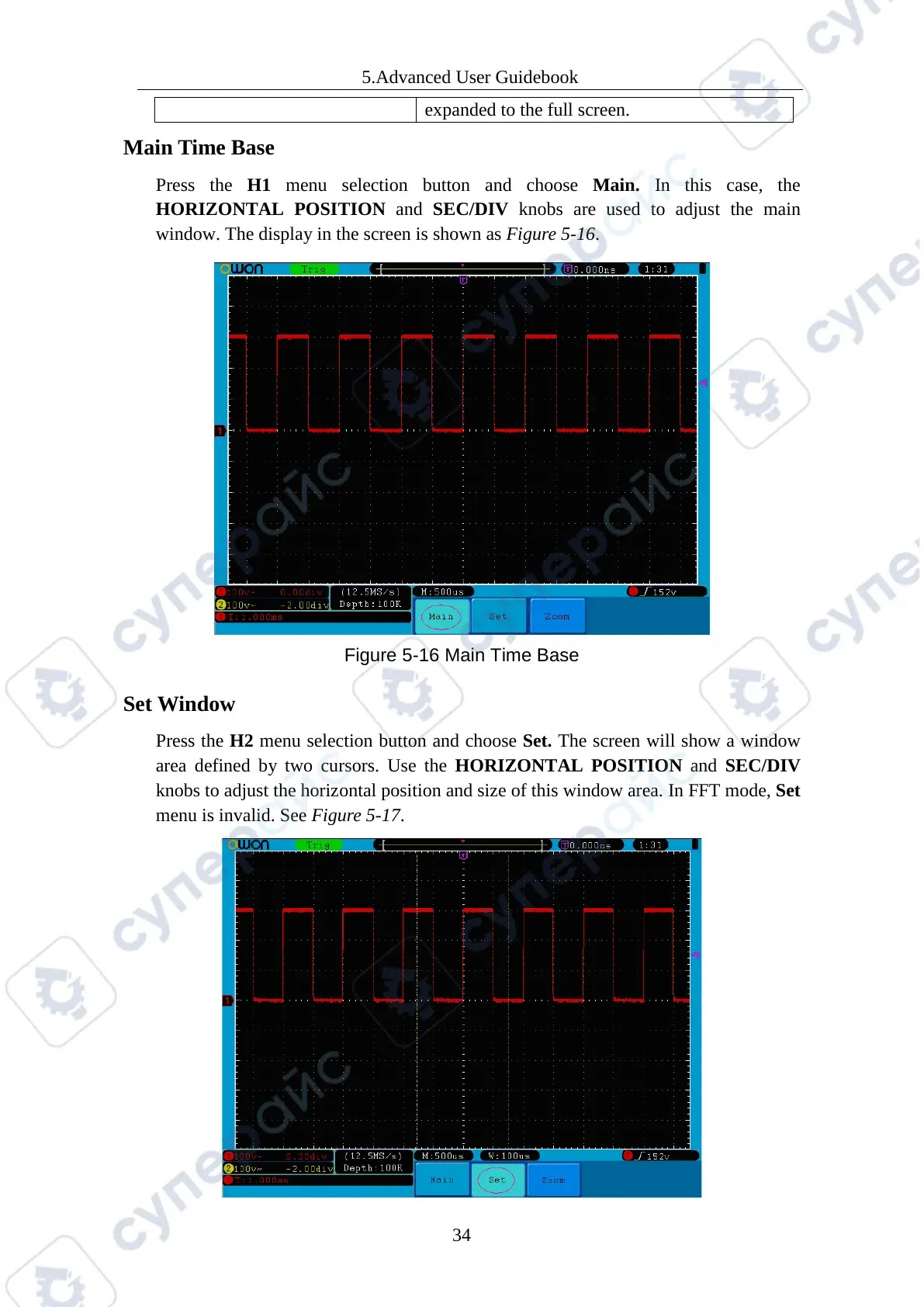
Press the H1 menu selection button and choose Main. In this case, the
HORIZONTAL POSITION and SEC/DIV knobs are used to adjust the main
window. The display in the screen is shown as Figure 5-16.
Figure 5-16 Main Time Base
Set Window
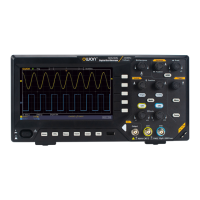
Press the H2 menu selection button and choose Set. The screen will show a window
area defined by two cursors. Use the HORIZONTAL POSITION and SEC/DIV
knobs to adjust the horizontal position and size of this window area. In FFT mode, Set
menu is invalid. See Figure 5-17.



 To Next Page