5.Advanced User Guidebook
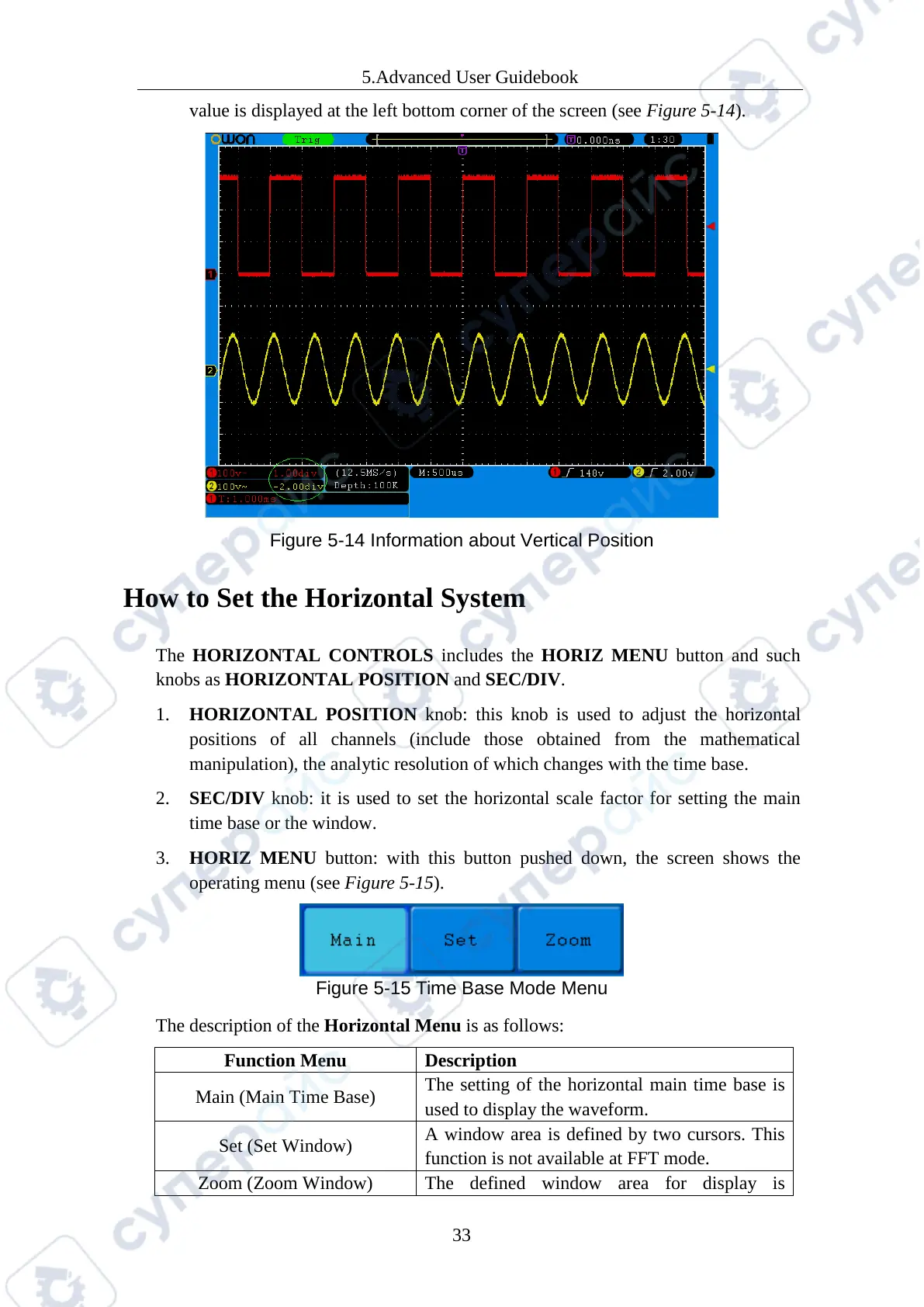
value is displayed at the left bottom corner of the screen (see Figure 5-14).
Figure 5-14 Information about Vertical Position
How to Set the Horizontal System
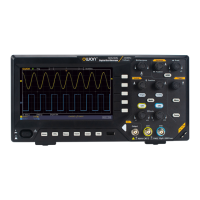
The HORIZONTAL CONTROLS includes the HORIZ MENU button and such
knobs as HORIZONTAL POSITION and SEC/DIV.
1. HORIZONTAL POSITION knob: this knob is used to adjust the horizontal
positions of all channels (include those obtained from the mathematical
manipulation), the analytic resolution of which changes with the time base.
2. SEC/DIV knob: it is used to set the horizontal scale factor for setting the main
time base or the window.
3. HORIZ MENU button: with this button pushed down, the screen shows the
operating menu (see Figure 5-15).
Figure 5-15 Time Base Mode Menu
The description of the Horizontal Menu is as follows:
Main (Main Time Base)
The setting of the horizontal main time base is
used to display the waveform.
Set (Set Window)
A window area is defined by two cursors. This
function is not available at FFT mode.
The defined window area for display is



 To Next Page