5.Advanced User Guidebook
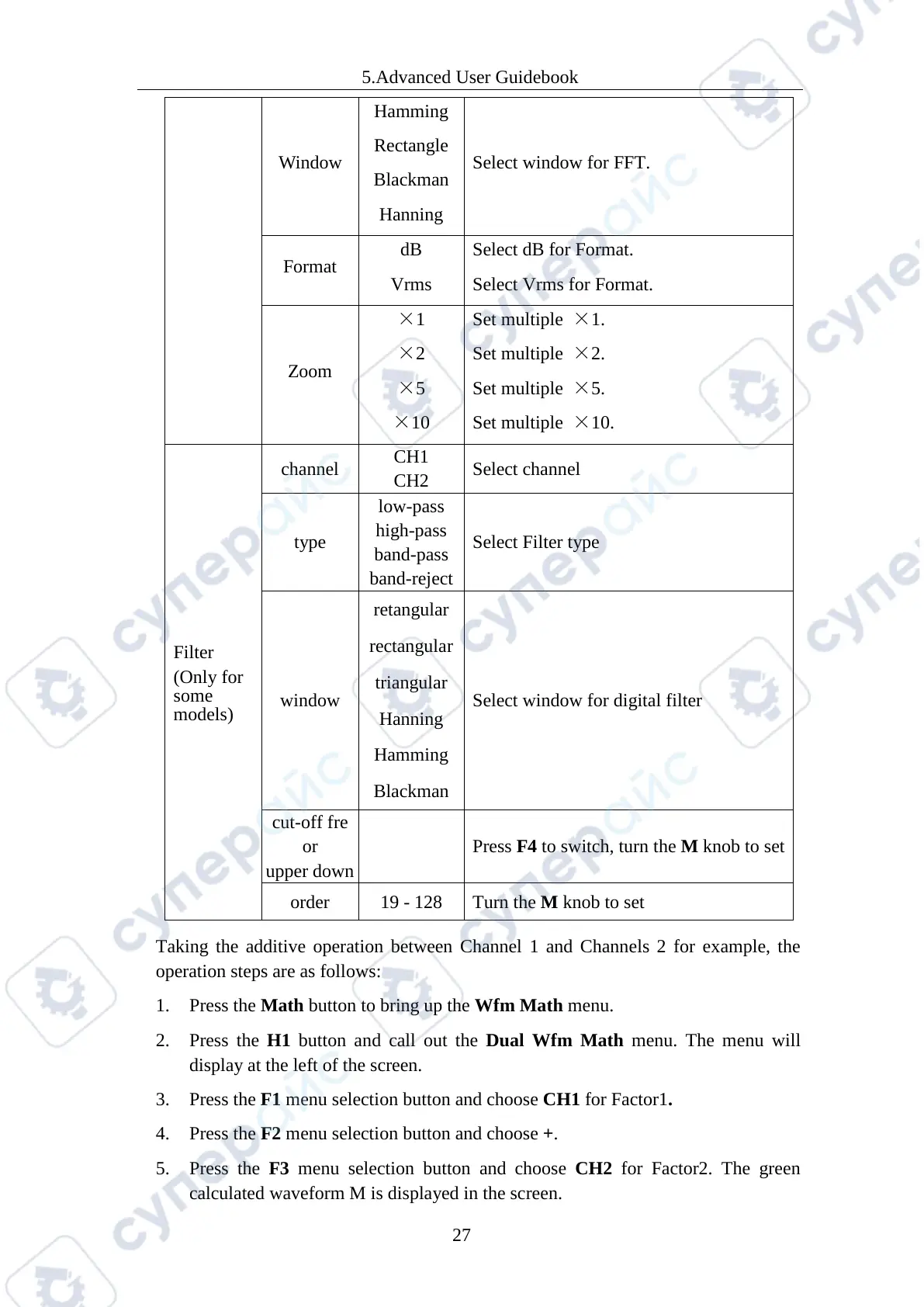
Window
Hamming
Rectangle
Blackman
Hanning
Select window for FFT.
Format
Vrms
Select Vrms for Format.
Zoom
×
×2
×5
×10
×
Set multiple ×2.
Set multiple ×5.
Set multiple ×10.
Filter
(Only for
some
models)
channel
Select channel
type
high-pass
band-pass
Select Filter type
window
retangular
rectangular
triangular
Hanning
Hamming
Blackman
Select window for digital filter
or
Press
F4 to switch, turn the M knob to set
order 19 - 128 Turn the
M knob to set
Taking the additive operation between Channel 1 and Channels 2 for example, the
operation steps are as follows:
1. Press the Math button to bring up the Wfm Math menu.
2. Press the H1 button and call out the Dual Wfm Math menu. The menu will
display at the left of the screen.
3. Press the F1 menu selection button and choose CH1 for Factor1.
4. Press the F2 menu selection button and choose +.
5. Press the F3 menu selection button and choose CH2 for Factor2. The green
calculated waveform M is displayed in the screen.



 To Next Page