5.Advanced User Guidebook
waveform channel is in the ON state, the measurement can be performed. The
automatic measurement cannot be performed in the following situation: 1) On the
saved waveform. 2) On the mathematical waveform. 3) On the XY format. 4) On
the Scan format.
Measure the period, the frequency of the CH1 and the mean, the peak-to-peak
voltage of the CH2, following the steps below:
1. Press the Measure button to show the automatic measurement function menu.
2. Press the H1 button to display the Add menu.
3. Press the F2 button and choose CH1 as the source.
4. Press the F1 button, the type items will display at the left of screen, and turn the
M knob to choose Period.
5. Press the F4 button, the period options added completes.
6. Press the F1 button again, the type items will display at the left of screen, and turn
the M knob to choose Freq.
7. Press the F4 button, the frequency added completes, finish setting of CH1.
8. Press the F2 button and choose CH2 as the source.
9. Press the F1 button, the type items will display at the left of screen, and turn the
M knob to choose Mean.
10. Press the F4 button, the Mean added completes.
11. Press the F1 button, the type items will display at the left of screen, and turn the
M knob to choose PK-PK.
12. Press the F4 button, the PK-PK added completes, finish setting of CH2.
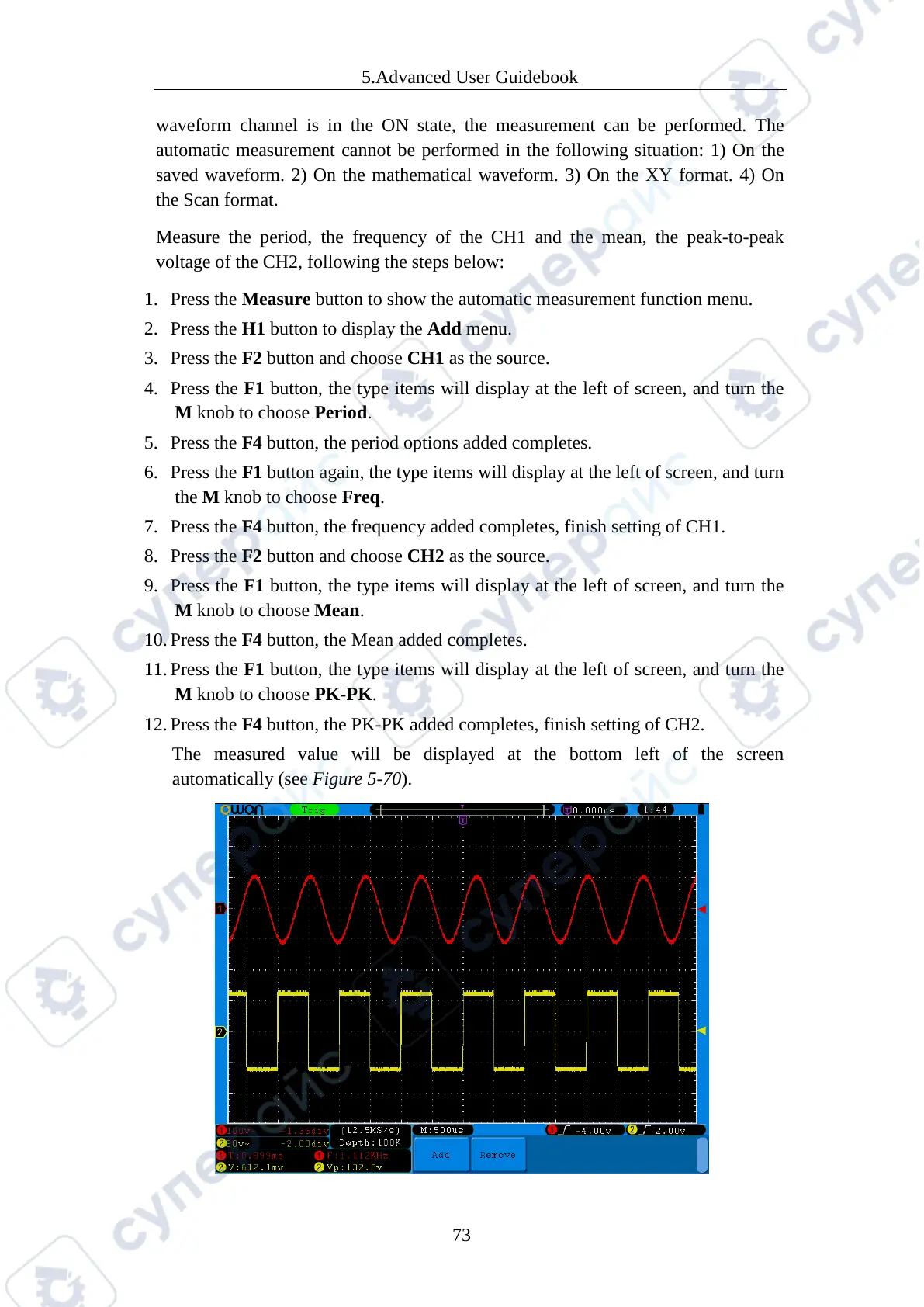
The measured value will be displayed at the bottom left of the screen
automatically (see Figure 5-70).



 To Next Page