SECTION 6 SERVICE
Pacific Power Source ©2013 6-43 Document # 126050-10 Rev E
6.6.1 INPUT POWER PANEL COMPONENT REPLACEMENT
This procedure is used to replace components located on the Input Power Panel.
Input power MUST be removed before attempting this procedure.
Input Power Panel Component Replacement
Remove front covers and sub panels.
Verify the red LEDs on the discharge PCB are off. With a DC
voltmeter verify less than 5 VDC from each Bus bar to chassis.
Remove the panel holding CB1, if needed, and support it in front
of the machine.
Disconnect the AC wires as needed. Remove screws as needed.
Remove defective component.
Replace defective component.
Replace screws as needed.
Reconnect the AC wires as needed.
Reinstall the panel holding CB1.
Replace sub panels and front covers.
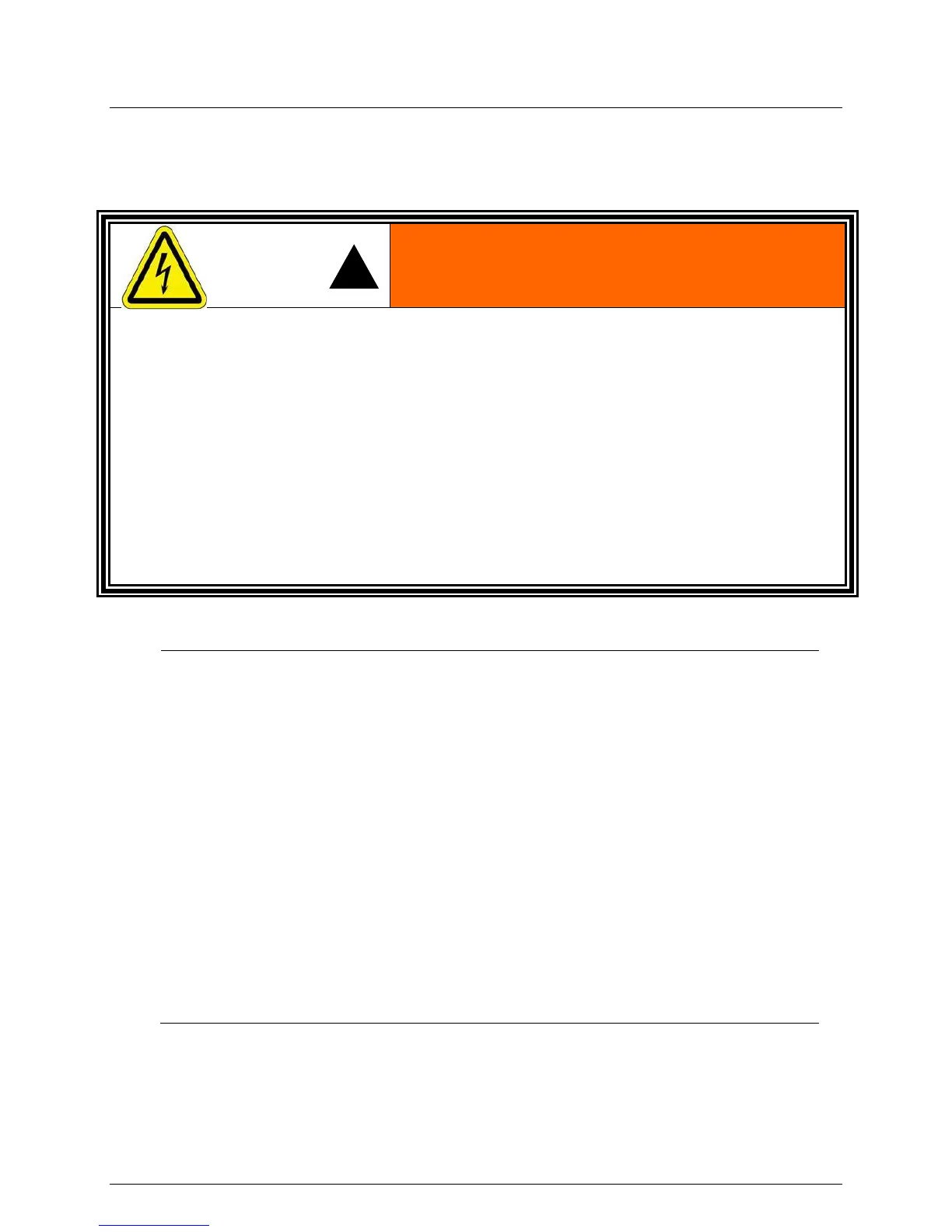
ELECTROCUTION HAZARD.
ALWAYS REMOVE ALL INPUT POWER FROM THE MAINFRAME PRIOR TO
ATTEMPTING ANY SERVICE TO THE EQUIPMENT.
LETHAL VOLTAGES ARE PRESENT INSIDE THE MAINFRAME (ON THE DC BUS)
WHEN RED LEDS ARE LIT ON THE DISCHARGE PCB - EVEN IF INPUT VOLTAGE
IS NOT PRESENT AT THE INPUT TERMINALS.
LETHAL VOLTAGES ARE PRESENT INSIDE THE MAINFRAME (ON THE DC BUS)
WHEN RED LEDS ARE LIT ON THE DISCHARGE PCB - EVEN IF INPUT VOLTAGE
IS NOT PRESENT AT THE INPUT TERMINALS.



 To Next Page