Part 3 - Conguration
47
t Set: Choose a preset number and then enter a
name. This saves the current preset under the
specied preset number and name.
t Go to: Select a preset from the list and then click
Go to to move the camera to the selected preset
position.
t Edit: Used to change the selected preset's name.
t Remove: Used to remove the selected preset.
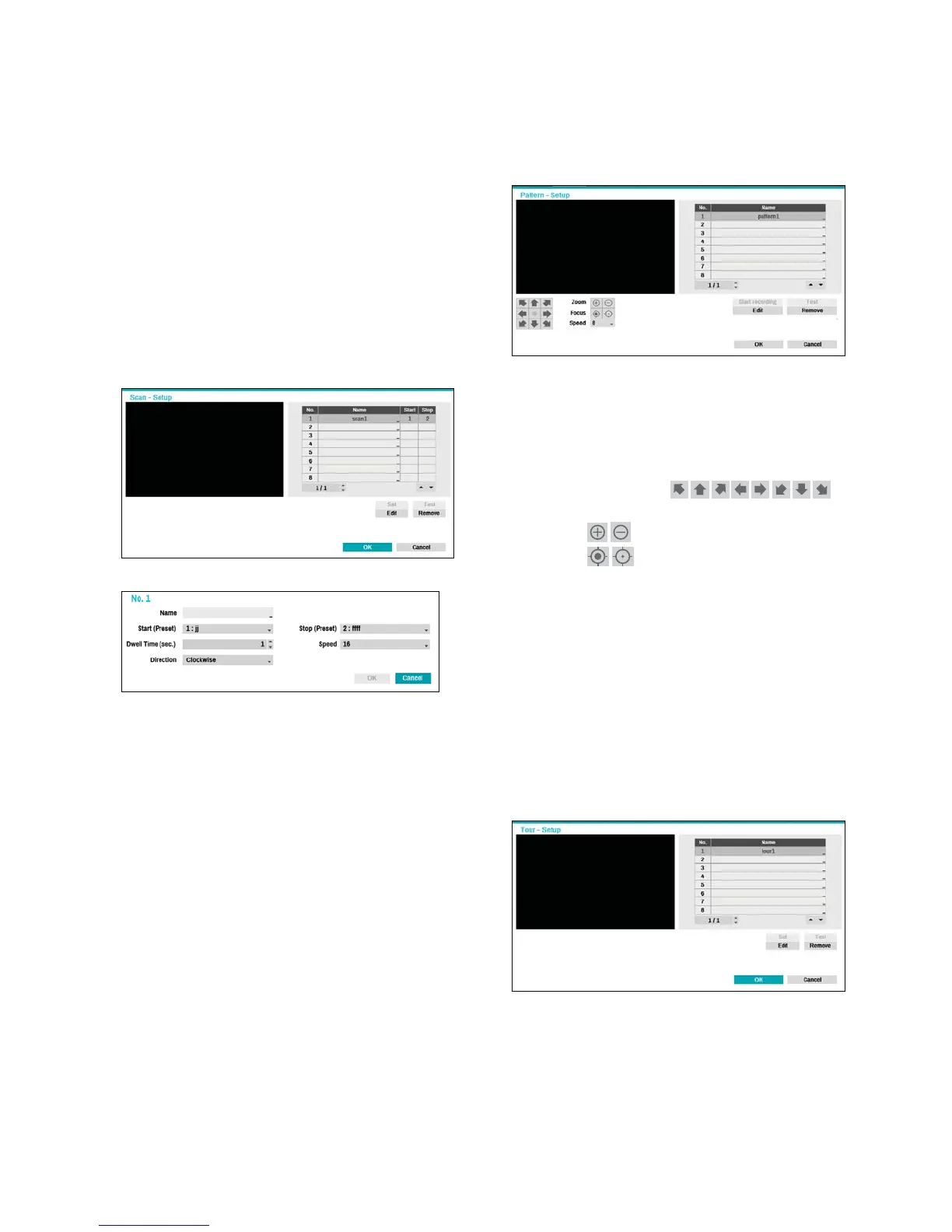
2 Scan
Used to set up a prole for moving the camera
between two points. At least two presets must be
available in order to use the scan feature.
t Set: Used to set up a scan prole.
- Name: Enter a name for the scan prole.
- Start/Stop: Specify which presets to use as start
and stop points.
- Dwell Time (sec.): Specify how long the camera
will dwell at start and stop positions.
- Speed/Direction: Specify scanning speed and
direction.
t Test: Select a scan prole and then click Test to
test it.
t Edit: Used to edit the selected scan prole.
t Remove: Used to remove the selected scan
prole.
3 Pattern
Used to set up a pattern prole for the camera to
follow along.
t Start recording: Select a pattern number, enter
a name for the pattern, and then click OK to save
the pattern. Move the camera using directional,
zoom, and focus buttons and then click Stop
recording to save the pattern prole. You can
record up to two minutes of movement.
- Directional Buttons (
):
Used to tilt and pan the camera.
- Zoom (
): Zoom in and out.
- Focus (
): Adjust camera focus to far or
near.
- Speed: Specify the camera's panning and tilting
speed.
t Test: Select a pattern prole and then click Test to
test it.
t Edit: Used to edit the selected pattern prole.
t Remove: Used to remove the selected pattern
prole.
4 Tour
Used to set up a tour prole of multiple functions in
a designated sequence.


 To Next Page