Page | 11
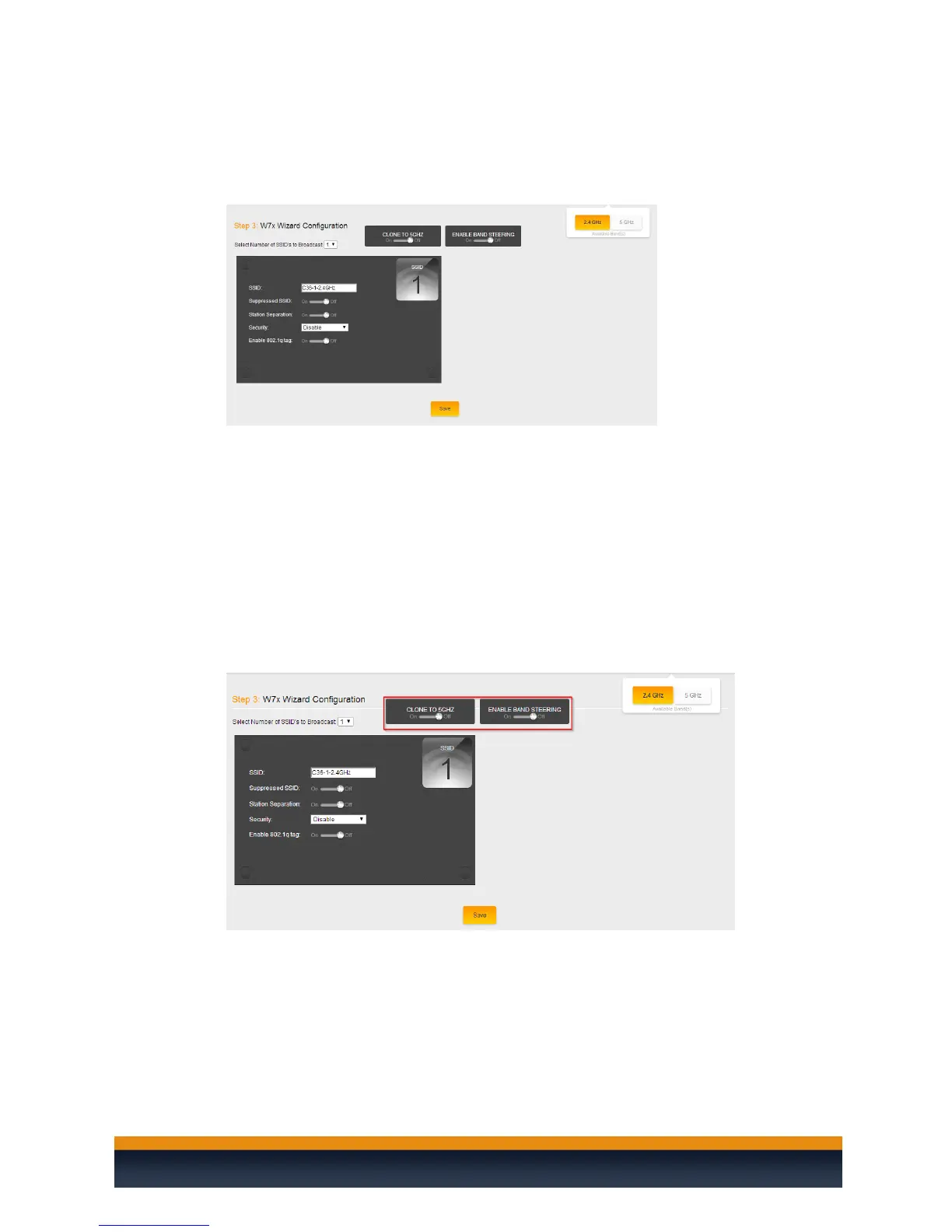
3. Once you have selected the number of SSID’s you wish to use you will be able to configure
the SSID. The SSID options are very similar to the options available if you are configuring the
W6.
4. For the W7 access points you will have two options at the top that say “Band Steering” and
“Clone to 5 GHz”. Band Steering allows the access points to influence devices that support 5
GHz to move over to that band instead of staying on the more congested 2.4 GHz band. This
can be beneficial when you have devices that operate on an older wireless standard such as
wireless G or B. You can keep those slower devices on the 2.4 GHz band and have the faster
clients on the 5 GHz band.
In case you might be dealing with a site that has a lot of interference on the 2.4 GHz band
either from neighboring access points or other devices that operate on the 2.4 GHz band
we would recommend keeping the band steering option disabled and then setting the 5
Ghz SSID to be different from the 2.4 GHz SSID. This way you can be sure that 5 GHz devices
are staying on that SSID.



 To Next Page