Page | 36
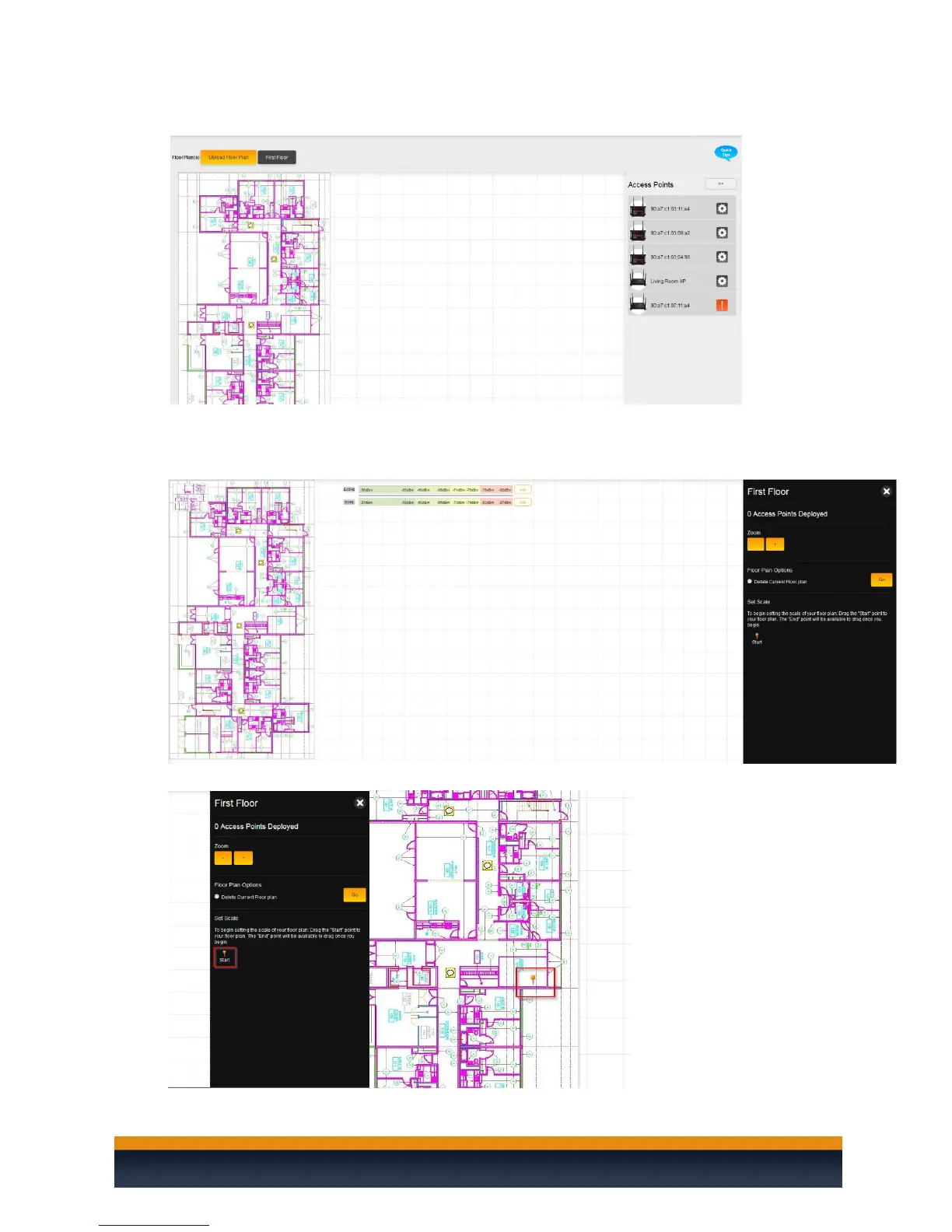
8. You will now see your floor plan on the C36.
9. Before you can add access points to the heat map, you will need to set a scale for the C36. This
will tell the C36 how large the site is and display the proper coverage of an access point. To set
the scale, double-click the floor plan. You will see a new menu on the right-hand side.
10. Drag the Start pin to any area on the floor plan.



 To Next Page