Page | 37
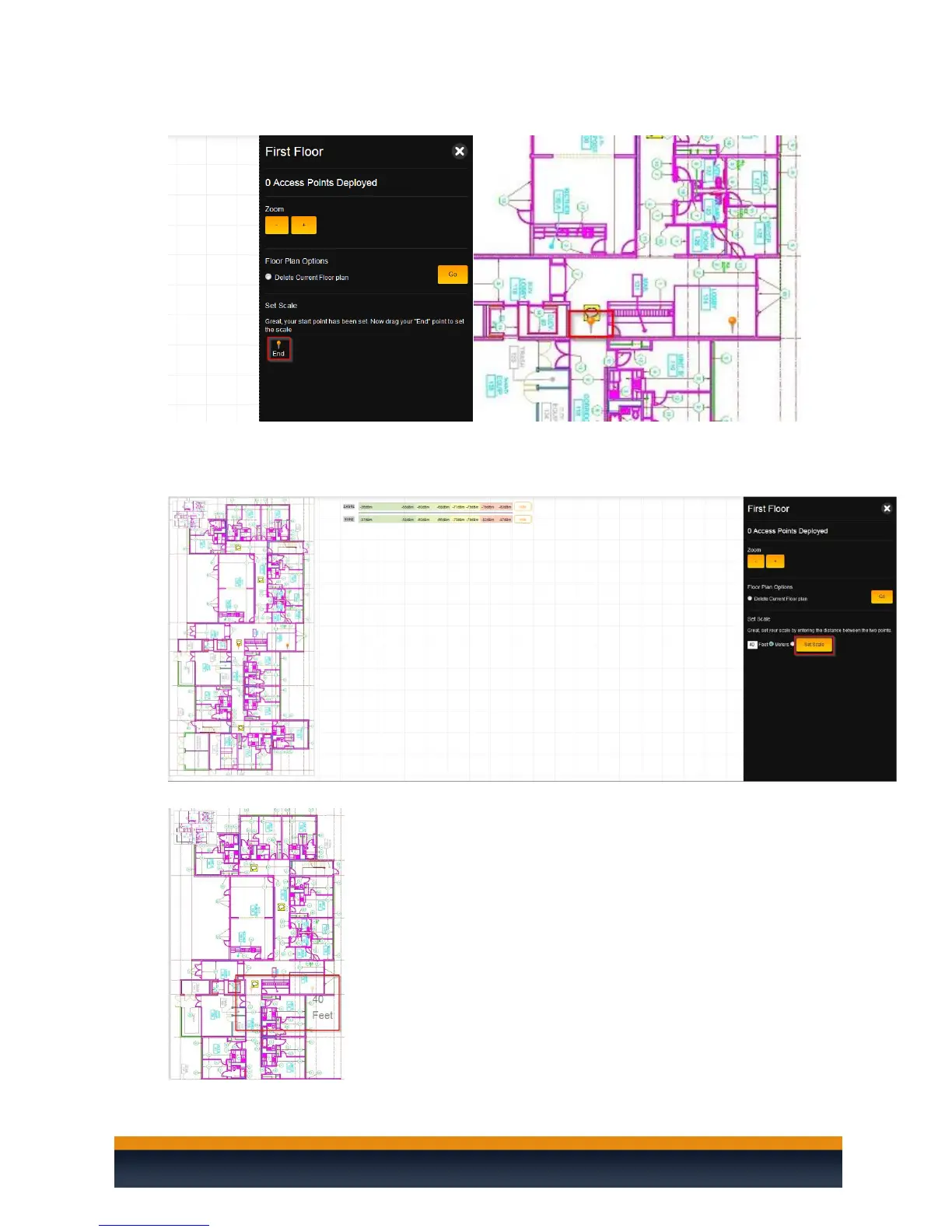
11. Drag the End pin to an area on the floor plan.
12. After you set the end pin, the C36 will ask you to set the distance between the two pins. This will
set a scale for the C36 so that it can adjust the access point coverage accordingly. You can use
feet or meters for the distance. Click Set Scale.
13. The scale is now set.



 To Next Page