Page | 38
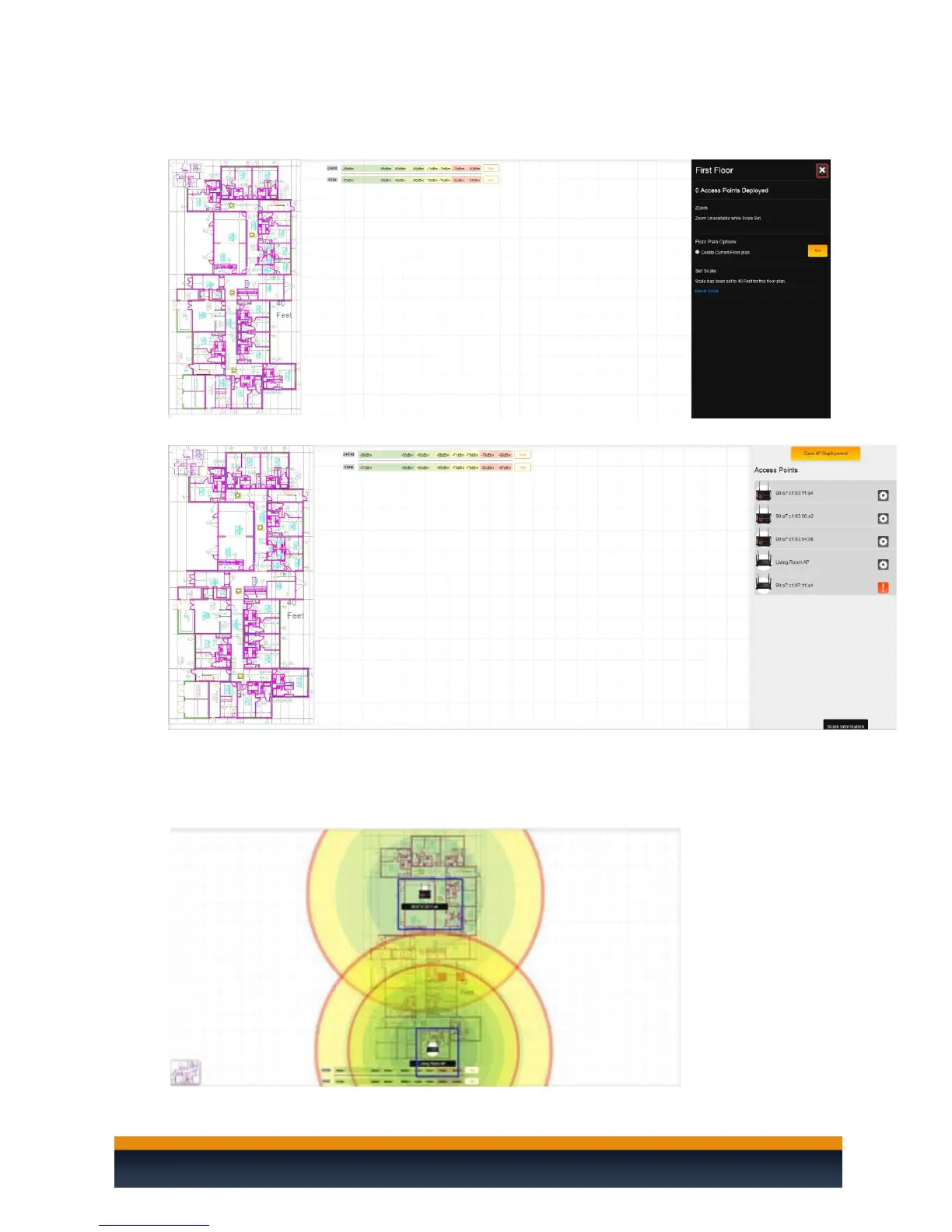
14. Now that the scale is set, we can begin adding access points. Click on the X at the upper right-
hand side.
15. You will see your access points listed on the right-hand side.
16. You can drag and drop access points from the right-hand side onto the floor plans to see the
coverage that you can expect. Each access point has a multi-colored circle around it. The further
an area is from an access point, the weaker the signal. Color changes indicate a change in signal
strength.



 To Next Page