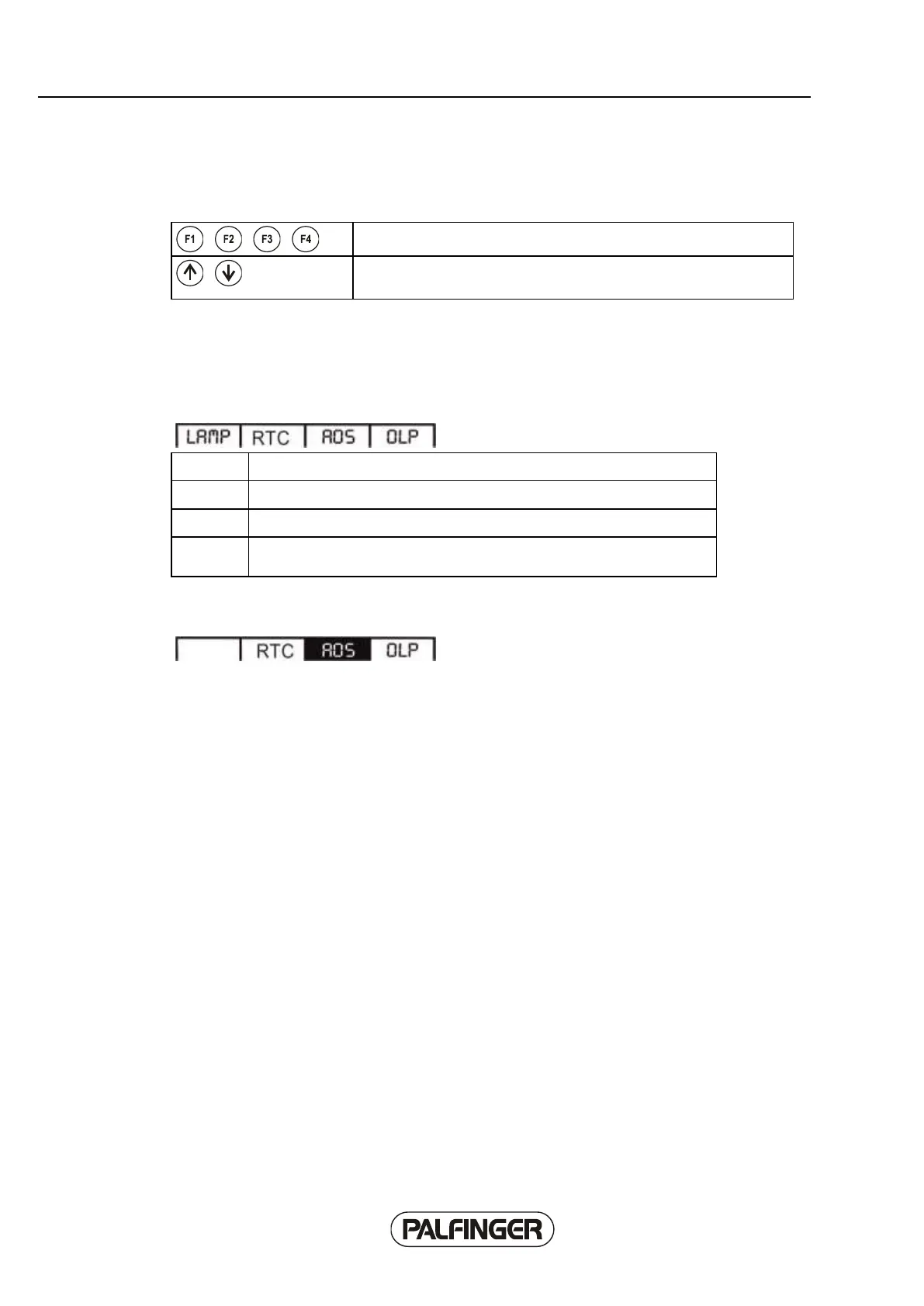
Softkey menus
The softkey menus are operated using function keys F1 to F4.
3 levels are allocated for softkey functions, between which you can
switch using the 'Up' and 'Down' function keys.
Main menu level 1
Crane functions that can be enabled/disabled are arranged in level 1. The functions are only displayed
if the crane is equipped with them.
activates / deactivates the headlight on the crane and the 2nd fly jib.
activates / deactivates the AOS system of the crane.
If the respective function is activated, it is displayed inverted.
Example:
Crane with RTC and AOS, AOS is active, RTC and OLP are inactive.



 To Next Page