Section 2E: Customizing Your Device 143
Customizing
6. Select the picture you want to assign to this contact.
7. Select Done.
Assigning a Caller ID Ringtone
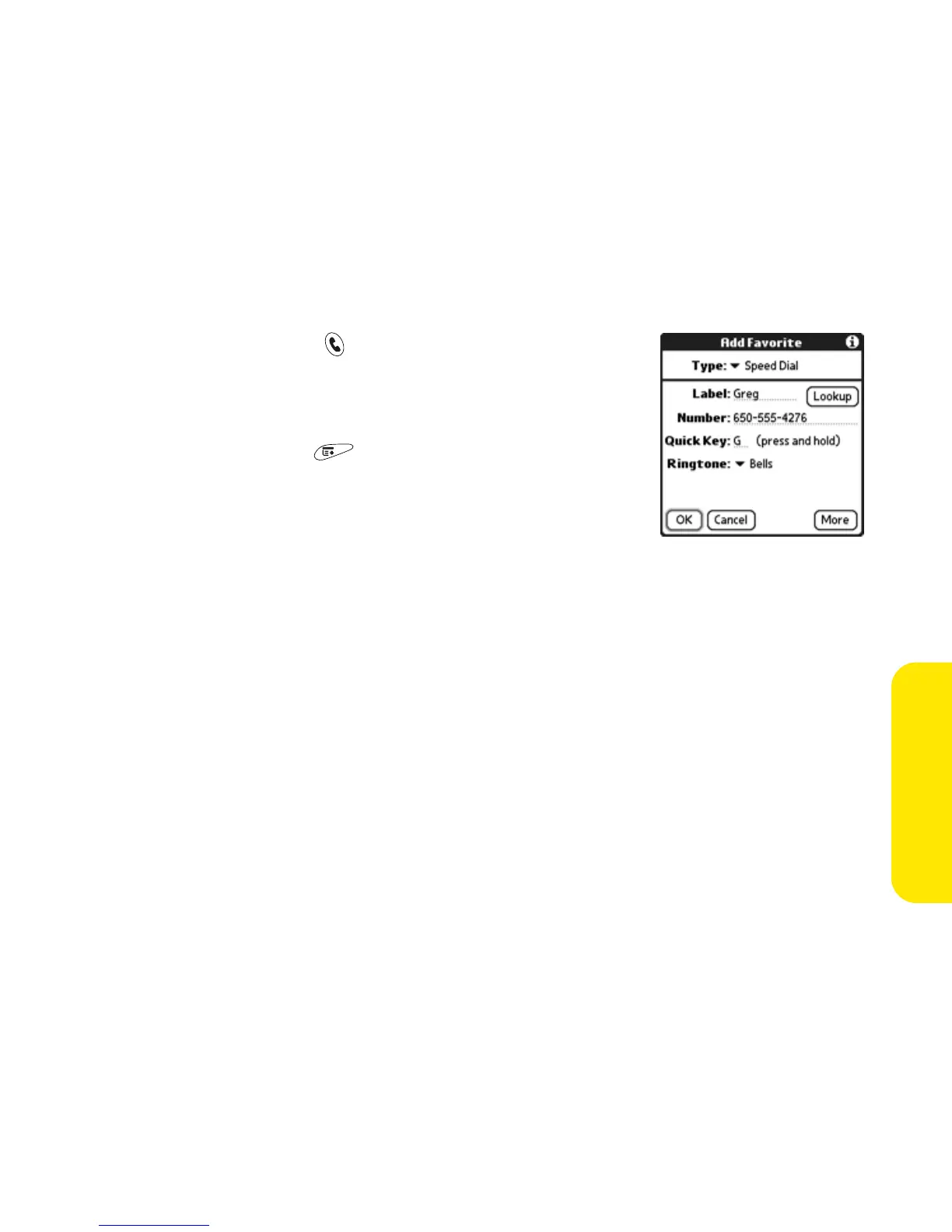
1. Press Phone/Send .
2. Highlight the favorite button you want to give a
caller ID ringtone.
3. Open the menus .
4. Select Edit Favorites Button on the Record menu.
5. Select the Ringtone pick list and select ringtone
for this contact.
6. Select OK.



 To Next Page