Section 3F: Using Your Device’s Built-in Camera 235
Your Camera
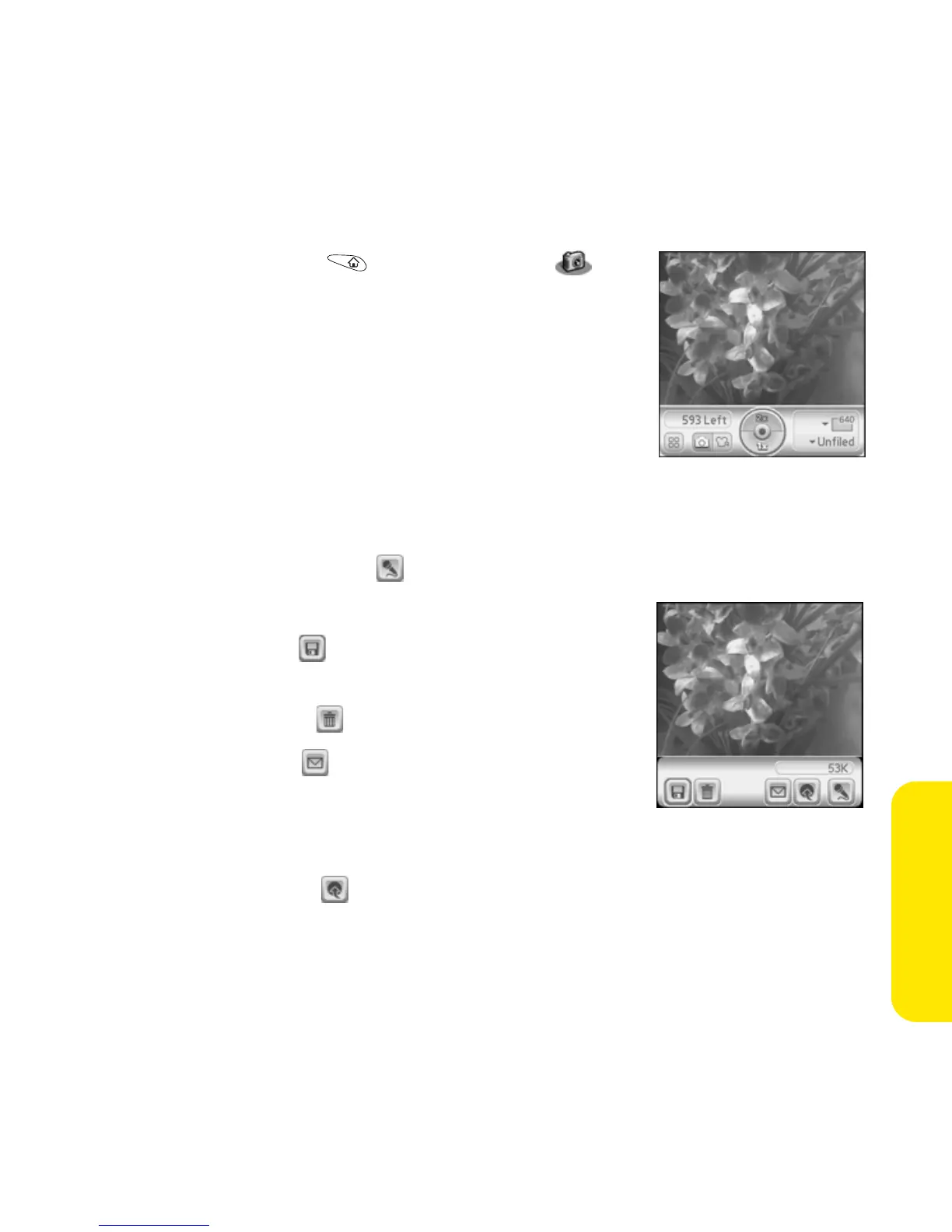
To take a picture:
1. Go to Applications and select Camera .
2. Select the album pick list in the lower-right
corner and select the album where you want to
save the picture.
3. (Optional) Adjust the zoom and resolution
settings.
4. Using your device screen as a viewfinder, aim
the lens on the back of your Treo at the subject you want to photograph.
5. Press Center to take the picture.
6. (Optional) Select Audio to add a voice caption.
7. Select one of the following buttons:
䡲 Select Save to keep the picture on your
device.
䡲 Select Delete to cancel the picture.
䡲 Select Send to insert the picture in a
message. See “Creating and Sending a
Sprint PCS Picture Mail Message” on
page 209 and “Attaching Pictures and Videos” on page 192 for details.
䡲 Select Upload to place a copy in your Sprint PCS Picture Mail account.
See “Uploading Pictures to Your Online Album” for details.



 To Next Page