Tungsten™ E2 Handheld 94
CHAPTER 12 Sending and Receiving Email Messages
Setting up an account
0
1
Go to Applications and select VersaMail .
2 Open the Account Setup screen:
a. Open the menus
, select Accounts, and then select Account Setup.
b. Select New.
3
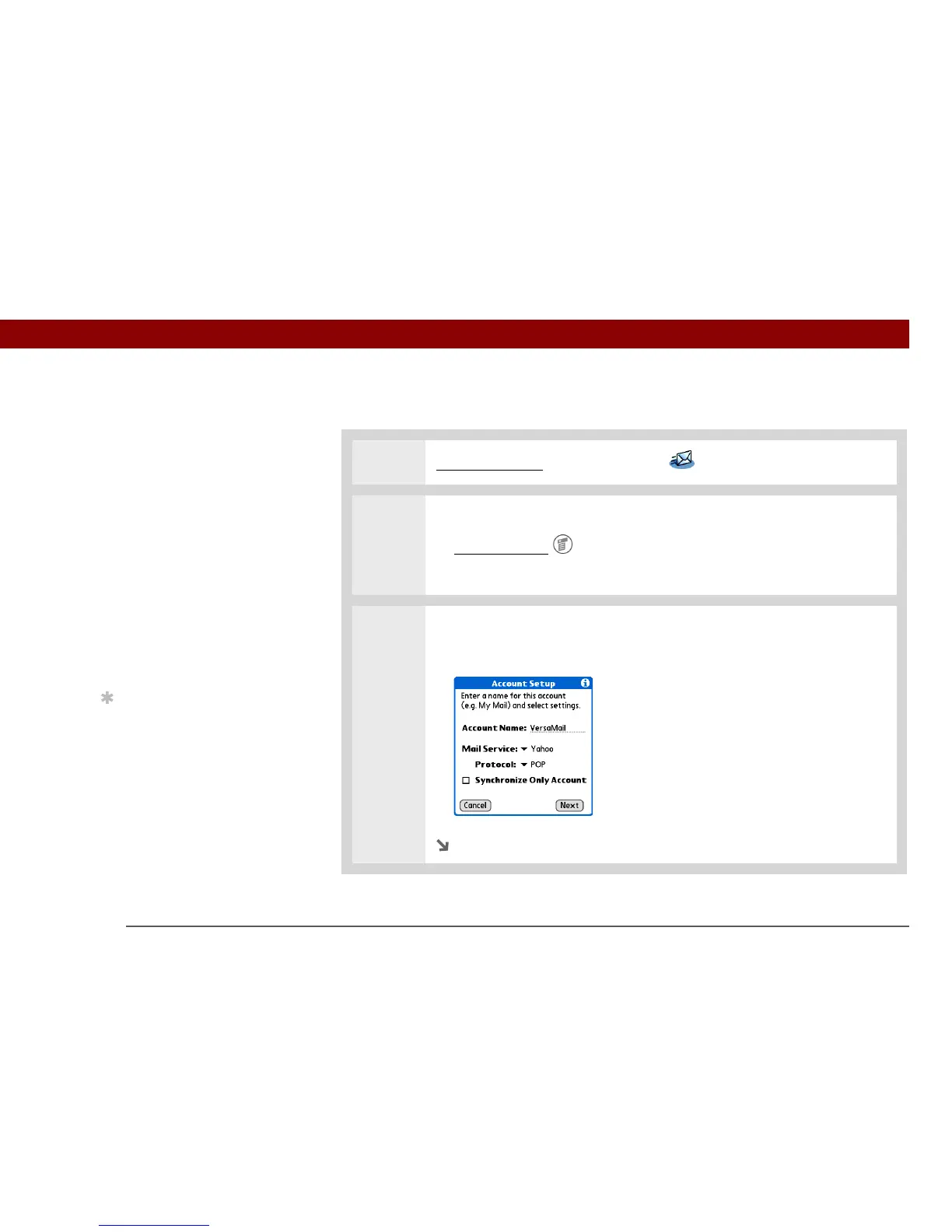
Enter the basic account information:
a. In the Account Name field, enter a descriptive name.
Continued
Before You Begin
Install the VersaMail
software. Insert the CD
and follow the onscreen
instructions for installing
extra software.
»
Key Term
Protocol Settings your
email provider uses to
receive email messages.
Most providers use the
Post Office Protocol
(POP); a few use the
Internet Message Access
Protocol (IMAP).
Tip
If your email provider
appears on the Mail
Service pick list, you don’t
need to select a protocol.
The correct protocol is
automatically displayed.



 To Next Page