CHAPTER 1 Your Handheld
Tungsten™ E2 Handheld
18
Using the onscreen keyboard
You can use the onscreen keyboard in any application where you need to enter text, numbers, or
symbols on your handheld.
0
1 Open an entry:
a. Open an application
.
b. Select a record or tap New.
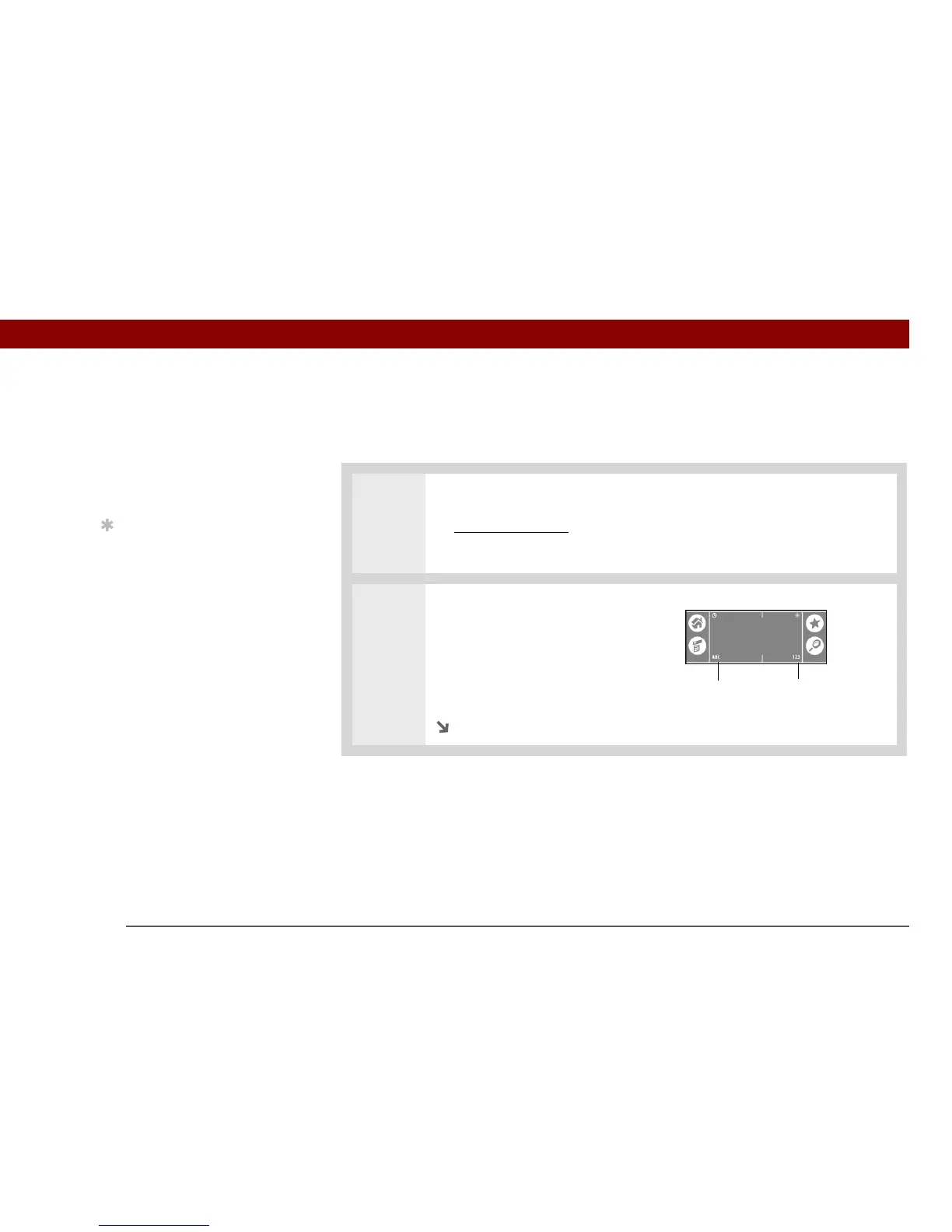
2 Tap one of the following to open
an onscreen keyboard:
ABC Opens the letter keyboard.
123 Opens the number
keyboard.
Continued
»
Key Term
Record An entry in an
application such as a
contact in Contacts or an
appointment in Calendar.
Tip
You can enter text
whenever you see a
blinking cursor on the
screen.
Letter keyboard
Number keyboard



 To Next Page