CHAPTER 1 Your Handheld
Tungsten™ E2 Handheld
13
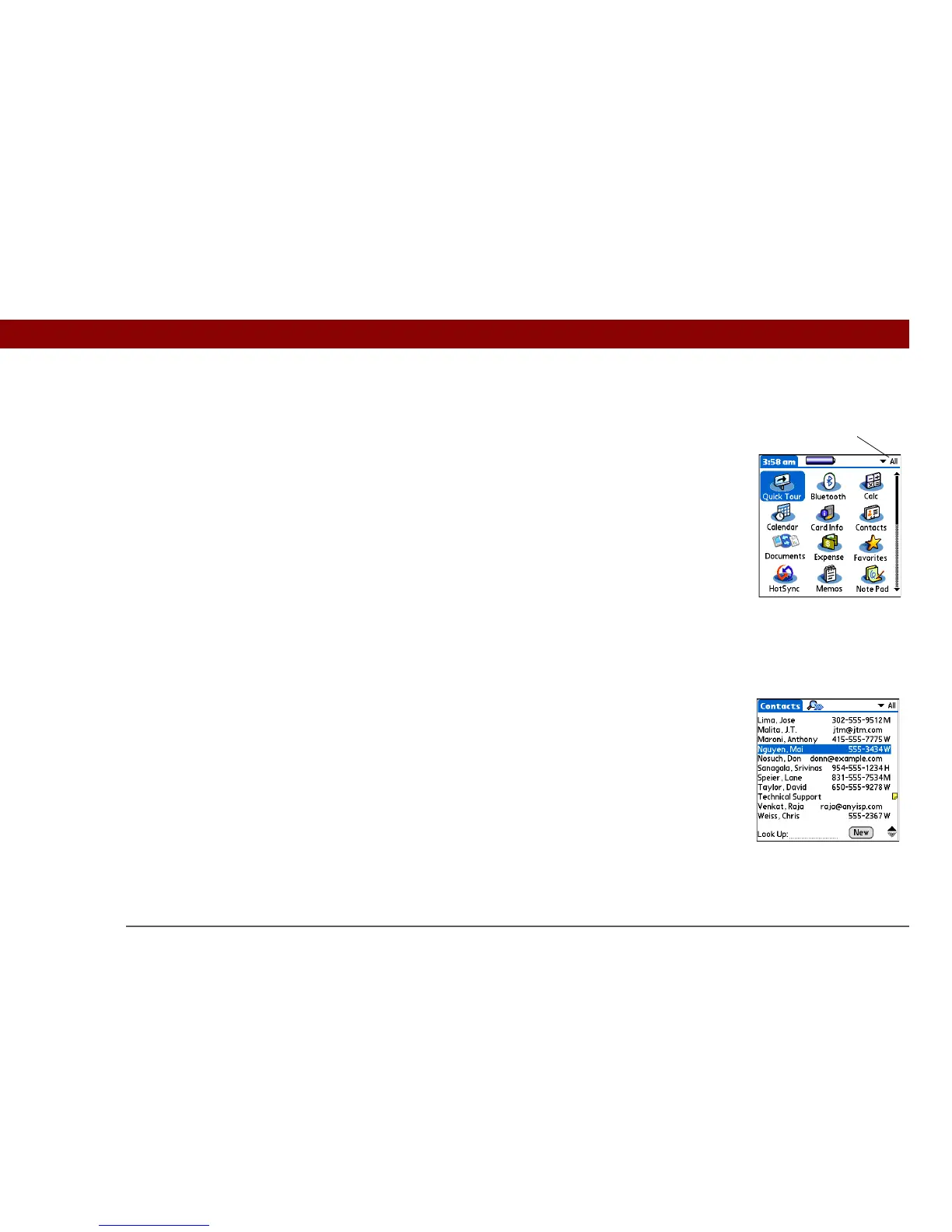
Moving around in Applications View
Moving around list screens
In list screens, select and move between entries such as notes, memos, contacts, or photos.
Up or Down Scrolls to the next or previous page of
applications.
Right or Left Scrolls to the next or previous application
category.
Center Inserts the selection highlight. When the
selection highlight is present:
Up, Down, Right, or Left Scrolls to the next
item in the corresponding direction.
Center Opens the selected item.
Up or Down Scrolls an entire screen of entries, as long as
there’s nothing highlighted. Press and hold
to accelerate the scrolling.
Center Inserts the selection highlight. When the
selection highlight is present:
Up or Down Scrolls to the previous or next
entry.
Center Displays the selected entry.
Left Removes the selection highlight.
Category



 To Next Page