CHAPTER 16 Customizing Your Handheld
Tungsten™ E2 Handheld
122
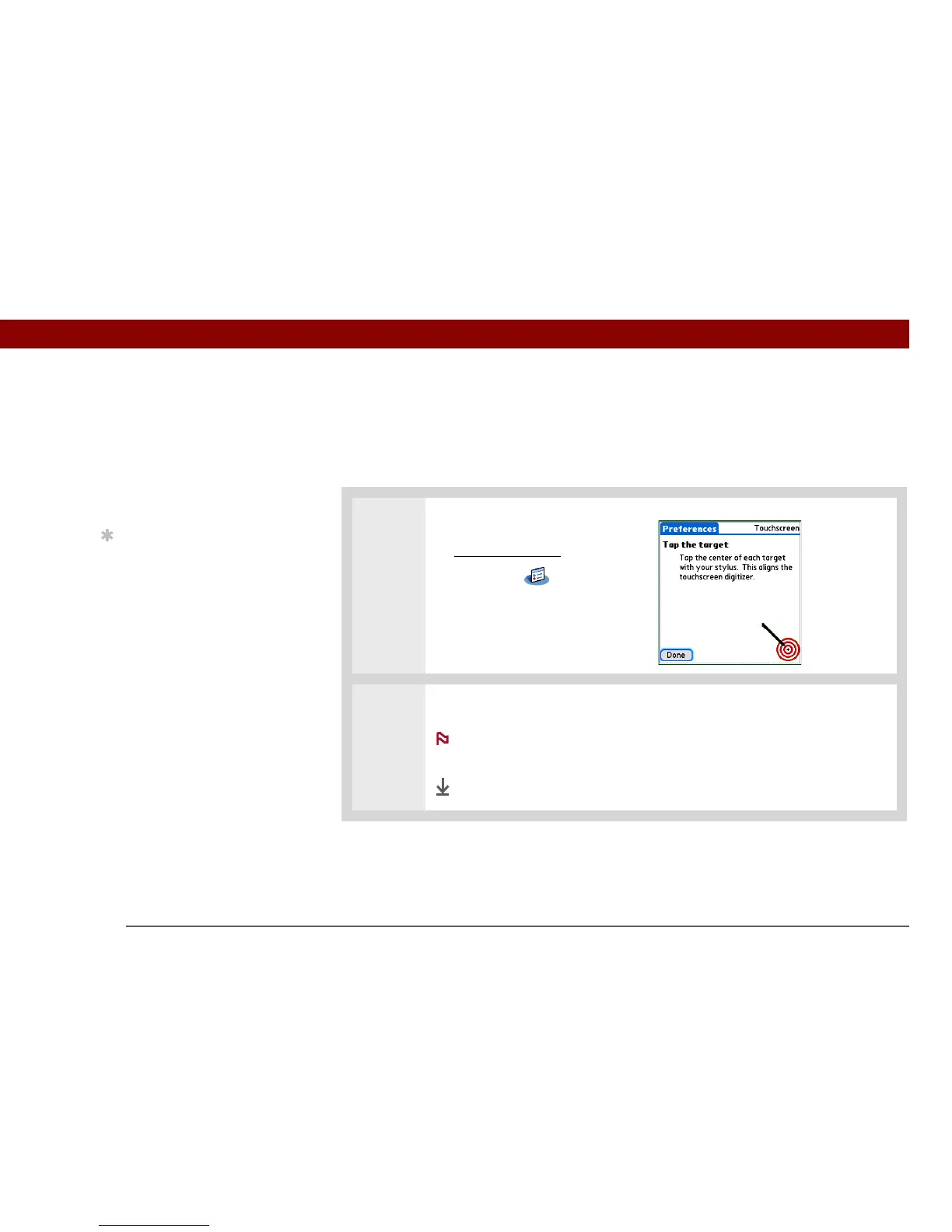
Correcting problems with tapping
Is your screen not responding to taps? Are you getting unexpected results when you tap? For
example, when you tap the number keyboard icon, does the Find dialog box open instead? If this
happens, it’s time to align the screen.
0
1 Open Touchscreen Preferences:
a. Go to Applications
.
b. Select Prefs .
c. Select Touchscreen.
2
Tap the targets on the screen as precisely as possible, and then select Done.
You need to tap at least three targets—maybe more if you don’t tap
carefully.
Done
»
Key Term
To u c h s c r e e n Another
name for your handheld’s
screen and its internal
circuitry.
Tip
If your screen is not
responding to taps, use
the 5-way navigator to
open Touchscreen
Preferences.
NOTE



 To Next Page