CHAPTER 1 Your Handheld
Tungsten™ E2 Handheld
15
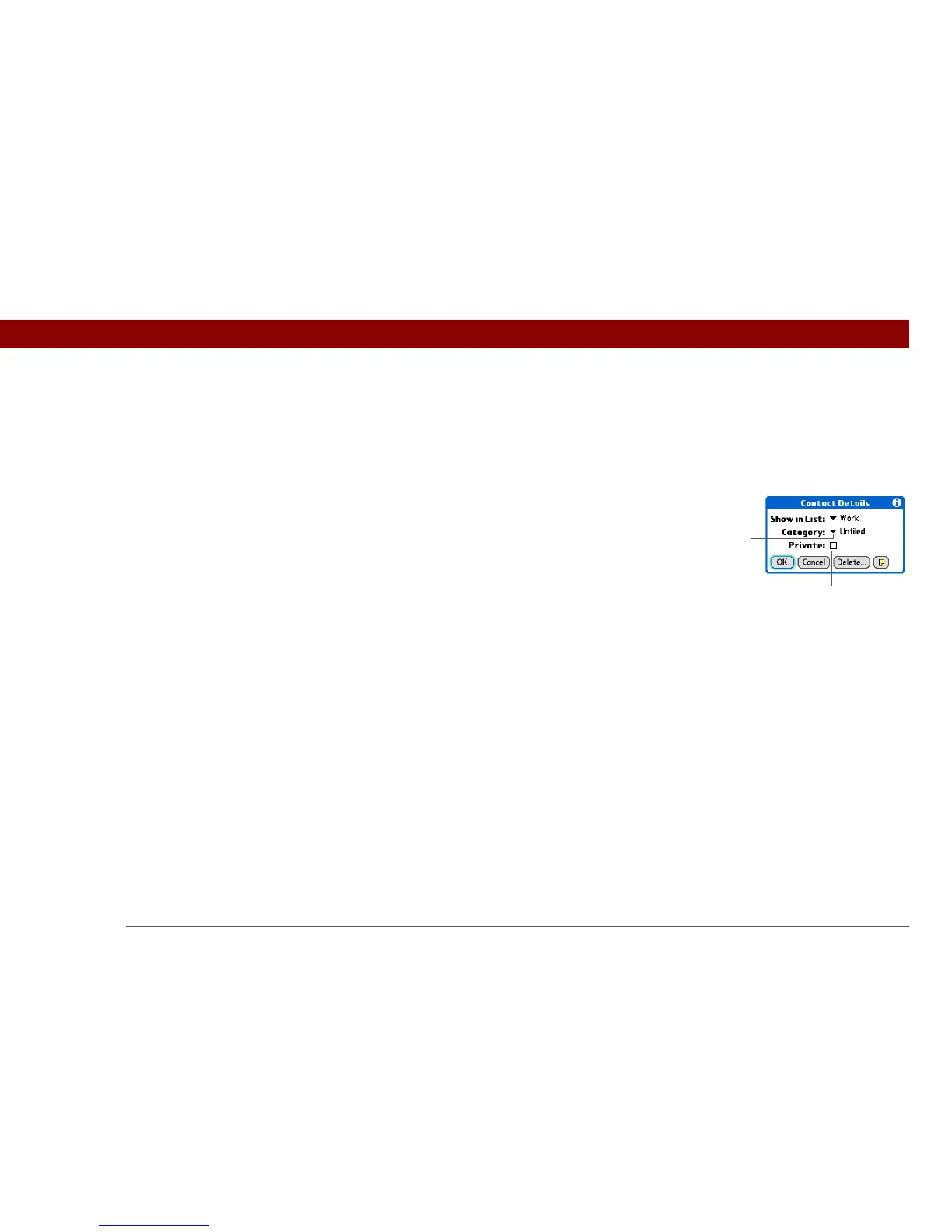
Moving around dialog boxes
Dialog boxes appear when you select a button or option that requires you to provide additional
information. In dialog boxes, use the 5-way to select a button or to make a selection from items
such as boxes and pick lists.
Read dialog boxes carefully. Selecting a button such as OK or Yes may cancel an
action or delete information.
Up, Down,
Right, or Left
Highlights the next item in the dialog box
(pick list, box, button) in the corresponding
direction.
Center • If highlight is on a box: Checks or
unchecks the box.
• If highlight is on a pick list: Opens the pick
list. When a pick list is open:
Up or Down Scrolls to the previous or
next entry.
Center Selects the highlighted entry.
• If highlight is on a button: Activates the
button, and then closes the dialog box.
Box
Pick list
Button with
highlight
IMPORTANT
[
! ]



 To Next Page