Tungsten™ E2 Handheld 112
CHAPTER 15 Expanding Your Handheld
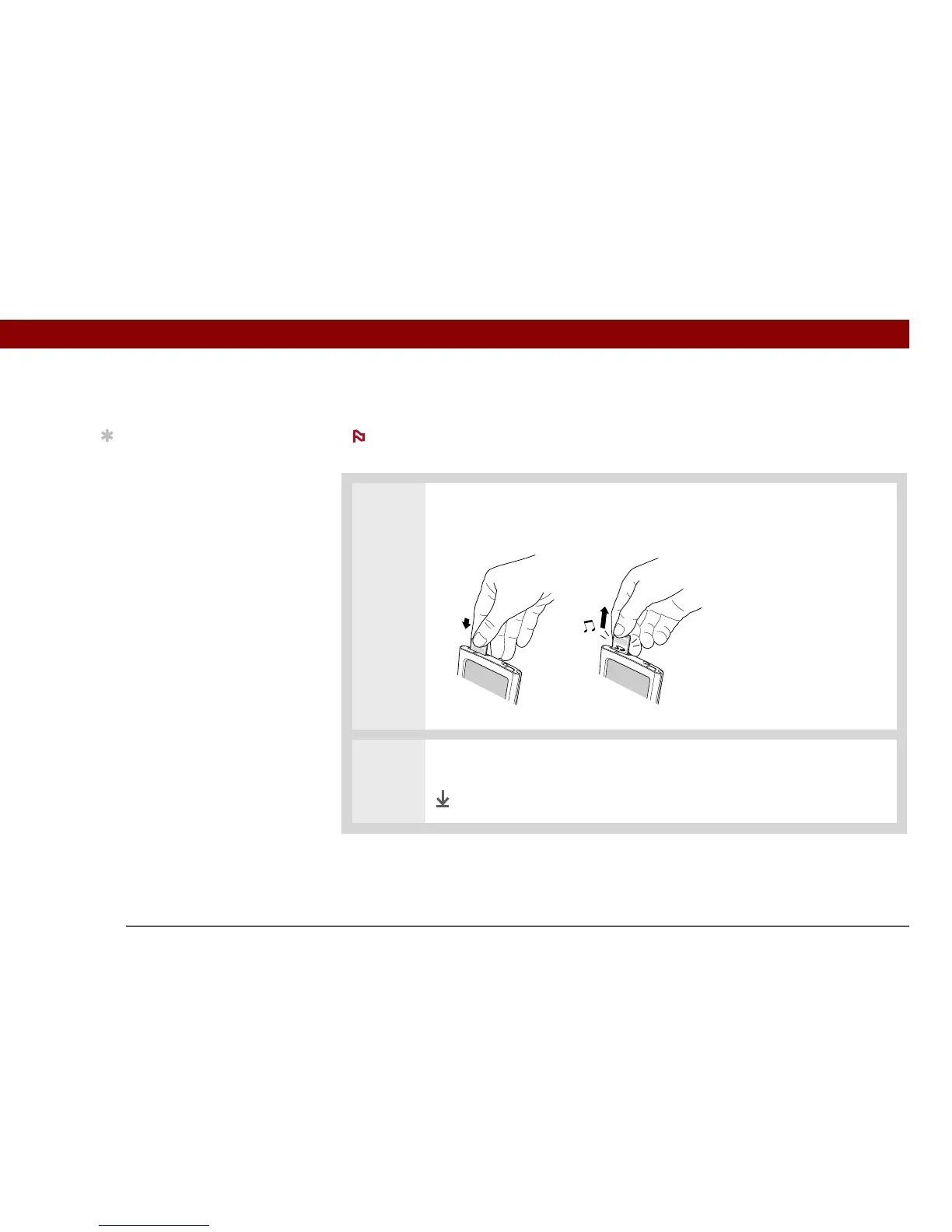
Removing an expansion card
Your handheld comes with a dummy card inserted into the expansion card slot. You
must remove this card before you can put a real card into the slot.
0
1
Push lightly against the card with your thumb until you hear the confirmation
tone.
2 Slide the card out of the expansion slot.
Done
NOTE
Tip
To prevent damaging the
card and the info on it,
always wait for your
handheld to finish writing
to the expansion card
before you remove the
card from the slot.



 To Next Page