Tungsten™ E2 Handheld 72
CHAPTER 9 Writing Memos
Creating a memo
0
1 Go to Applications and select Memos .
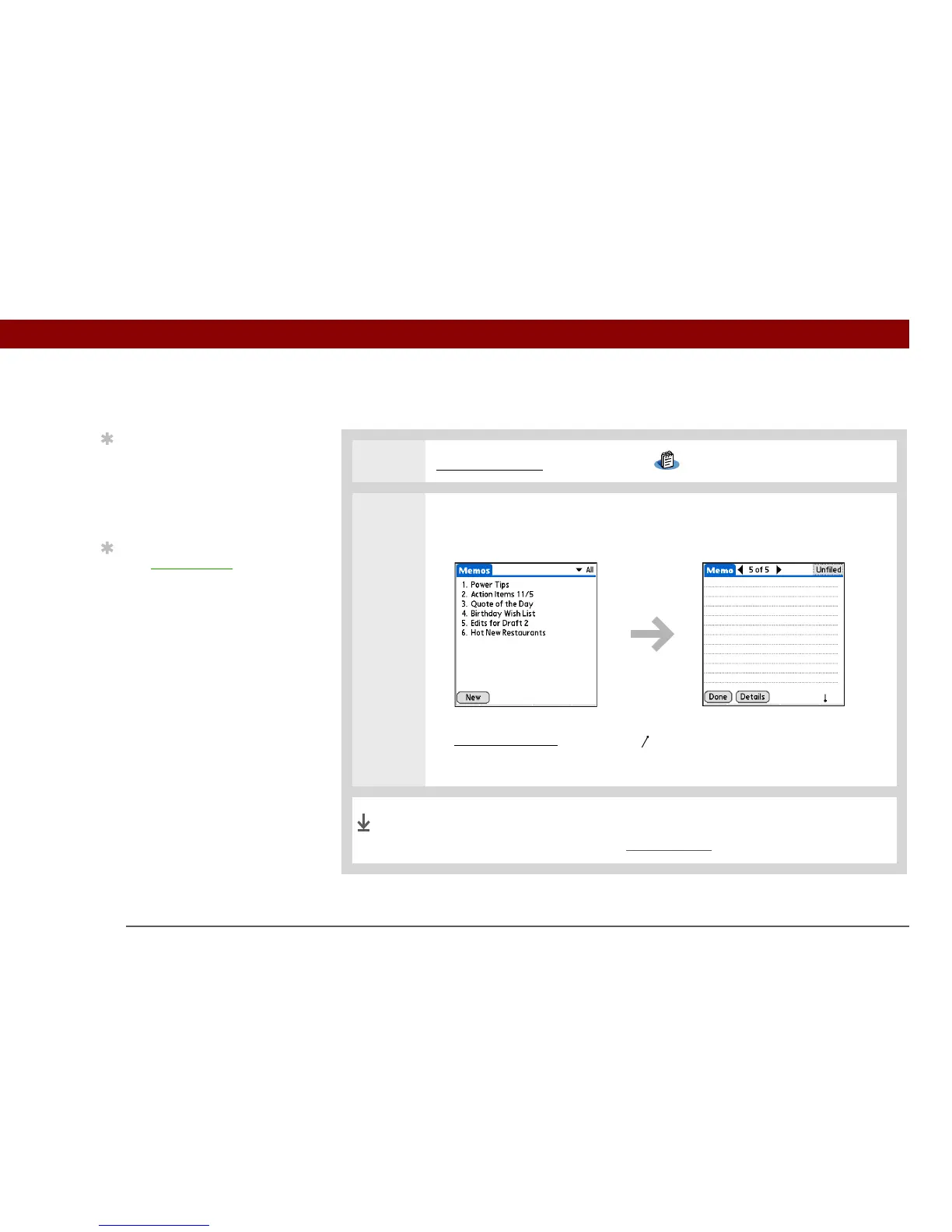
2 Create a memo:
a. Select New.
b. Enter your memo. Tap Enter on the onscreen keyboard or draw the
Graffiti® 2 writing
Return stroke to move to a new line in the memo.
c. Select Done.
That's it. Your handheld automatically saves the memo. Make sure
you have a current backup. Synchronize often.
Tip
In the Memos list, you
can also just start writing
to create a new memo.
The first letter is
automatically capitalized.
Tip
Use Phone Lookup to
quickly add a name and
phone number to a
memo.
Done



 To Next Page