Tungsten™ E2 Handheld 42
CHAPTER 4 Managing Your Calendar
Setting an alarm
0
1 Press the Calendar button.
2 Go to the event you want to assign an alarm to:
a. From Day View, tap Go To.
b. Select the year, month, and date of the event.
c. Tap the event description.
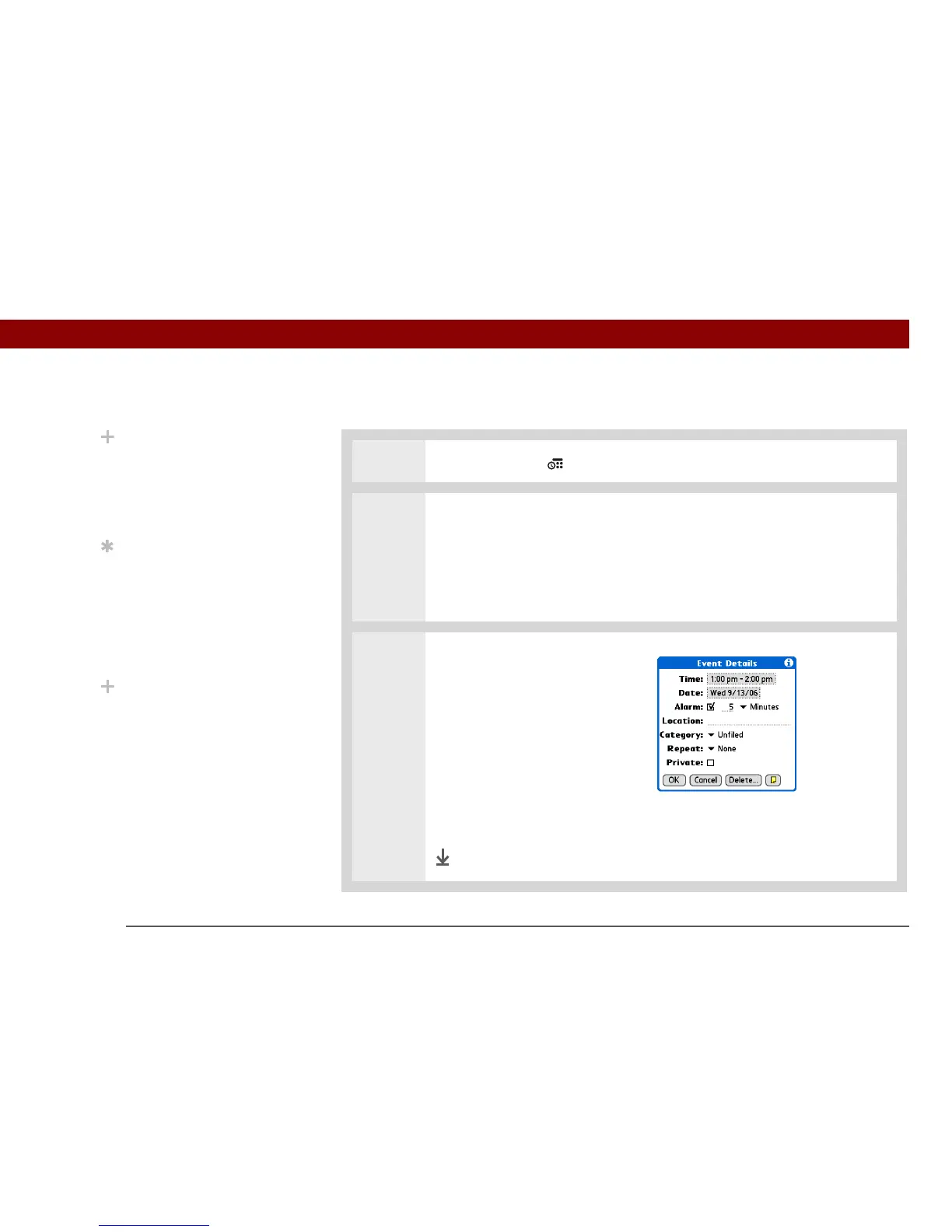
3 Set the alarm:
a. Tap Details.
b. Check the Alarm box.
c. Select the pick list and select
Minutes, Hours, or Days.
d. Enter how many minutes,
hours, or days before the
event you want the alarm to
sound, and then select OK.
Done
Did You Know?
Setting your alarm
sounds in World Clock
instead of in Calendar
gives you different alarm
sound choices.
Tip
Check out the other
options in the Event
Details dialog box. For
example, Repeat creates
an event that recurs daily,
weekly, or at whatever
interval you set up.
Did You Know?
When you set an alarm, a
little alarm clock appears
to the right of the event
description.



 To Next Page