CHAPTER 16 Customizing Your Handheld
Tungsten™ E2 Handheld
124
Changing entries in Favorites
Change the entries in the Favorites View to include the applications or web links you use most
often.
0
1 Open the Edit Favorites dialog box:
a. Tap Star to open Favorites.
b. Select the favorite you want to change.
c. Open the menus
.
d. Select Edit Favorites.
2
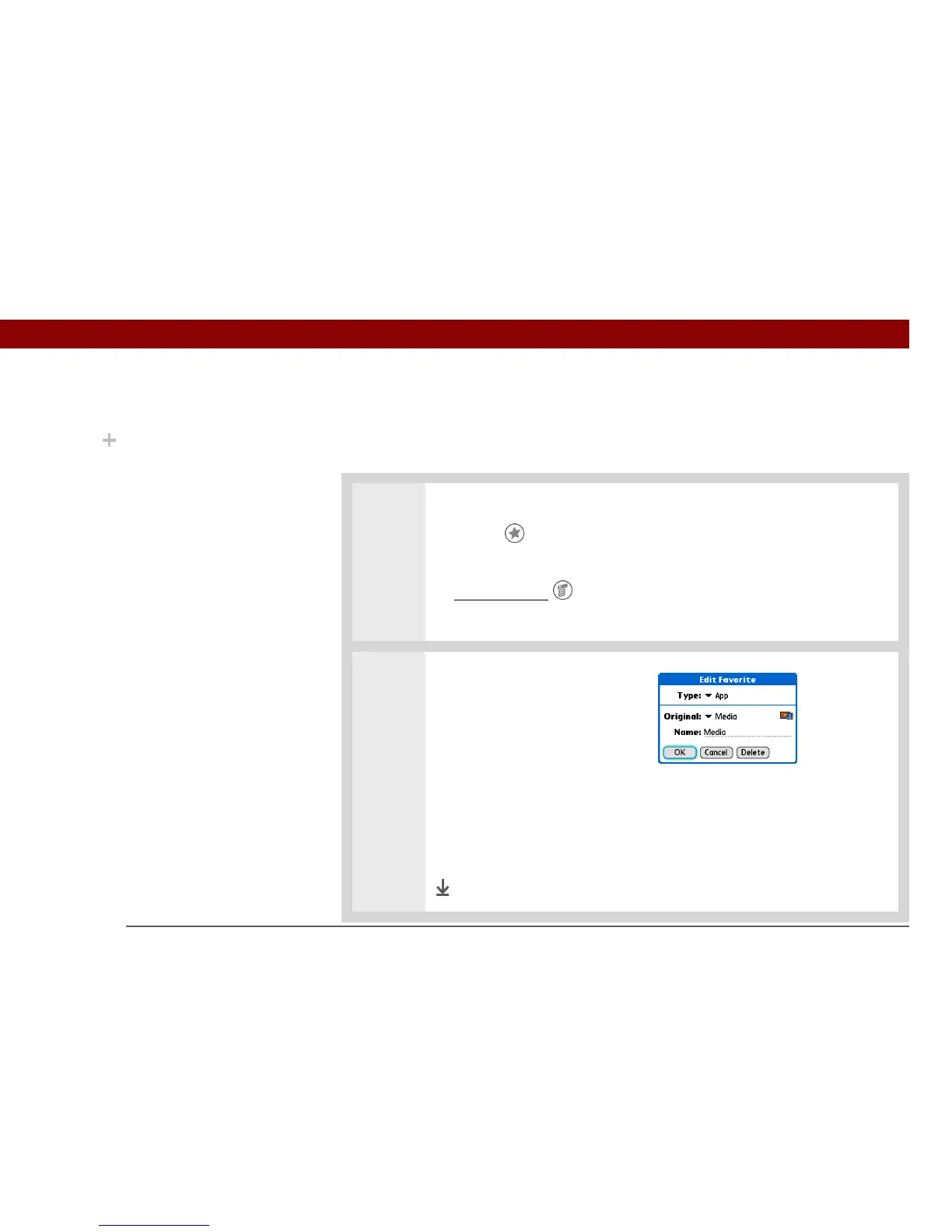
Change the favorite:
a. Select the favorite type from
the Type pick list: application
or web link.
b. Select the application from the Original pick list, or tap to enter the web
address you want.
c. Enter a name for your new favorite.
d. Select OK.
Done
Did You Know?
You can move a favorite
to a different location on
the Favorites list by
opening the Favorite
menu, and then selecting
Rearrange Favorites.
Drag the favorite you
want to the new location.



 To Next Page