Tungsten™ E2 Handheld 50
CHAPTER 6 Viewing Photos and Videos
Viewing photos or videos
0
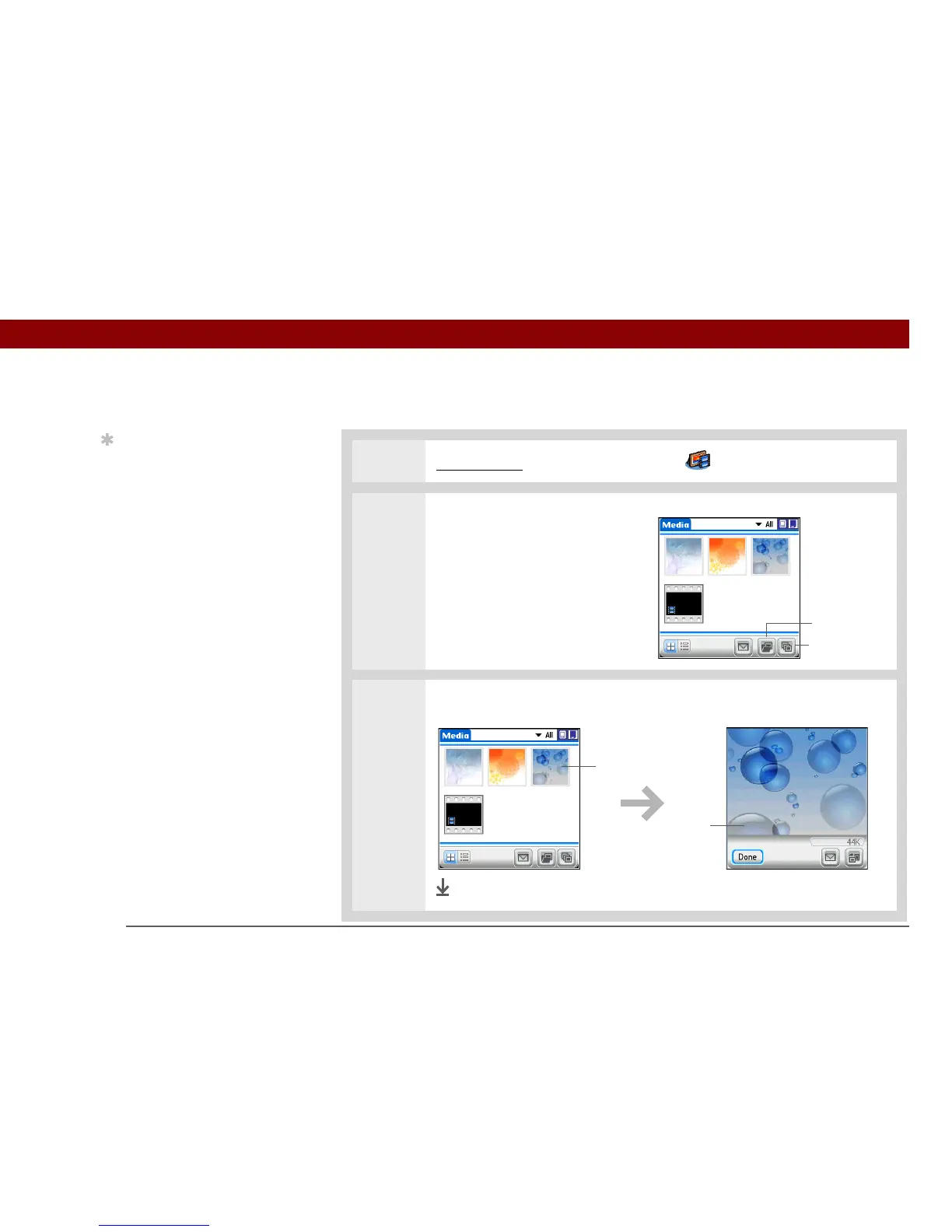
1 Go to Favorites and select Photos & Videos .
2 Tap the pick list in the upper-right
corner and select the location on
your handheld or an expansion
card of the photo or video you
want to view.
3 Select the photo or video you want to view.
Done
Tip
Select Slide Show to
display all photos and
videos in an album,
automatically, one after
another. Tap a photo or
video to stop the slide
show.
Slide Show
Albums
Select a photo or
video to view
Tap on the photo or
video to return to the
selection screen



 To Next Page