CHAPTER 2 Synchronizing Your Handheld with Your Computer
Tungsten™ E2 Handheld
26
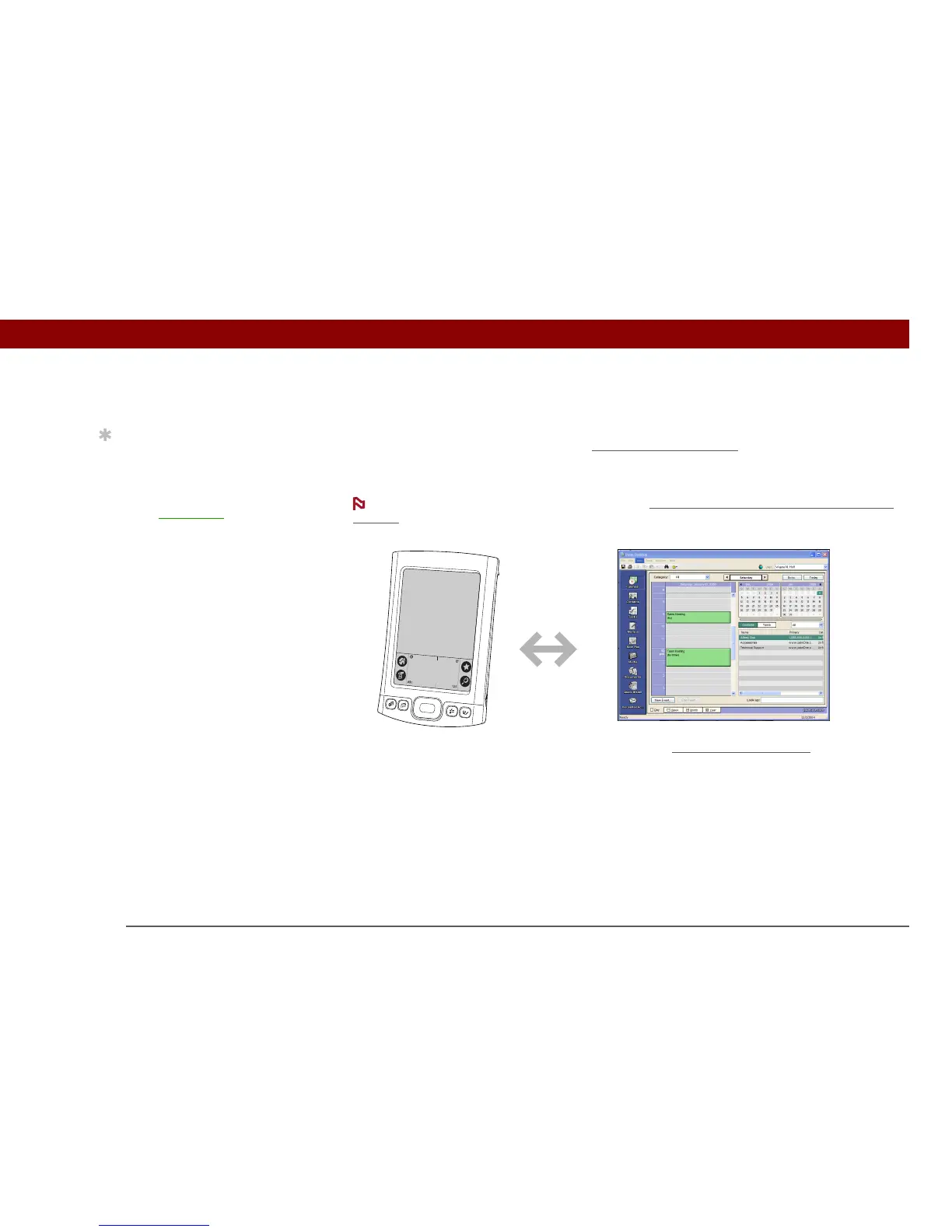
Why synchronize information?
Quickly enter and update information on your computer and handheld. Synchronizing updates
information both on your handheld and in
Palm® Desktop software on your computer. For
example, you can quickly enter a contact list on your computer and then send it to your handheld
instead of reentering the information.
During CD installation, you can choose to synchronize your handheld with Microsoft
Outlook on your computer (Windows only).
Install applications. With just a few clicks, you can use palmOne™ Quick Install
to add files to
certain applications on your handheld or to install additional software.
Protect your information. Nothing is worse than losing important information. When you
synchronize information, you create a backup copy. If something happens to your handheld or
your computer, the information is not lost; one tap restores it in both places.
Be sure to synchronize information at least once a day so that you always have
an up-to-date backup copy of important information.
Tip
Synchronize Microsoft
Word, PowerPoint, or
Excel files from your
computer and open them
in the Documents
application on your
handheld to view and edit
them at your
convenience.
NOTE
IMPORTANT
[ ! ]



 To Next Page