CHAPTER 16 Customizing Your Handheld
Tungsten™ E2 Handheld
123
Selecting sound settings
Are sounds too soft or too loud? Set the volume levels for the system, game, and alarm tones, or
turn sounds off altogether with the Silent profile.
0
1 Open Sounds & Alerts
Preferences:
a. Go to Applications
.
b. Select Prefs .
c. Select Sounds & Alerts.
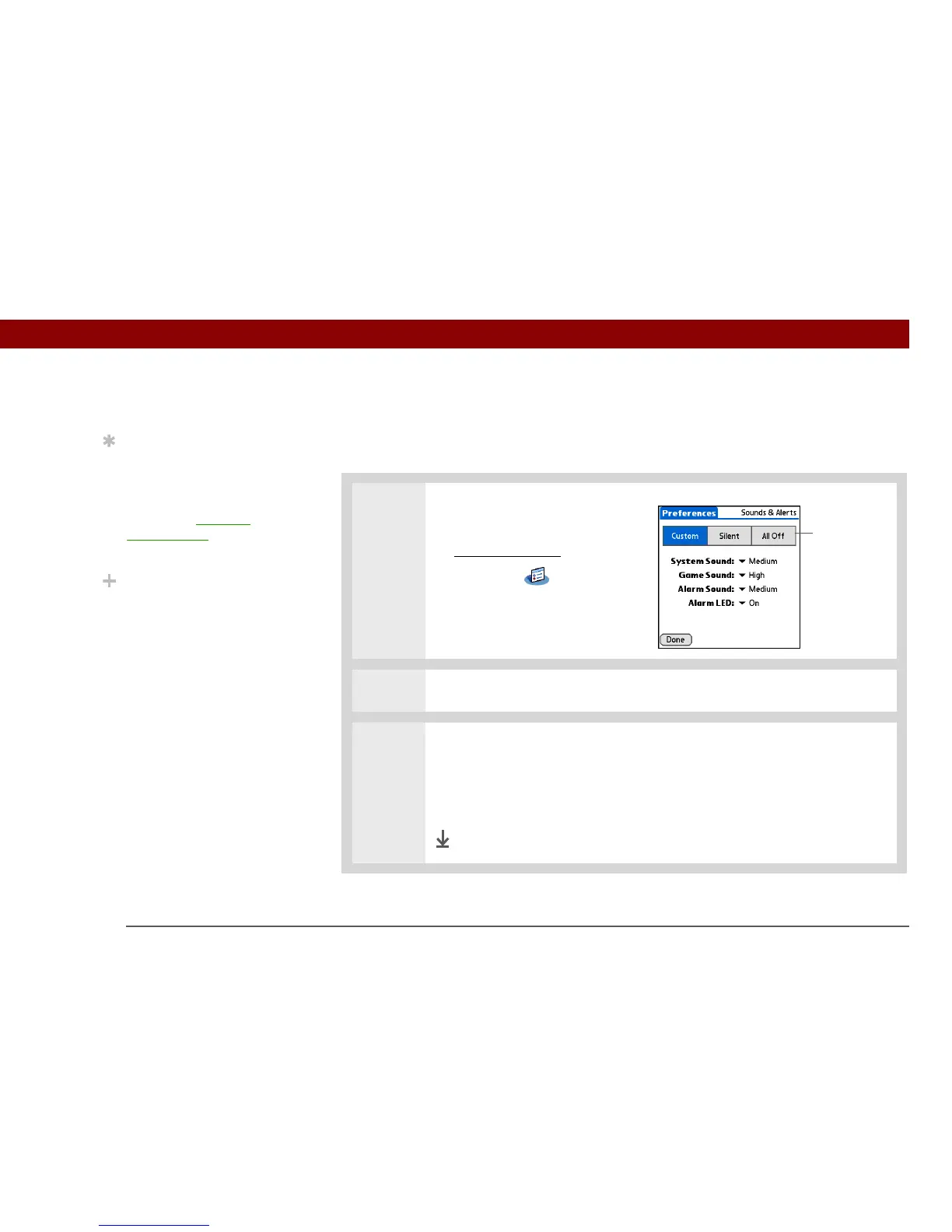
2 Select Custom, Silent, or All Off.
3 If you selected Silent or All Off in step 2, select Done.
If you selected Custom in step 2, tap the System Sound, Game Sound, and
Alarm Sound pick lists and select the volume level for each sound; then select
Done.
Done
Tip
You can choose different
types of sounds for
Calendar, Tasks, and
World Clock. Go to the
application, open the
Options menu, and then
select Preferences.
Did You Know?
When you connect
headphones to your
handheld, the external
speaker is automatically
silenced, the Sounds &
Alerts settings are
maintained, and all
volume levels are
automatically adjusted
for use with headphones.
Profile boxes



 To Next Page