CHAPTER 13 Sending and Receiving Text Messages
Tungsten™ E2 Handheld
104
Sending a text message
0
1
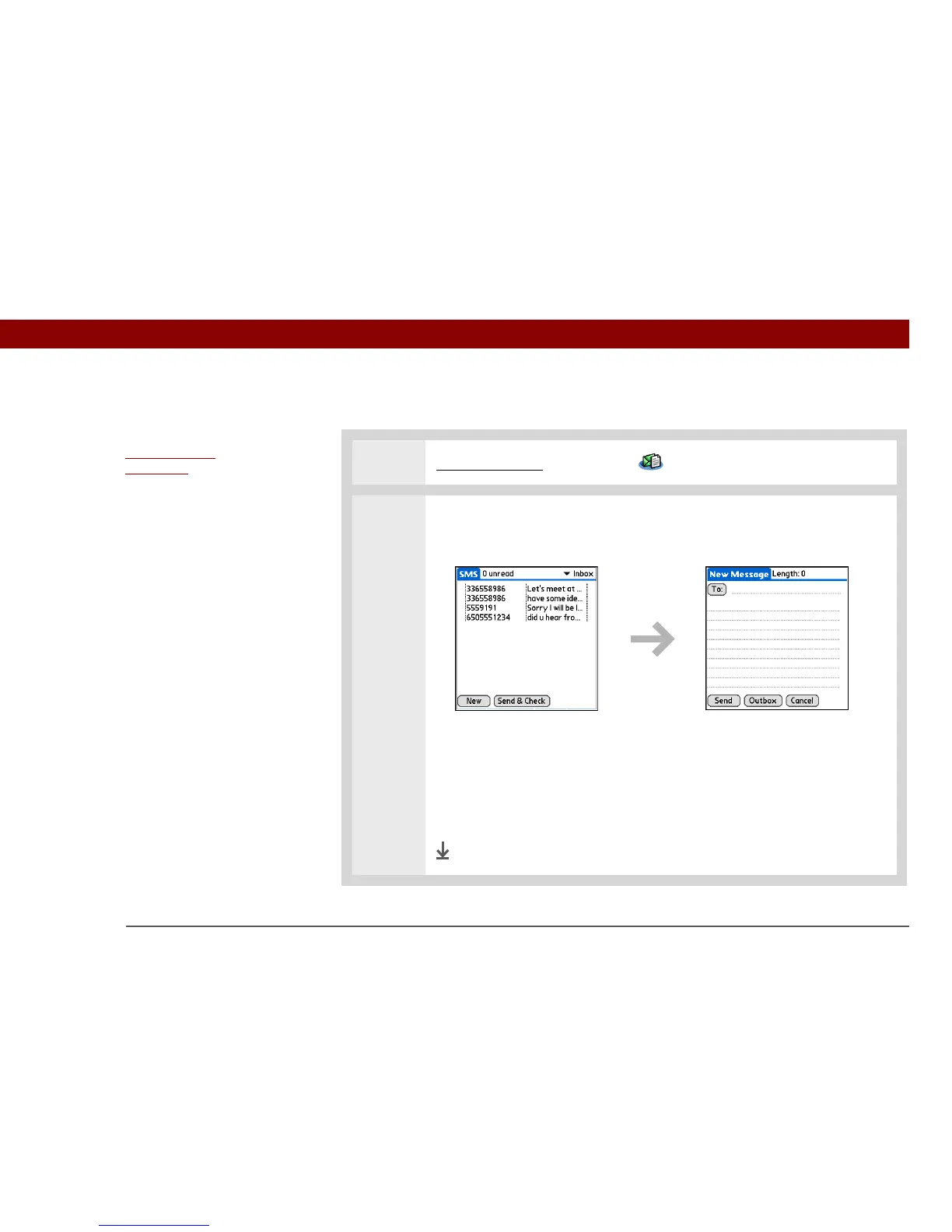
Go to Applications and select SMS .
2 Send a text message:
a. Select New.
b. Select To. Select the recipient’s name if it appears on the Mobile Number
Lookup list, and then select Add. If the name does not appear on the list,
select Cancel and enter the recipient’s mobile phone number on the To line.
c. In the area below the To line, enter the text of your message.
d. Select Send.
Done
Before You Begin



 To Next Page