Tungsten™ E2 Handheld 96
CHAPTER 12 Sending and Receiving Email Messages
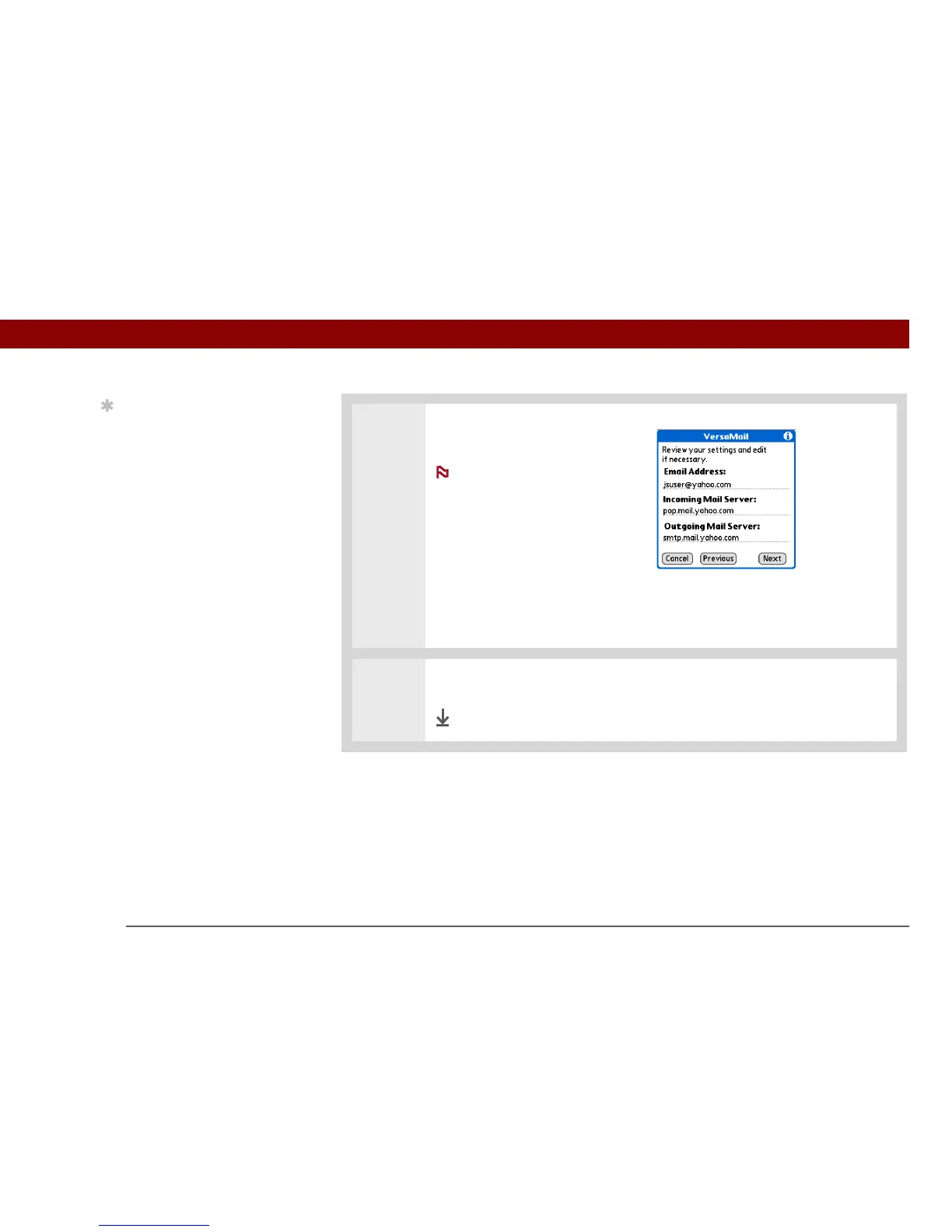
5 Enter your email address and
mail server info:
If you chose a
common email provider from the
Mail Services pick list on the
Account Setup screen, this
screen is already filled in.
a. Enter your email address.
b. Enter the names of your mail
servers.
c. Select Next.
6 Select Done.
Done
Tip
Check with your email
service provider for the
names of your incoming
and outgoing mail
servers.
NOTE



 To Next Page