CHAPTER 1 Your Handheld
Tungsten™ E2 Handheld
4
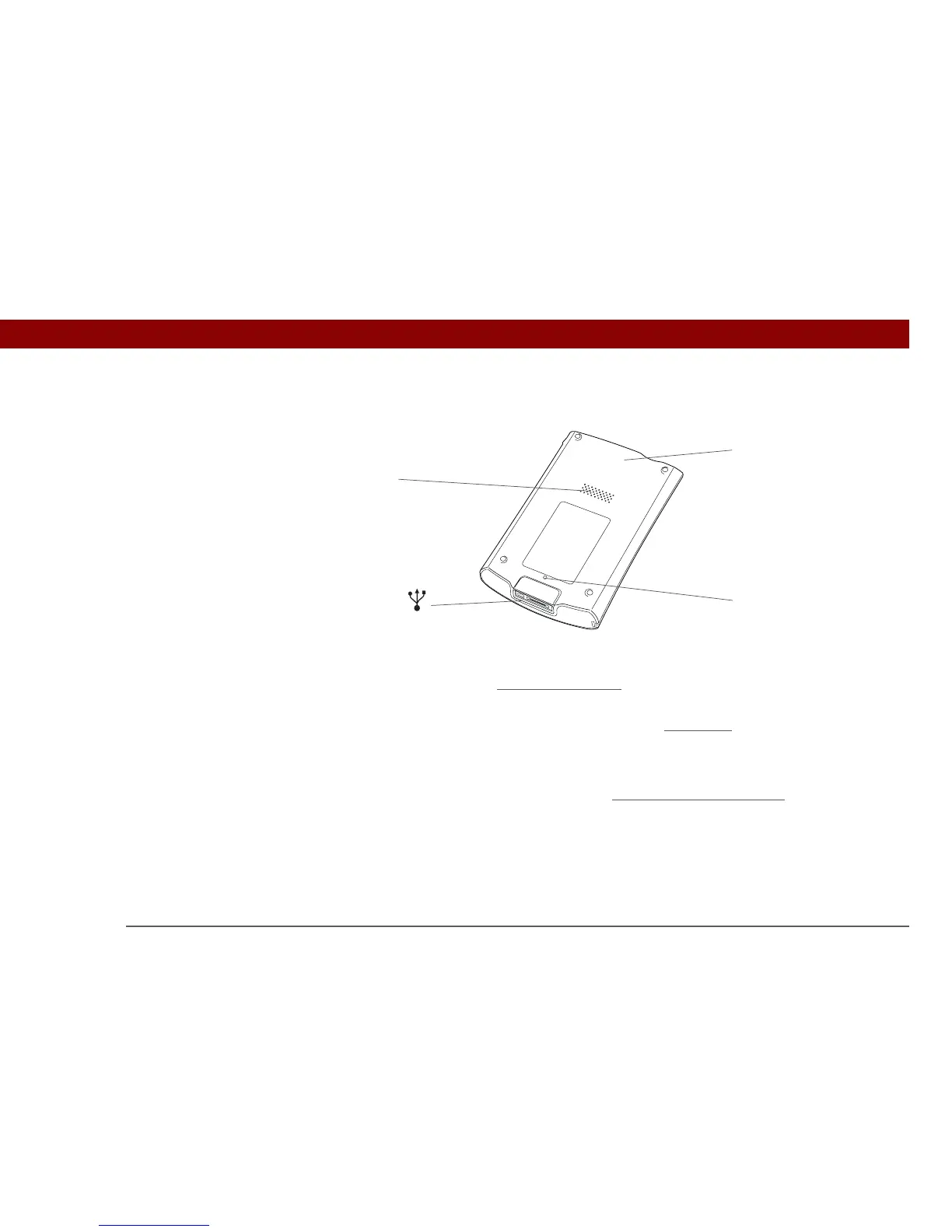
Back
Speaker Lets you listen to alarms, game and system sounds, and music.
Reset button Resets your handheld
if it freezes (stops responding).
Multi-connector Lets you connect a sync cable (included) or a cradle (sold separately)
to your computer so you can synchronize
or exchange information.
Also lets you connect the AC charger to your handheld so you can
charge it.
Bluetooth radio
(internal)
Enables your handheld to connect with other devices (sold
separately) that use Bluetooth
wireless technology.
»
Key Term
USB The type of
connector or cable that’s
commonly used to
connect accessories to a
computer.
Multi-
connector
Reset
button
Bluetooth
®
radio
(internal)
Speaker



 To Next Page