CHAPTER 17 Common Questions
Tungsten™ E2 Handheld
130
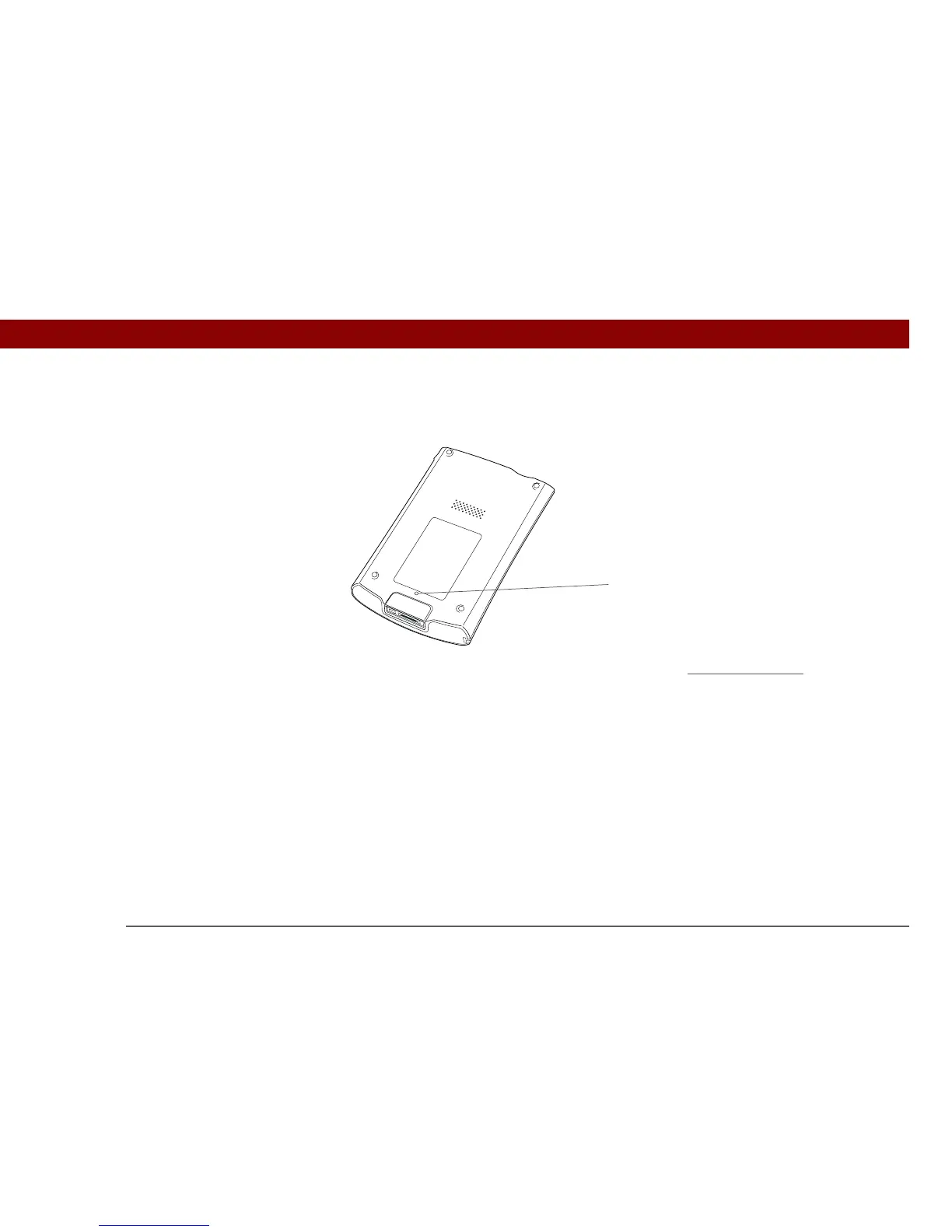
Use the tip of the stylus to gently press the reset button inside the hole on the back panel of your
handheld.
If a soft reset does not unfreeze your handheld, you need to perform a hard reset
. For instructions
see the User Guide on the web.
Can I open my handheld?
No, do not open your handheld; there are no serviceable parts inside. Opening your handheld
voids the warranty and is not recommended under any circumstances.
Reset button



 To Next Page